Amethyst Mod Manager 2.0.3 Adds Silksong Support, Native Linux Modding Gets Easier
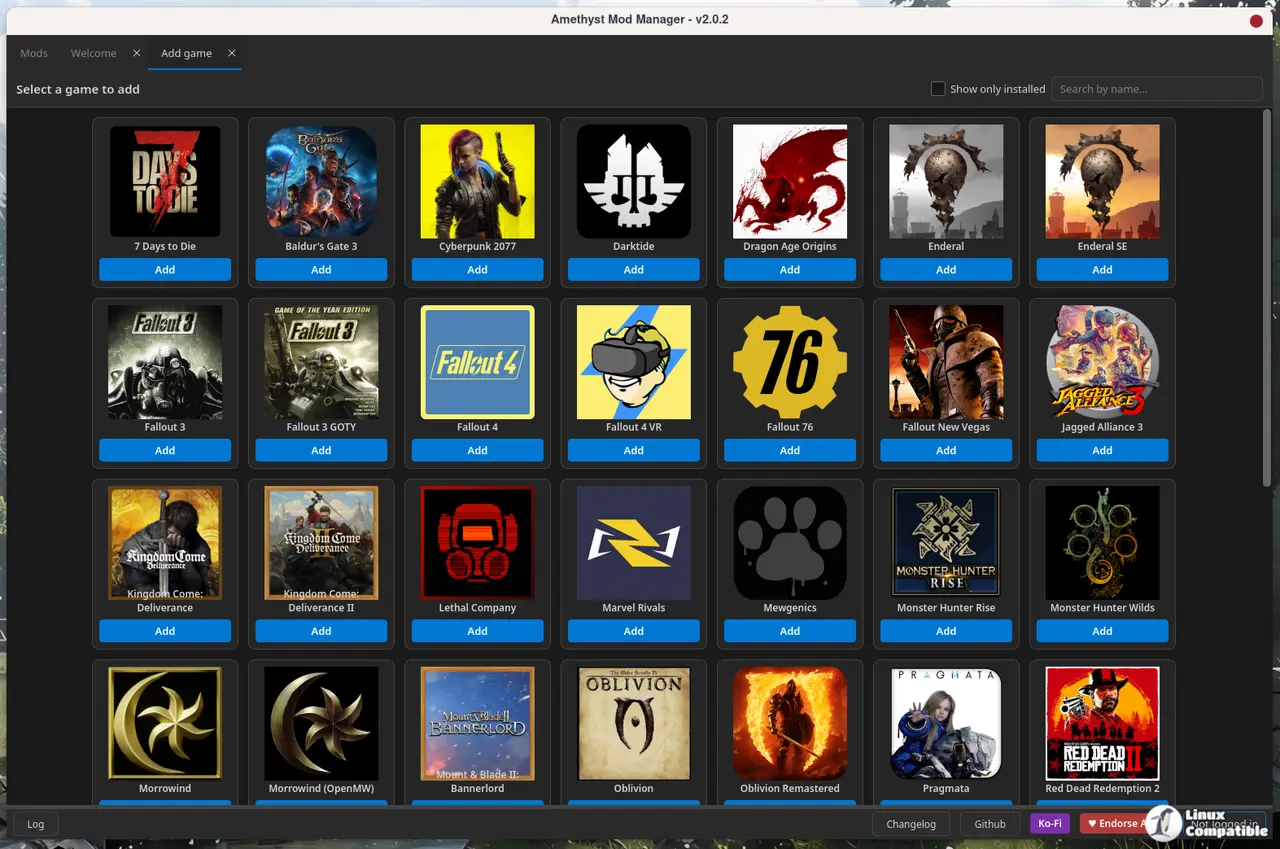
Solo developer ChrisDKN has pushed Amethyst Mod Manager 2.0.3 to GitHub, and if you're waiting to mod Hollow Knight: Silksong on Linux, the wait is over. The update brings native game detection for TGA's long-awaited platformer, alongside handlers for Windrose and Pacific Drive.
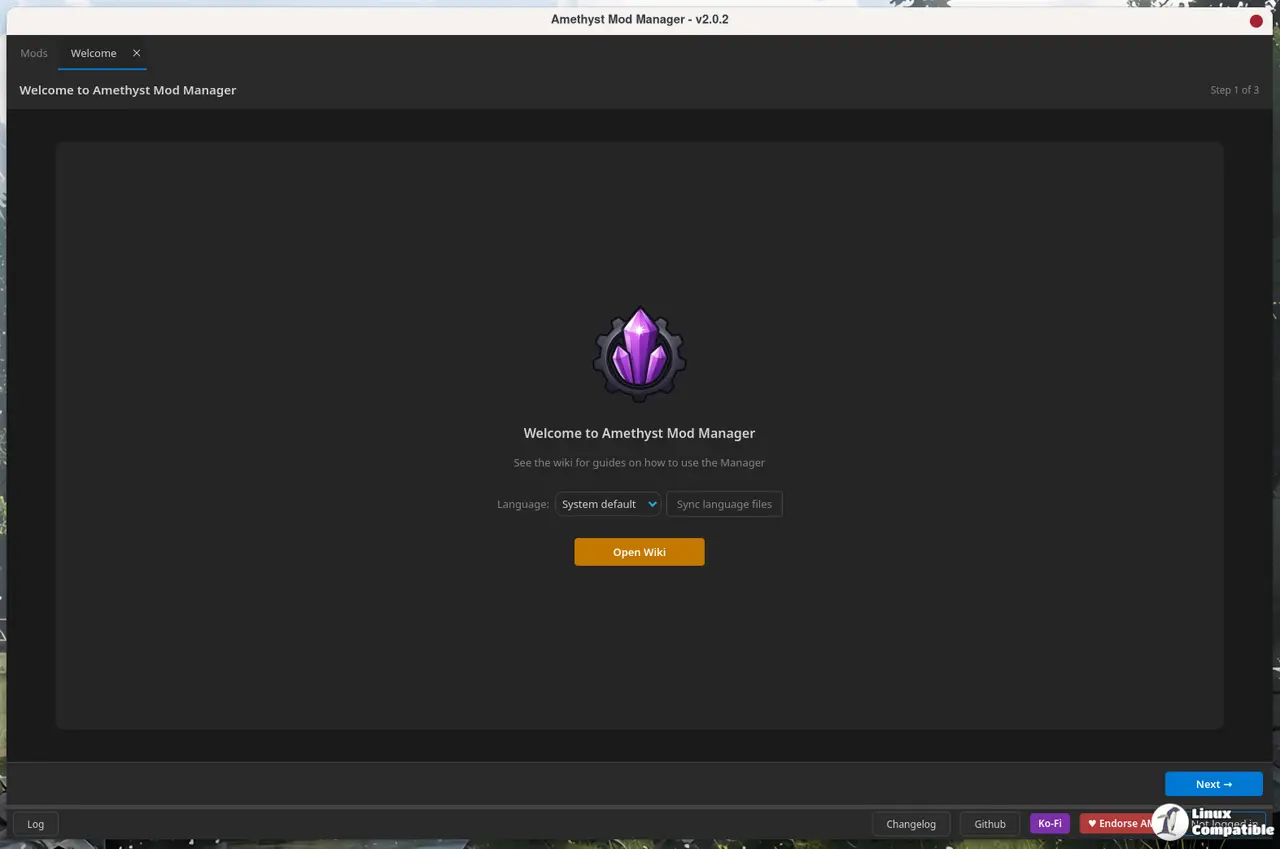
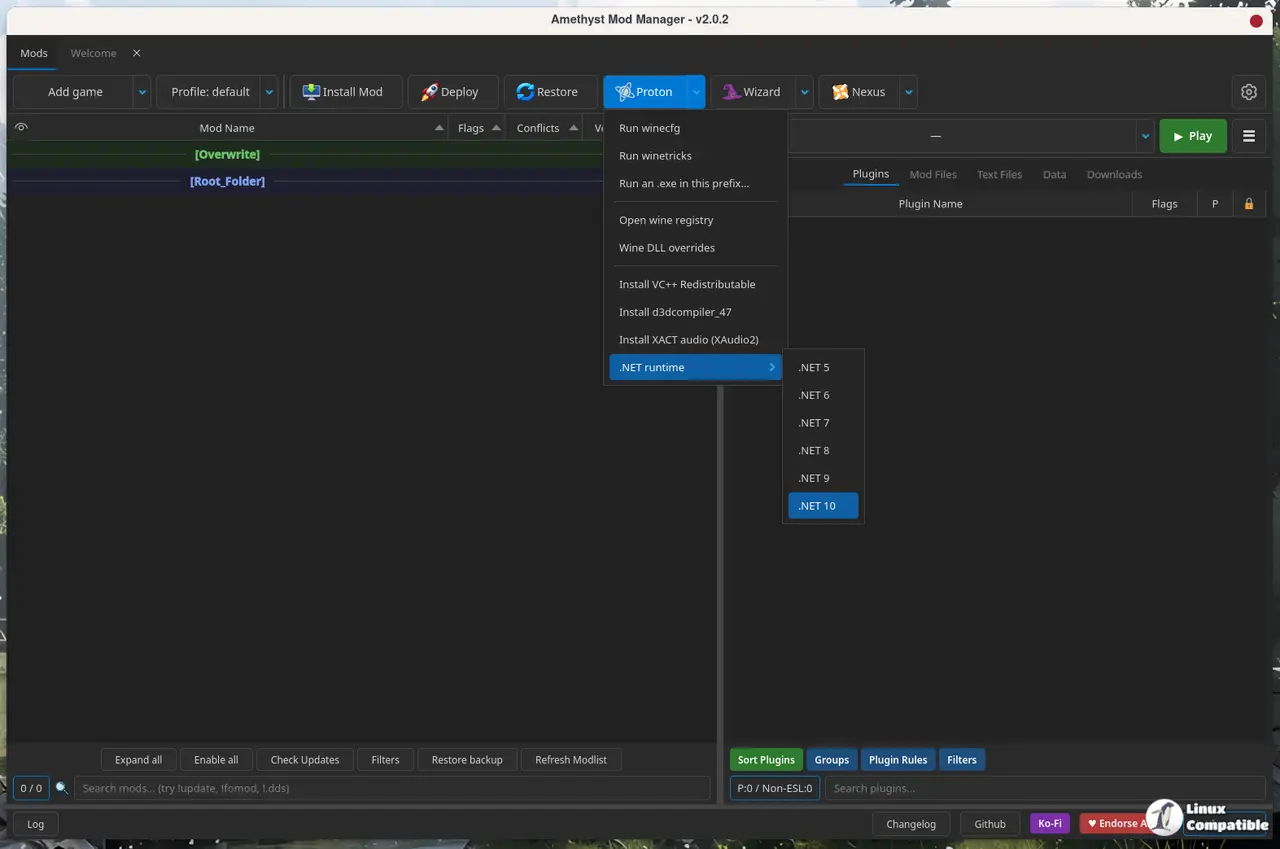
The tool has built a reputation as the Linux-native alternative to Windows' Mod Organizer 2. It mimics the MO2 interface, so migration isn't a steep learning curve if you're moving from the red side of the gaming fence. Built in Python with a Qt UI and released under GPL-3.0, Amethyst targets Bethesda games, Capcom's RE Engine titles, and a growing list of Unreal Engine 5 releases.
2.0.3 Feature Breakdown
Beyond the new game handlers, v2.0.3 brings a string of updates you'll want to know about. You can now use Lutris for game detection. If you installed a title via Lutris, Amethyst will find it automatically without manual configuration. There's UE5 pak conflict detection to catch overlapping files in Unreal games.
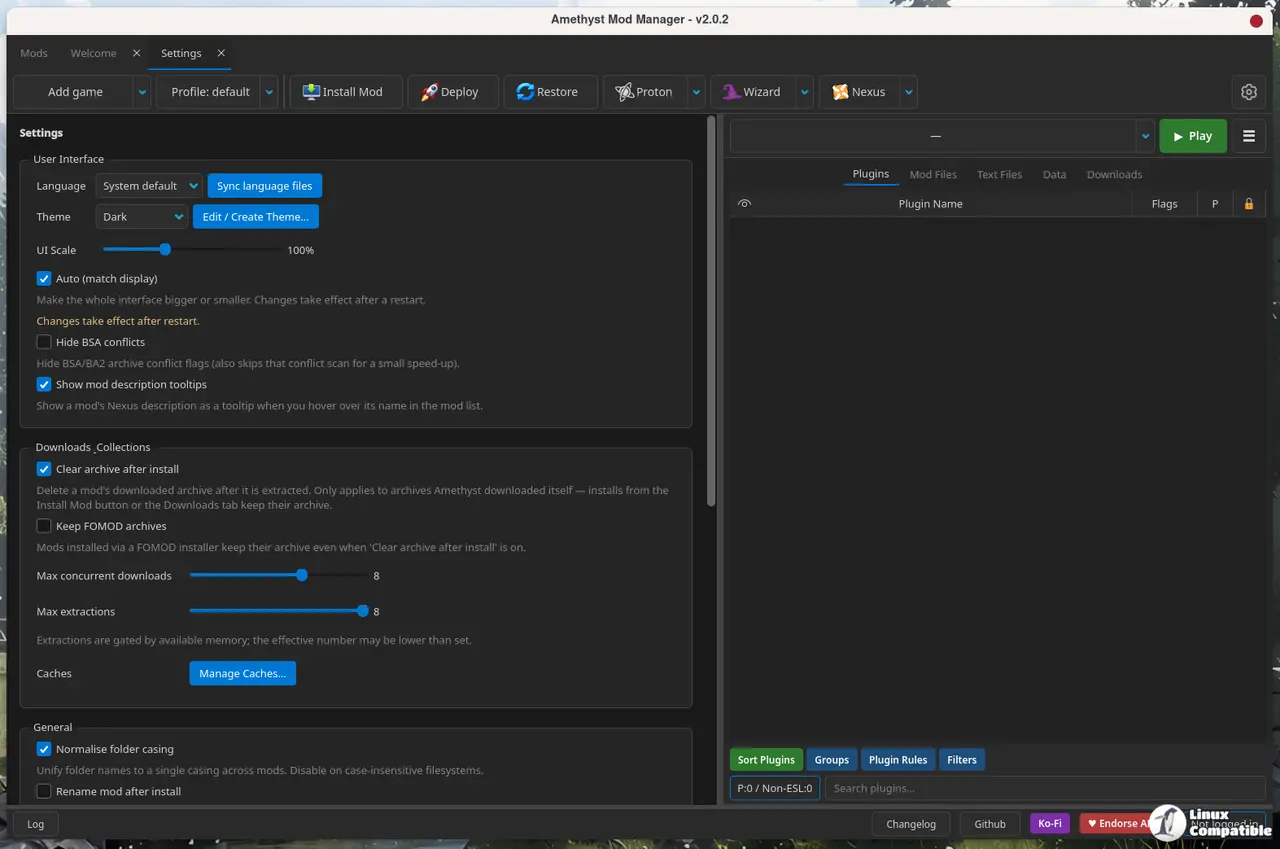
Extraction progress shows up during archive unpacking, and you can limit CPU threads to keep your system responsive. Single maintainer. Active repository. These updates keep the project rolling.
The mod list gets an author column, hidden by default but populated after a check updates run. You'll also get a right-click option to view other mods by the same author in the Nexus browser. The in-app browser adds a custom date range selector for filtering publications. Mod notes now support markdown formatting.
Single Maintainer, Heavy Lifting
Amethyst has been around for a while, with a major UI rework landing in v2.0.0. Since then, the update cadence has been relentless. It's the kind of velocity you usually see with corporate backing, which is rare for indie tools. Six months later, the project is still moving fast, and v2.0.3 keeps that momentum going.
It's a powerful tool, though relying on a single maintainer carries inherent risk. If Chris gets tied up, updates could stall. The Linux modding community can be unforgiving if you break your game state, and Amethyst mitigates that with a profile system and hardlink deployment. You get multiple profiles per game, profile-specific INI files, and quick restoration. For Steam Deck users, the Flatpak support and UI scaling are big wins.
Security is handled via the OS keyring. Nexus API keys are stored securely, not in plaintext. You may get prompted for a keyring password on first run, which is standard behavior for Linux apps trying to keep credentials safe. The tool also integrates LOOT for plugin sorting and supports a wizard for utilities like Creation Kit, xEdit, DynDOLOD, and Bodyslide.
Getting Amethyst
You can grab Amethyst 2.0.3 via AppImage, Flatpak, or the AUR. The AppImage installer runs a one-liner:
curl -sSL https://raw.githubusercontent.com/ChrisDKN/Amethyst-Mod-Manager/main/src/appimage/Amethyst-MM-installer.sh | bash
Amethyst 2.0.3 is available now. If you're modding Bethesda, RE Engine, or UE5 titles on Linux, this is a must-update. Silksong support is the headline, but the underlying stability keeps growing. Head to the GitHub releases page to download the latest.


