Amethyst Mod Manager 1.3.13 released as last version in current design and with better runtime file handling
The long wait for a native Linux mod manager that actually talks to Nexus Mods is finally paying off. Amethyst Mod Manager just shipped version 1.3.13.
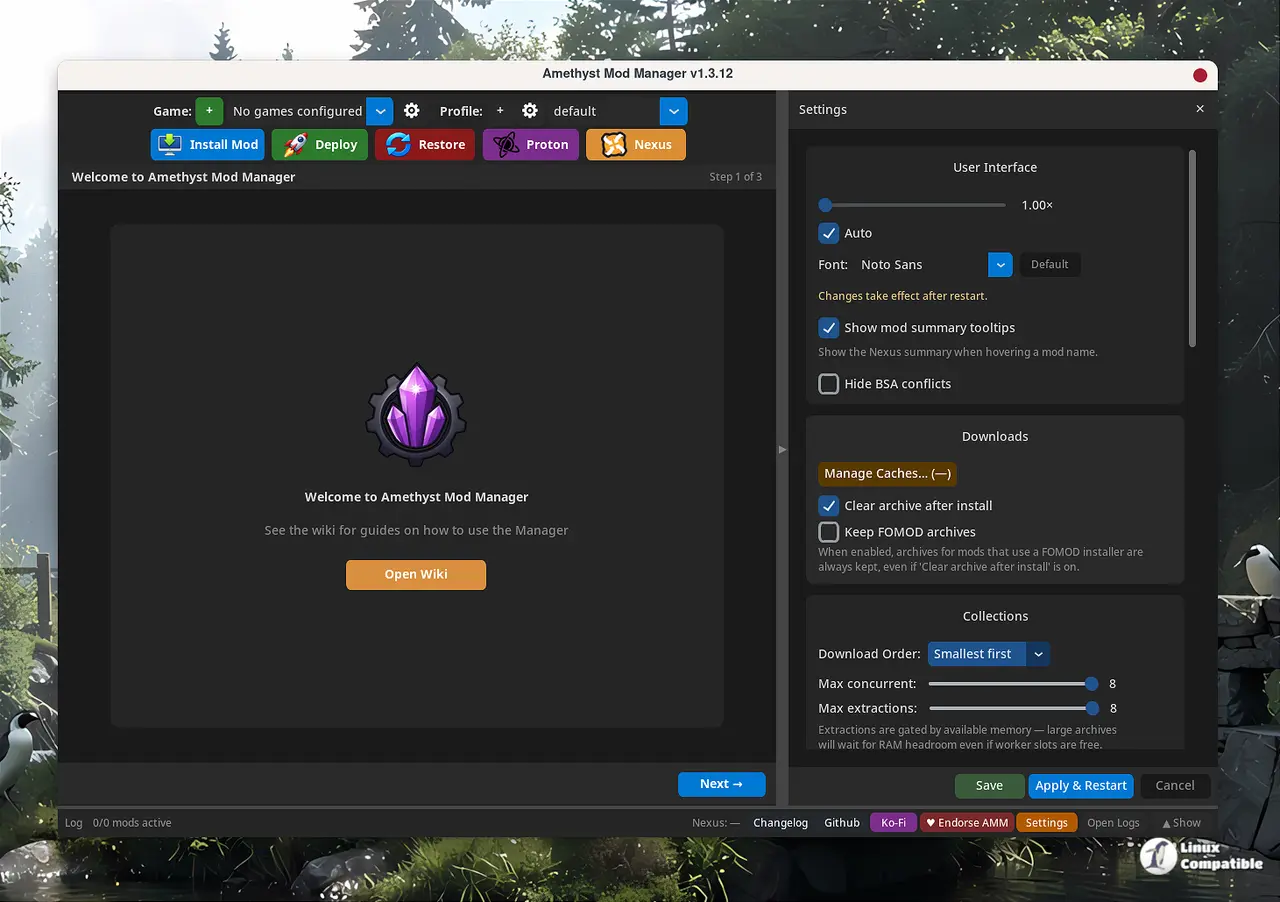
ChrisDKN, the sole developer behind the project, says the new UI is just waiting on final tweaks before it ships as a separate pre-release build. If you're currently running the existing version, consider this your warning. 1.3.13 is the last release that uses the current design.
The update handles runtime-generated files more gracefully. Configs and shaders that pop into a game's root folder are now rescued and routed straight to your profiles root folder. The overwrite separator gained a right-click log, you can quickly move mods between profiles, and the dtkit patcher wizard finally stopped using a stale version. The quick auto-clean wizards also now flag dirty plugins instead of silently processing them.
If you need to grab the update, run the one-line curl installer from the GitHub repo, or grab the AppImage directly from the releases page.
Under the hood
The tool is built in Python using CustomTkinter for the GUI and GTK3 for system integration. It ships with handlers for over 45 games out of the box, covering everything from Skyrim SE and Fallout 4 to Cyberpunk 2077, Baldur's Gate 3, and Starfield. The developer also built in LOOT integration, Nexus API browsing, and Proton/Steam Deck wizards that auto-detect prefixes and handle Winetricks setup without manual tinkering.
The project has been moving at a breakneck pace. Since launching in February, it's seen near-daily releases. The commit history is almost entirely a one-person show, with a handful of community contributors handling tooltips, Wayland fixes, and Morrowind folder routing. It's impressive, but it also means everything rests on one developer's shoulders. The long wait for a Linux-native Nexus tool finally has a proper champion.
Honest take on where it stands
It's not entirely polished. The rapid release cadence already triggered a DLL loading regression in just three versions, and the solo developer model leaves the project vulnerable to burnout. There's also no Flathub presence yet, just AppImage, AUR, and a manual Flatpak download with no auto-update mechanism. But for what it is, it's arguably competing with tools that have been polished for over a decade. The gap between manual symlinks and a fully native Nexus client is massive, and AMM closes it in ways Wine-based workarounds never could.
Keep in mind that the upcoming UI preview will likely shift how you navigate the interface entirely. The developer has been transparent about the changes on the GitHub discussions page, and the migration path should be straightforward once the pre-release drops.
Where to go from here
The installer script, wiki, and AUR package are all linked from the official repository. Arch users can grab the package directly from AUR, while Flatpak and AppImage users should stick to the GitHub releases tab until auto-update support lands. To run the installer script:
curl -sSL https://raw.githubusercontent.com/ChrisDKN/Amethyst-Mod-Manager/main/src/appimage/Amethyst-MM-installer.sh | bash
If you want to try out the new UI, you can find the version 2.0 beta here.


