4MLinux 52.0 Core BETA Released as Ultra-Light Rescue Option
The developers behind 4MLinux have pushed out version 52.0 of their Core distribution as a beta release, and it stays true to the philosophy of keeping everything under twenty megabytes. This release brings newer hardware support through a fresh kernel while maintaining the ability to boot on older machines that lack modern firmware features. Power users looking for a tiny rescue disk or an embedded footprint will find this worth checking out immediately.
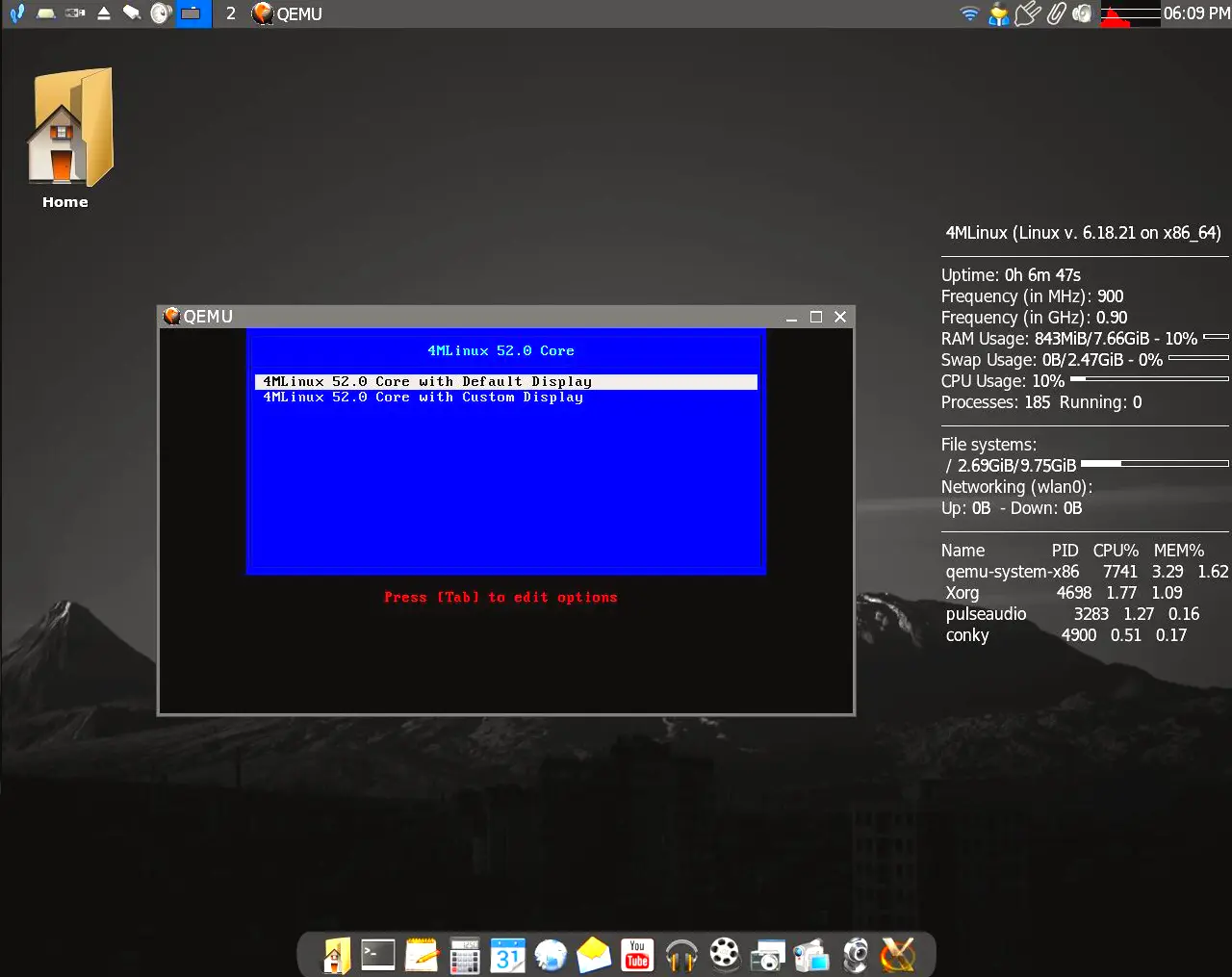
Why the size matters more than you think
It is easy to dismiss a sixteen megabyte operating system as too limited for practical use, but there are specific scenarios where bloat becomes a liability during recovery operations. When a primary drive fails or firmware gets corrupted, having an ISO that loads instantly without wasting minutes on decompression can save hours of troubleshooting time. The 4MLinux 52.0 Core BETA stays true to the goal of fitting onto media types that many modern utilities no longer support, such as older USB sticks or floppy disks in legacy systems.
What is actually inside that tiny footprint?
Under the hood, this build utilizes the Linux kernel version 6.18.21 along with GNU C Library 2.43 and BusyBox 1.37.0 to handle essential tasks without unnecessary overhead. The system uses GCC 15.2.1 to compile programs designed for the x86_64 architecture, which ensures better performance on modern CPUs despite the minimal storage requirements. While a standard desktop environment would never fit in this space, the core components are sufficient to mount filesystems and access network shares for data recovery purposes.
Boot flexibility covers the bases
One of the most useful features for rescue media is the ability to start on hardware that does not use UEFI by default or requires legacy BIOS emulation. The 4MLinux 52.0 Core BETA supports both BIOS and UEFI boot modes, which removes a common point of failure when trying to access machines from different eras. This dual support means users do not need to create separate images for older laptops versus newer workstations before heading out for on-site repairs.
The release can be downloaded from Sourceforge.
For anyone who needs a portable tool that loads fast and works everywhere, this new Core version is worth downloading during the beta phase. It proves that sometimes less really is more when the goal is getting things back up and running without fuss.


