Welcome to our website
To take full advantage of all features you need to login or register. Registration is completely free and takes only a few seconds.
3 pages 1 2 3
A first look at Progeny Debian 2.0
Posted by: Philipp Esselbach on: 05/01/2004 11:00 PM [ Print | 0 comment(s) ]
Componentized Linux by Progeny is a new kind of Linux distribution, built as a set of interchangeable parts. The core component is an LSB 1.3 certified Linux runtime.
I take today a look at an earlier developer snapshot of Progeny Debian 2.0, the first Linux distribution based on Componentized Linux.
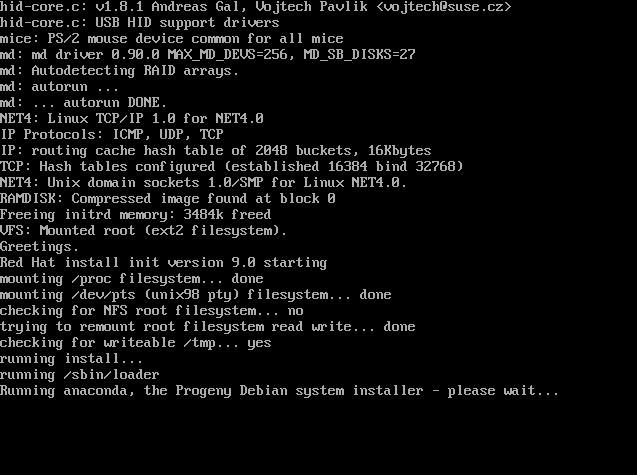
Progeny Debian 2.0 based on Debian GNU/Linux 3.1 (Sarge) and comes with Progeny's Debian port of the Anaconda installer (the Red Hat/Fedora Linux installer).
First CD boot
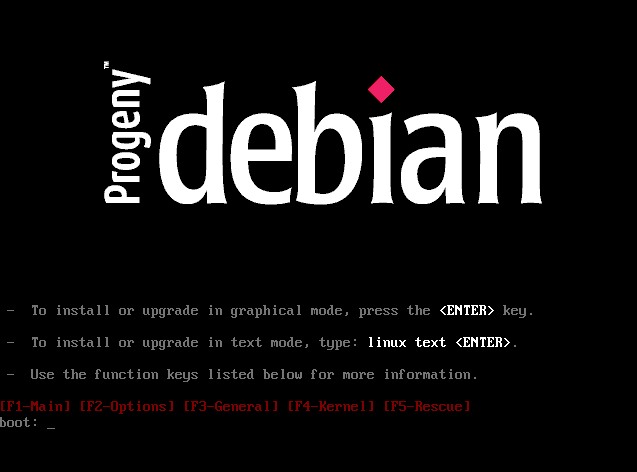
The CD boot menu is identically to Red Hat/Fedora Linux. Pressing the enter key will install Progeny Debian in graphical mode, while linux text will run a text based setup.
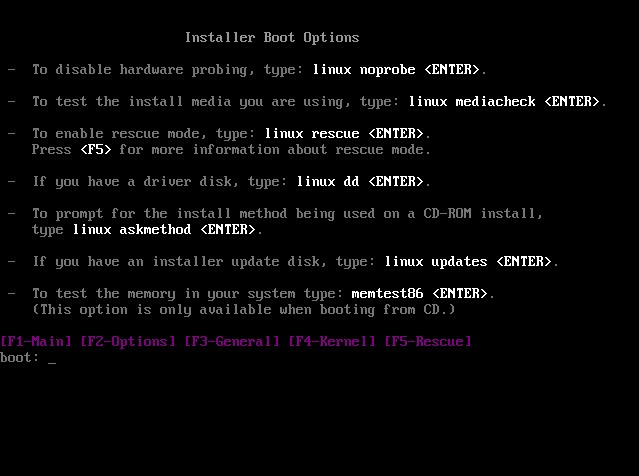
There are more options available: linux noprobe will disable the hardware detection. linux mediacheck will test the install media. linux rescue enable the rescue mode. With linux dd you can install a driver from a driver disk. linux updates will install from an installer update disk. memtest86 will run a memory test.
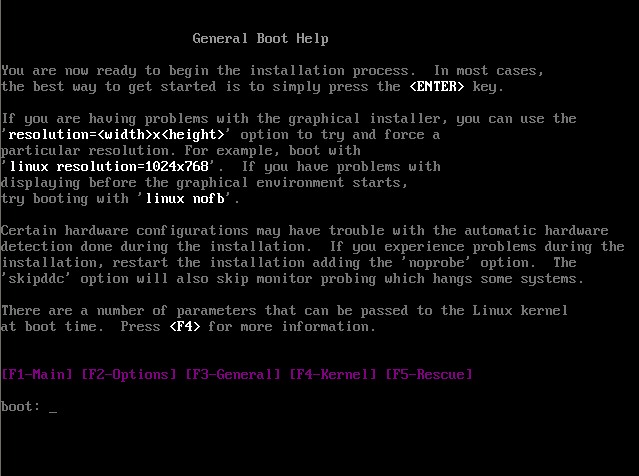
General boot help describes additional boot options for problematic hardware. For example: linux resolution=1024x768 will boot the graphical installer in 1024x768
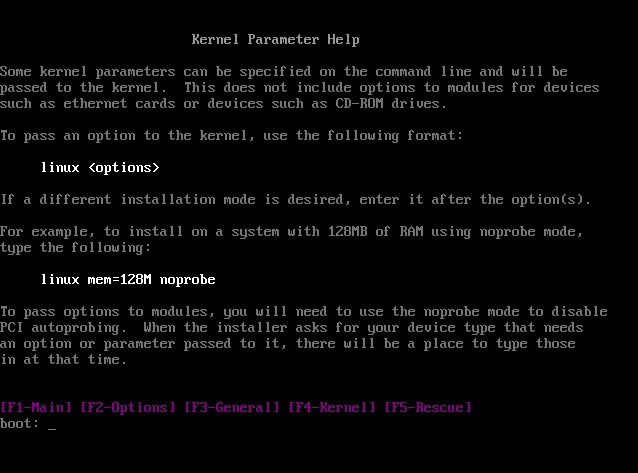
There are additional kernel parameters available. kernel mem=128M noprobe will install on a system with 128MB using noprobe mode.
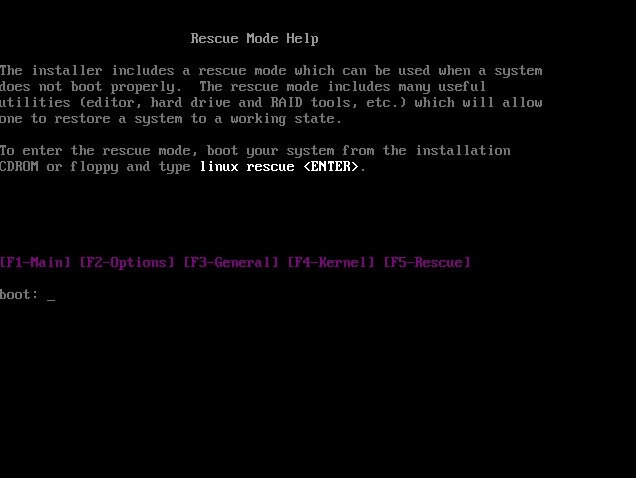
Rescue mode help will display the rescue options. However, there is only one option available.

I take today a look at an earlier developer snapshot of Progeny Debian 2.0, the first Linux distribution based on Componentized Linux.
Progeny Debian 2.0 based on Debian GNU/Linux 3.1 (Sarge) and comes with Progeny's Debian port of the Anaconda installer (the Red Hat/Fedora Linux installer).
First CD boot
The CD boot menu is identically to Red Hat/Fedora Linux. Pressing the enter key will install Progeny Debian in graphical mode, while linux text will run a text based setup.
There are more options available: linux noprobe will disable the hardware detection. linux mediacheck will test the install media. linux rescue enable the rescue mode. With linux dd you can install a driver from a driver disk. linux updates will install from an installer update disk. memtest86 will run a memory test.
General boot help describes additional boot options for problematic hardware. For example: linux resolution=1024x768 will boot the graphical installer in 1024x768
There are additional kernel parameters available. kernel mem=128M noprobe will install on a system with 128MB using noprobe mode.
Rescue mode help will display the rescue options. However, there is only one option available.
3 pages 1 2 3
