Ungoogled Chromium 148 Brings a Cleaner Browser Experience Without the Google Handholding
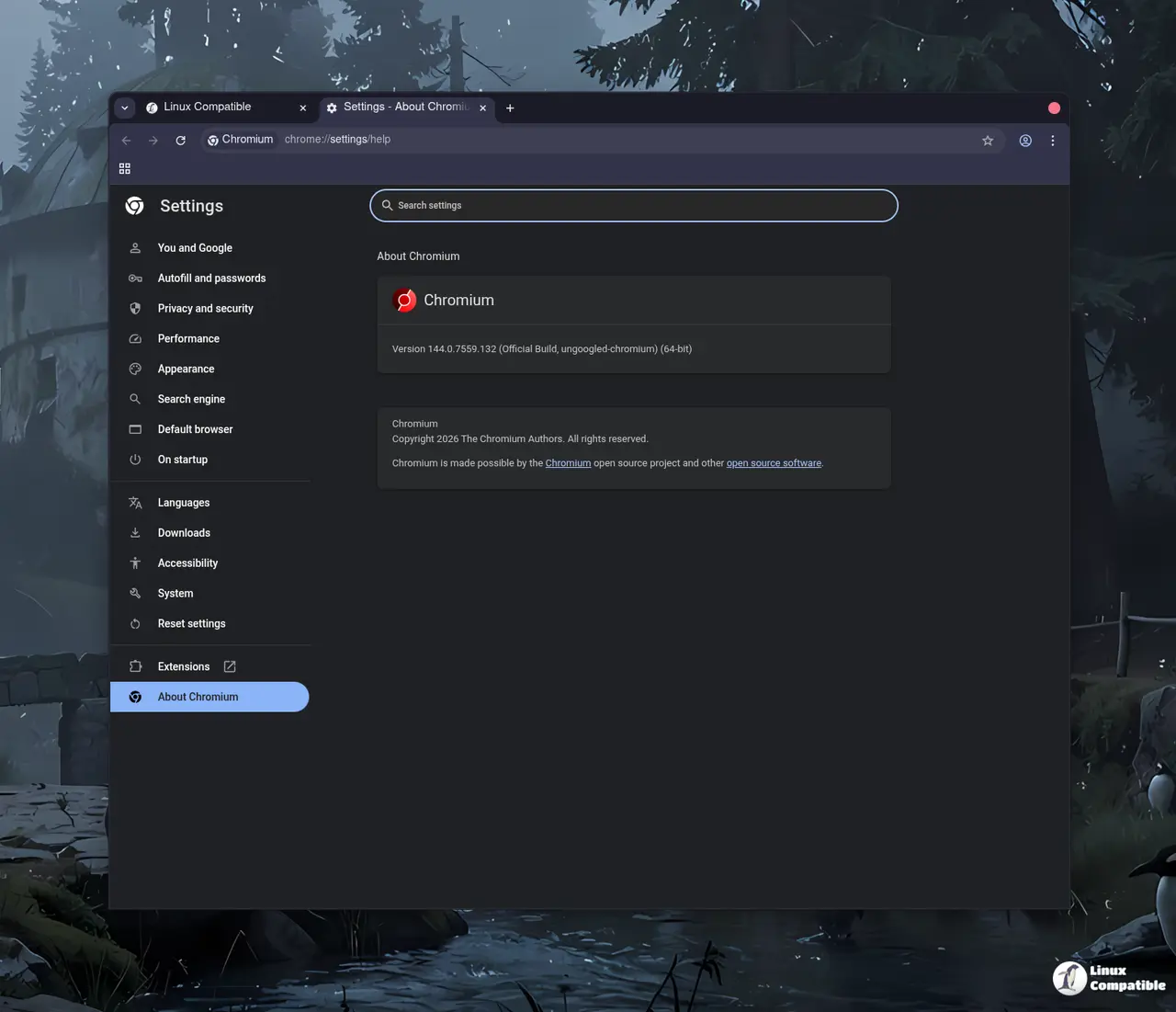
The latest release of ungoogled chromium drops version 148 with a straightforward goal: strip out every background ping to Google while keeping the browser feeling exactly like what you already know. If you have ever watched your system tray fill up with telemetry or noticed how default Chromium still phones home for updates and safe browsing checks, this build offers a practical workaround. The update focuses on tighter control over network requests and removes precompiled binaries that often hide unwanted behavior behind closed doors.
Why This Build Actually Matters for Privacy Focused Users
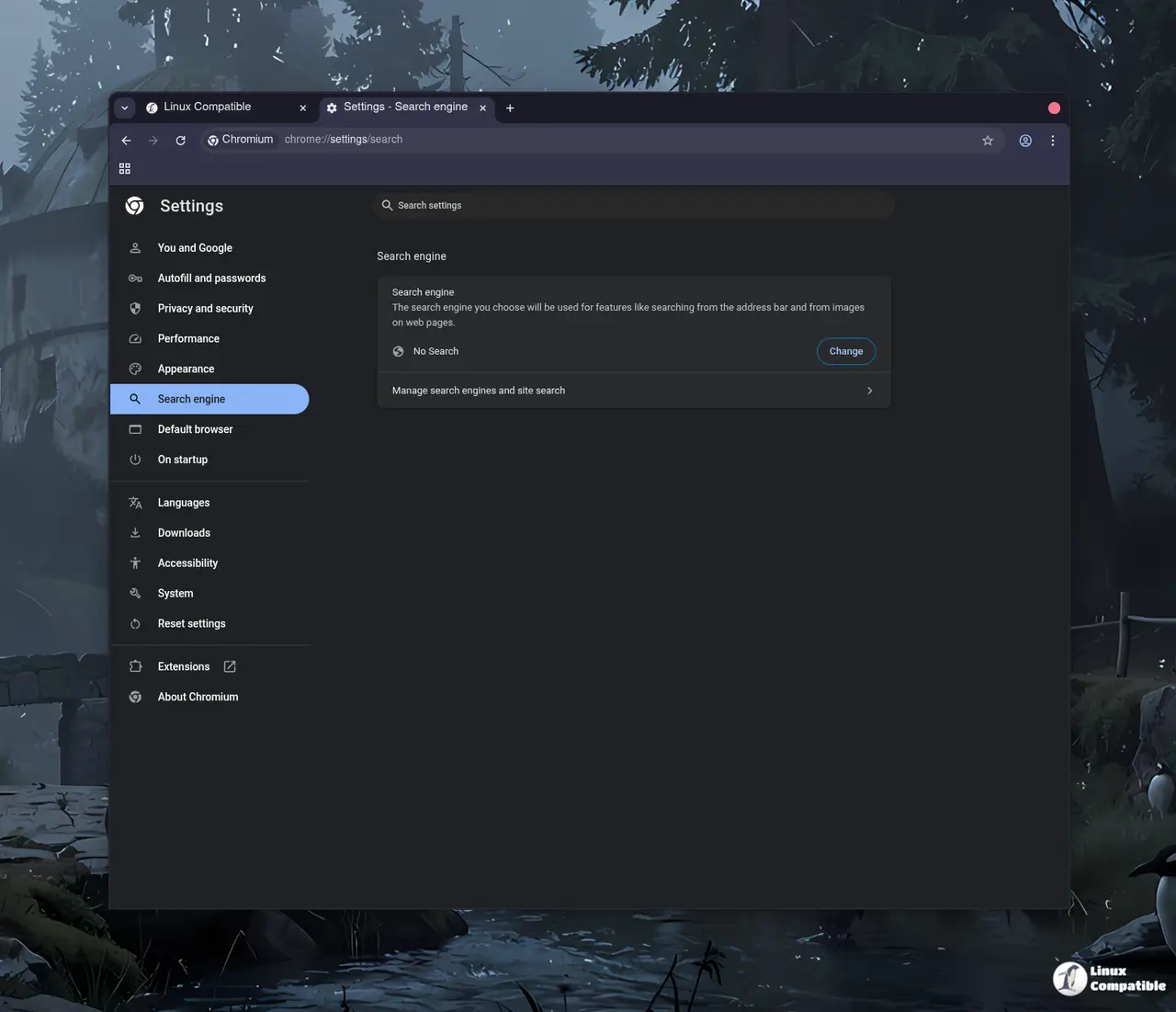
The project does not try to reinvent how a browser works. It simply patches out the Google web service dependencies that ship with standard Chromium and replaces them with local alternatives or disabled flags. Most privacy tweaks in this release stay turned off by default because forcing changes on users usually breaks their workflow. A developer who relies on specific enterprise policies or legacy extensions will likely need to dig into chrome://flags to activate domain substitution or disable the intranet redirect detector. That manual setup is exactly what keeps the browser from becoming a bloated privacy suite that slows down page loads. The real value here is transparency. You get a build where network requests stop at the firewall instead of quietly checking Google servers for updates or crash reports.
How the Patching Actually Works Under the Hood
Instead of relying on third party ad blockers to catch background traffic, ungoogled chromium rewrites internal domain references during compilation. The project swaps known Google endpoints for a fake qjz9zk suffix and then tells the browser engine to block any request targeting that pattern. This approach catches telemetry before it leaves your machine. Binary pruning removes precompiled components from the source tree, which forces the build process to compile everything locally or use user provided replacements. That extra compilation step takes time but guarantees no hidden binaries slip through. Windows users will also notice the removal of Zone Identifier tags on downloaded files, a small change that stops Explorer from flagging every executable as potentially unsafe just because it lacks Microsoft signatures. The captive portal detection tweak breaks automatic login pages for public Wi Fi hotspots, but those networks still function normally once you manually accept their terms.
Where to Grab the Latest Version Without Breaking Your System
Getting this browser installed depends entirely on which operating system runs your daily driver. Arch Linux users can pull the package straight from the AUR, while Debian and Ubuntu folks should check the OBS repository or XtraDeb PPA for maintained builds. Fedora relies on a COPR collection that stays closer to upstream releases than RPM Fusion does. macOS users running Homebrew just need one command to drop it into Applications without touching system directories. Flatpak remains the safest route for anyone who wants sandboxed isolation without managing distribution specific repositories. Every major Linux distro, FreeBSD, and openSUSE already has a maintained path, so compiling from source is only necessary if you run something obscure or want to apply custom patches on top of the base release.
Release Ungoogled 148.0.7778.167-1
Google Chromium, sans integration with Google. Contribute to ungoogled-software/ungoogled-chromium development by creating an account on GitHub.
Release 148.0.7778.167-1 · ungoogled-software/ungoogled-chromium
The browser will not fix every tracking method out there, but it removes enough noise that daily browsing feels noticeably quieter. Grab the build when your current setup starts feeling too chatty and enjoy a few weeks without background pings slowing down your machine.


