Ungoogled Chromium 147 Release Removes Google Dependencies and Boosts Browser Control
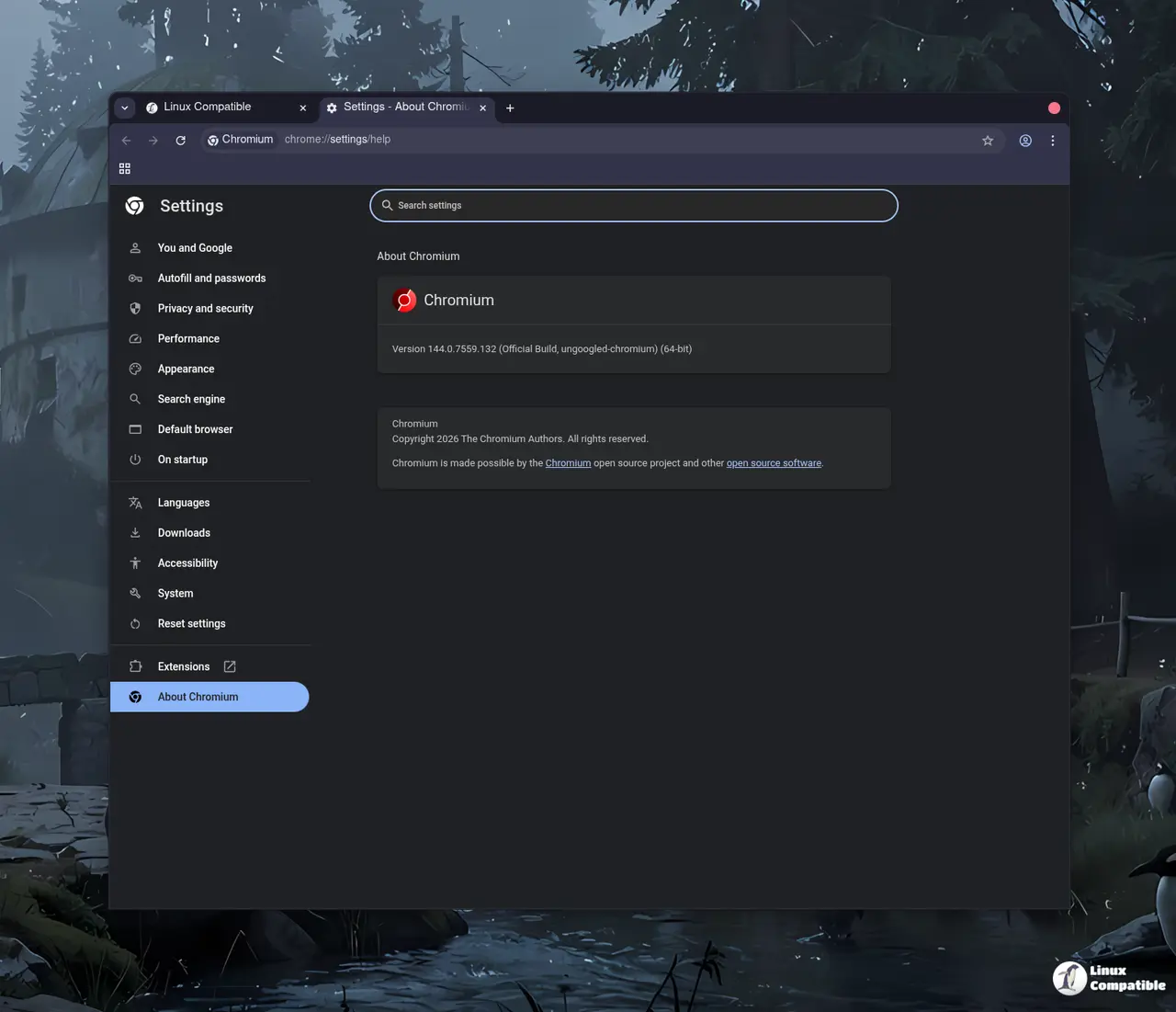
The latest Ungoogled Chromium 147.0.7727.116-1 update arrives with a focus on stripping out remaining Google web service dependencies while keeping the browser experience familiar for users who want more control over their browsing environment. This release builds on Chromium 147.0.7727.116 and introduces several enhancements that prioritize privacy and transparency without turning the browser into something unrecognizable. Users looking to eliminate background requests to Google domains will find this version continues the project's core mission of providing a drop-in replacement for standard Chromium with fewer tracking vectors.
Ungoogled Chromium Core Philosophy and Google Removal
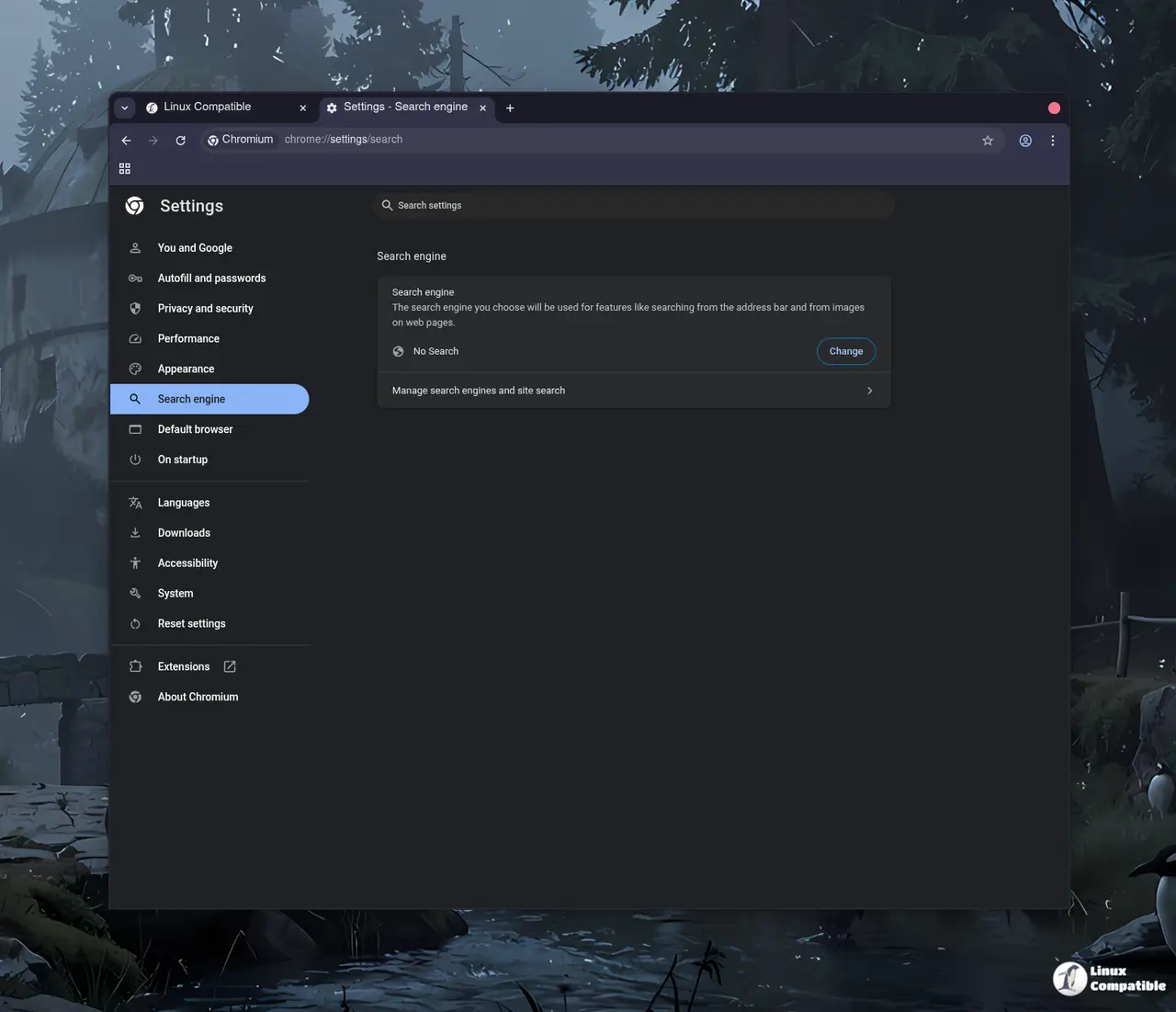
The project maintains a strict hierarchy of goals where removing Google web service dependency takes precedence over everything else, even if it means sacrificing some convenience features. Even without signing into an account, standard Chromium still makes background requests to Google services and relies on pre-made binaries that users cannot inspect or modify. Ungoogled Chromium addresses this by disabling functionality tied to Google domains and replacing internal code references with non-existent alternatives ending in qjz9zk to ensure no connections are attempted. This domain substitution acts as a fail-safe measure against new components that might slip through the initial patches, effectively blocking runtime requests to Google infrastructure while preserving the default interface for those who prefer not to tinker with settings.
Privacy Enhancements and Manual Controls
Most privacy improvements in this release require manual activation through command-line switches or chrome://flags entries rather than enabling automatically, which keeps the browser lightweight but demands more effort from the user. The software disables features that inhibit control and transparency, meaning users must actively configure settings to get the full benefit of the patches. A notable change involves disabling Safe Browsing functionality, a decision that prioritizes privacy over automated security warnings. While this move might unsettle some users who rely on Google's threat detection, it makes sense for those who prefer to manage their own risk assessment without background telemetry leaking data during checks. The update also adds new options like forcing all pop-ups into tabs and preventing URLs with specific schemes from connecting to the internet, giving power users granular control over network behavior.
Technical Tweaks and Borrowed Features
Under the hood, the build process strips binaries from the source code to replace them with user-provided alternatives whenever possible, a technique known as binary pruning that enhances transparency for anyone willing to audit the changes. Windows users will notice the removal of Zone Identifiers on downloaded files, which prevents the operating system from flagging content based on origin metadata that could reveal browsing habits. The browser also disables automatic formatting of URLs in the address bar and turns off the intranet redirect detector to reduce extraneous DNS requests. This change breaks captive portal detection functionality, a quirk that users will recognize if they have ever tried to access a public Wi-Fi network with this build. The login page still works once you bypass the broken redirect check, but the automatic detection simply fails, which is a trade-off worth making for those who value reduced background noise over convenience. Several features originate from related projects like Inox, Bromite, Iridium Browser, and Debian, which have been selectively integrated to round out the feature set without deviating from the core Chromium design.
Installation and Usage Considerations
The browser remains a drop-in replacement for Chromium, meaning it retains the default experience closely while offering tweaks that enhance privacy and control for users who know where to look. Users can build the software from source code using custom cross-platform wrappers that support Linux distributions, macOS, and Windows environments, though compiling from scratch requires patience and technical familiarity. Since almost all enhanced features must be manually activated or enabled, new adopters should review the feature overview and design documentation before relying on the browser for sensitive tasks. The project encourages transparency by providing extensive documentation on patches and configuration flags, allowing technically inclined users to verify exactly how Google dependencies have been removed from the codebase rather than trusting blind faith in the binary.
Release Ungoogled Chromium 147.0.7727.116-1
Google Chromium, sans integration with Google. Contribute to ungoogled-software/ungoogled-chromium development by creating an account on GitHub.
Release 147.0.7727.116-1 · ungoogled-software/ungoogled-chromium
Keep an eye on the project repository for updates as the team continues refining these patches. The browser remains a solid option for those who prefer to manage their own privacy settings rather than relying on default configurations that prioritize convenience over control.


