How to Upgrade to Tails 7.8 and Patch Critical Kernel Flaws
The latest Tails 7.8 release drops several default applications, patches critical privilege escalation flaws in the Linux kernel, and pushes Tor Browser to version fifteen point zero fourteen. Users running older versions need to know how to apply these updates without losing their persistent storage or breaking their anonymity setup. This guide walks through the upgrade process and explains why the Thunderbird removal actually makes sense for long term security.
Why Tails 7.8 Changes the Default App Setup
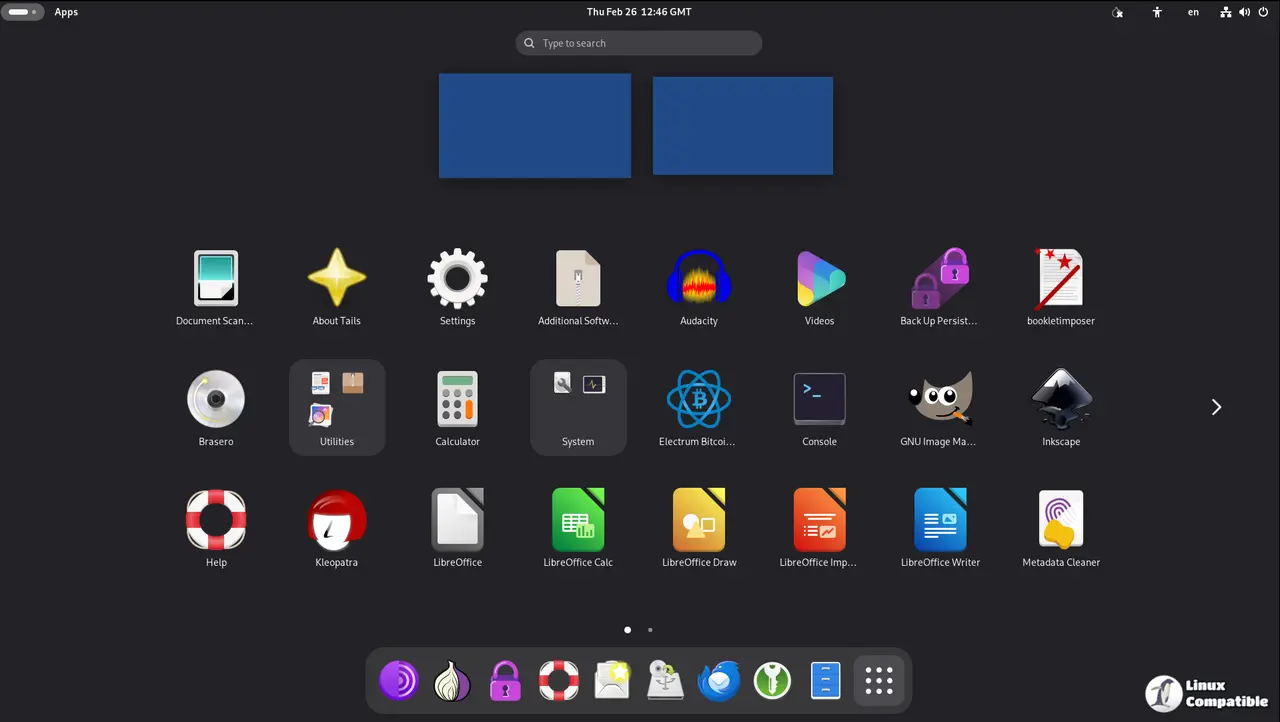
Stripping Thunderbird from the base install looks like a hassle at first, but it actually solves a real headache. The Debian release calendar pushes out new email client versions shortly after each major cycle, which means keeping the live system locked to an older package just creates a false sense of security until February 2026 when the versioning finally aligns again. Installing Thunderbird as additional software pulls the latest build directly from the persistent volume on every boot, which means operators stop chasing outdated patches that leave known vulnerabilities wide open. System administrators often complain when email clients lag behind upstream releases, but forcing a manual update routine inside a live environment only adds unnecessary friction to an already tight workflow.
Patching Kernel and Haveged Vulnerabilities That Leak Privileges
Patching kernel flaws sounds routine until you realize how easily a local app can jump from sandboxed guest to full system admin. Security researchers found multiple holes in the Linux kernel and the haveged random number generator that hand over administration privileges without asking for permission. If a malicious script or compromised browser extension slips past standard sandboxing, these flaws give attackers exactly what they need to deanonymize traffic. The Tails team closed those paths because privacy attacks rarely rely on single points of failure. They usually chain together minor weaknesses until the whole setup collapses. Running untrusted scripts in a secure environment ends badly when privilege boundaries blur, which is exactly what these patches close before attackers can exploit them further.
Steps to Upgrade Tails Without Losing Persistent Storage
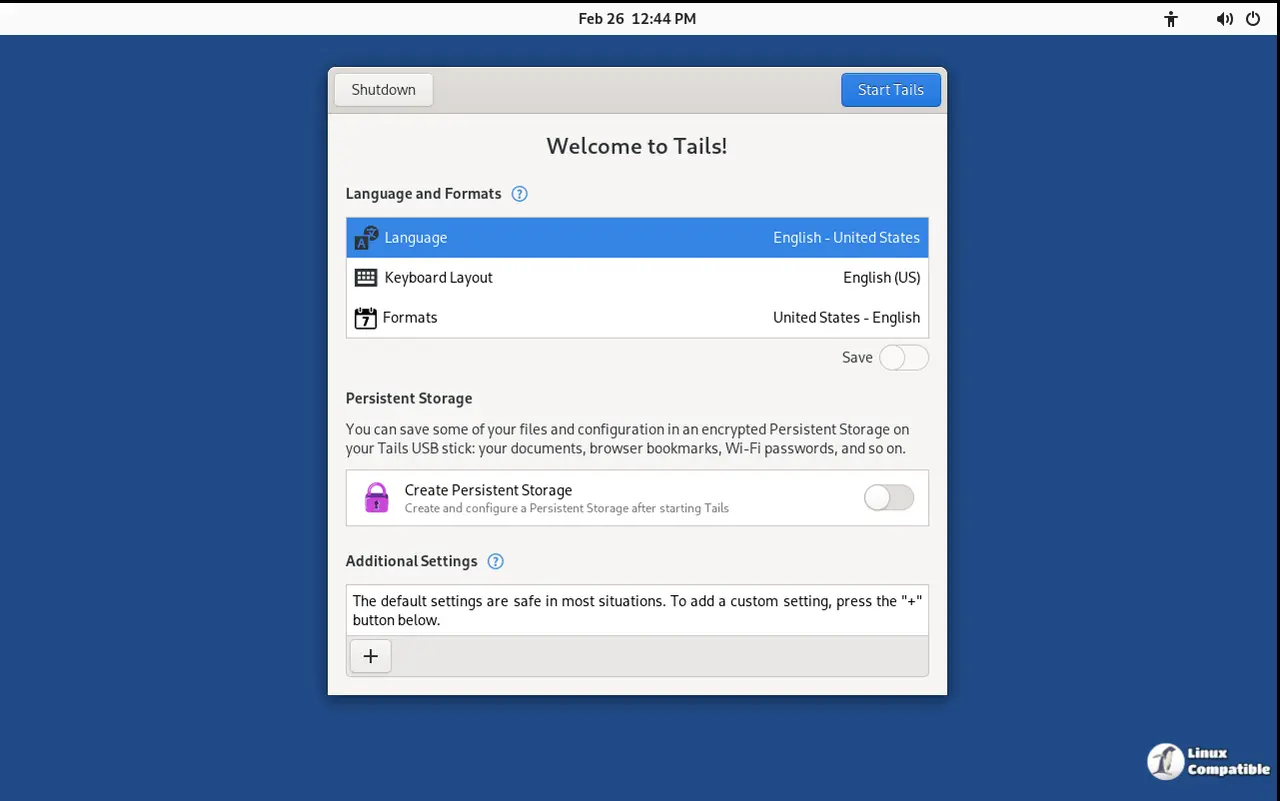
Operators starting from version seven point zero or newer can trigger an automatic upgrade directly from the desktop interface. The system checks for available updates and downloads the new image while preserving all encrypted persistent volumes. This method saves time because it skips the tedious process of wiping drives and reconfiguring security settings from scratch. If the automatic installer hangs or refuses to boot after flashing, switching to a manual upgrade becomes necessary. Downloading the fresh ISO onto a separate drive and running the verification checksums ensures the image matches official release signatures before touching any existing hardware. Writing the new version over an old USB stick works fine as long as operators back up their persistent storage first, since the flashing tool will erase everything on the target device. Running the upgrade assistant from within Tails itself keeps the process streamlined because it handles partition resizing and bootloader updates automatically.
Keep persistence volumes backed up before running any major version jump, and check the official changelog if extra details are needed. The privacy tools keep getting tighter, so staying current matters more than sticking with familiar defaults.


