Simple Taskbar 7.2.0 adds a settings search and a batch of panel fixes
The latest GNOME extension update prioritizes discoverability over new features, though the version numbers are more tangled than usual. Read this part before you go chasing a specific build.
Simple Taskbar 7.2.0 for GNOME shell shipped today. Developer Sultech (Sul Sultech) titled it "Preferences Search and Panel Improvements." In practice, it is a polish release. The headline addition is a search field that finds settings across every preferences page without making you click through each category one at a time.
Keep in mind that one feature probably saves you more time than the rest of the release combined.
What actually changed
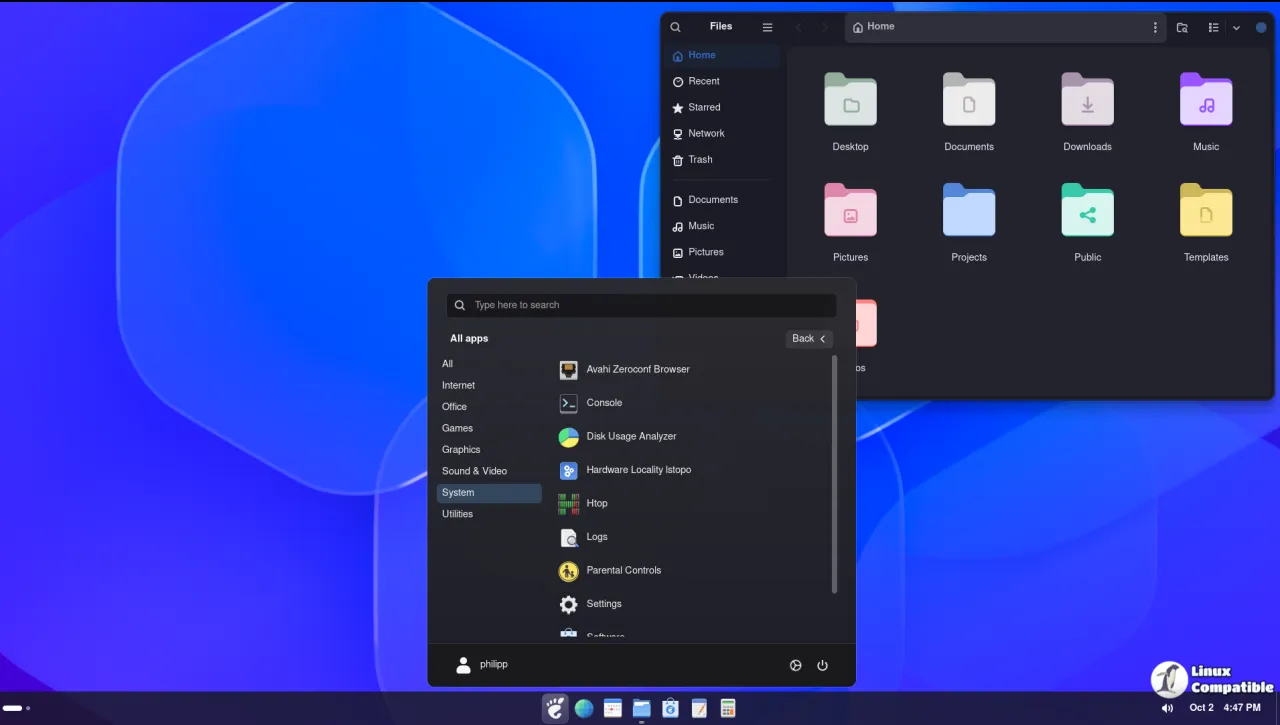
The new section lists four additions. The search box is the obvious star. There is also "Match Application Highlight," which lets the clock, Quick Settings, and other indicators copy the highlight styling of app icons so they blend in when active. A side-padding control gives full-width bars a bit more breathing room at the edges, and a bottom hot-edge option now lets the screen-zone hover open the app grid instead of the window overview. Turkish was added, bringing the total to nine languages.
On the improved side, magnification now follows the panel's frame clock and stops churning while your pointer is still. Adaptive icon sizing was tightened, and general settings now persist when you switch panel modes, so you are not rebuilding your configuration every time you toggle between Taskbar and Dock. Button corner radius follows the theme by default, and redundant redraws were cut to spare your cycles.
The fixes are the quiet workhorse here. Window previews no longer shift during magnification, magnified icon copies no longer linger after apps leave the row, and the Start button's glass gradient is corrected on vertical panels. Nothing flashy. Just the kind of detail that separates an extension that merely works from one that feels done.
It is not the kind of update you will write home about, though the search box alone justifies the install. For what it is worth, this looks like a developer investing in discoverability and visual cohesion rather than just piling on more sliders.
Where to grab it
Head here to get it from the GNOME extensions website or search "Simple Taskbar" in the Extension Manager app. Head here for the full 7.2.0 changelog and the raw metadata on GitHub.


