Nobara Linux 43 has been released, bringing significant improvements on top of the Fedora Linux 43 foundation. This update provides a smooth gaming and streaming experience, thanks to its preconfigured WINE setup, OBS Studio installation, and enabled third-party repositories. Nobara's unique features include optimized drivers for NVIDIA and AMD graphics, making it ideal for heavy games and creative tasks. The operating system also offers a choice of five distinct desktop environments, catering to various user preferences, from minimalism to full customization control.
Nobara 43 2025-12-26 released
Nobara Linux 43 has finally been released, bringing a new wave of enhancements to the table. It doesn't just drop some minor tweaks; this update brings a noticeable wave of improvements, mostly built on the solid Fedora Linux 43 foundation underneath. The core idea is that you can skip all that frustrating manual tweaking and get straight to what you want: gaming, streaming, or making stuff.

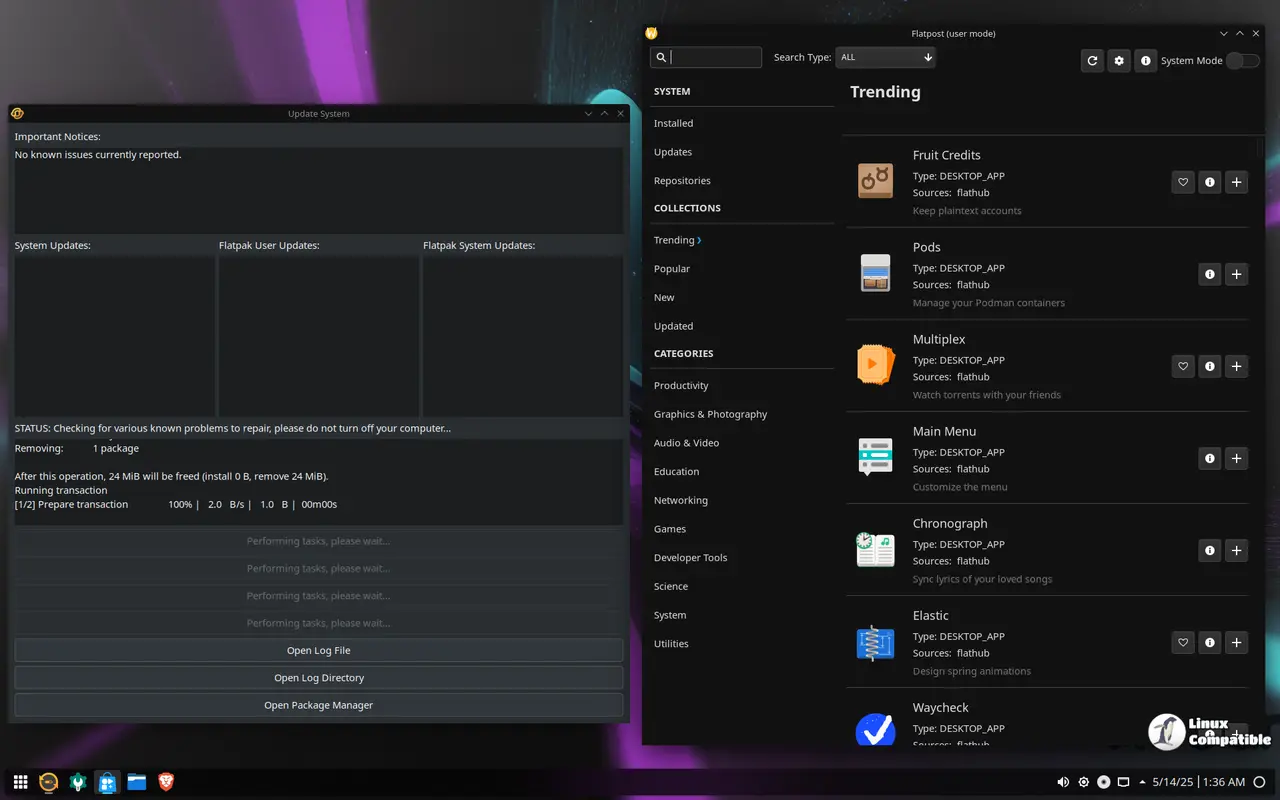
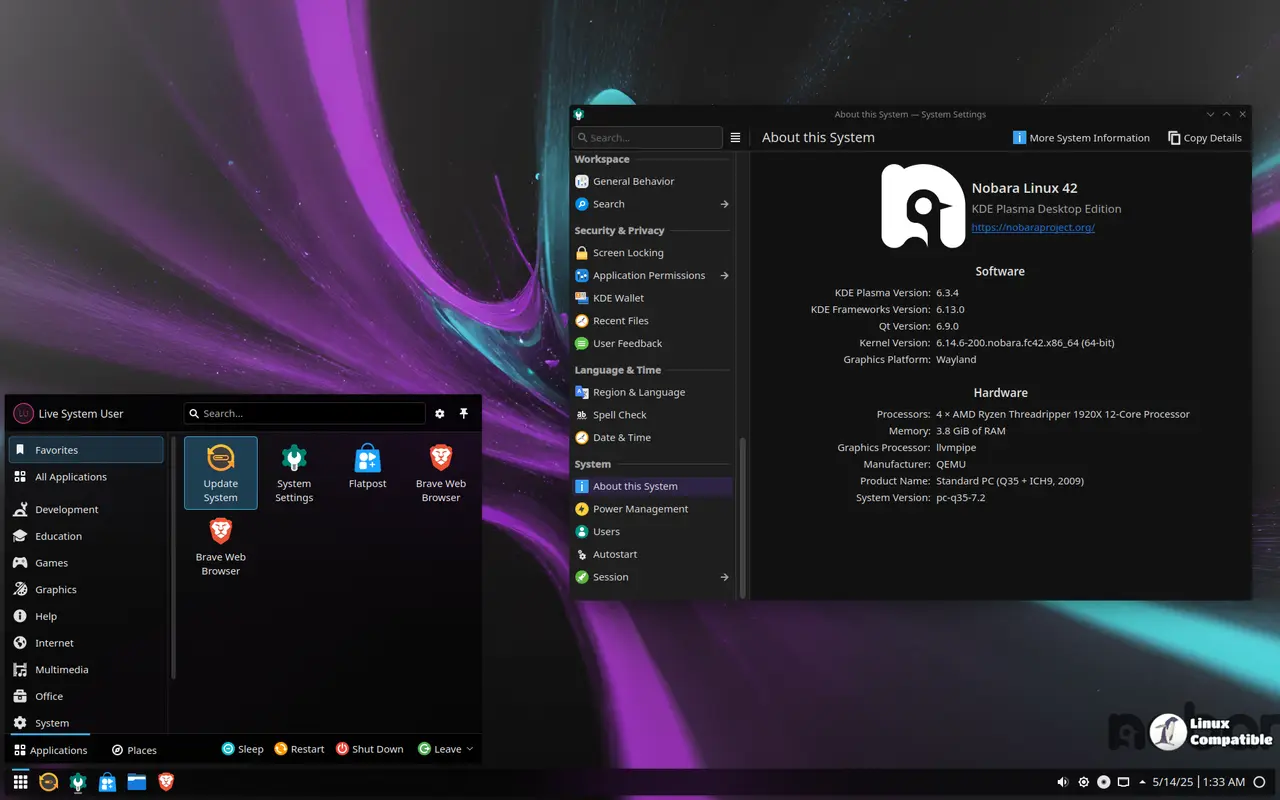
At its heart, it uses a stable Fedora base optimized for heavy games and creative tasks. The real magic is how it's preconfigured out of the box, not just its stability. That includes WINE setup and OBS Studio installed with all the necessary codecs and third-party repositories enabled. Basically, you can jump into your gaming or streaming immediately instead of fiddling away hours in a command prompt.
One really neat thing is just how smoothly Nobara handles NVIDIA and AMD graphics for gaming. The drivers are tuned specifically to get better performance on those workstations. Plus, getting onto Steam or using capture tools like OBS doesn't require any setup beyond booting up the system; they're ready to use almost instantly. It also comes with sensible desktop presets designed around multitasking needs common in creative fields.
New users might appreciate how straightforward things are from day one. There's a guided installer built-in and first-run suggestions pointing you towards helpful tools or useful packages, taking away some of that initial confusion for people just getting started on Linux gaming or content creation. And integrated updates mean the system stays fresh with security patches and feature upgrades over time.
As its name suggests, Nobara was designed with gamers in mind from the start, but it doesn't lose sight entirely of being a proper Fedora distribution either. It bundles all those WINE dependencies you might need upfront alongside OBS and essential codecs right away. Plus, some clever kernel adjustments help keep latency low for smoother play. So, firing up Steam is easy peasy straight from bootup.
Still, despite this gaming-first slant, it keeps its roots firmly in Fedora while picking up some unique personality traits along the way. That means leveraging the core packages plus useful additions like RPMFusion repositories and Nobara-specific ones to fill potential gaps not covered by pure vanilla Fedora, offering a fuller feature set tailored especially for folks into games or creative production work.
Another thing that makes Nobara stand out is its choice of five distinct desktop environments right after installation. Each feels entirely unique depending on what you want: the official Nobara experience uses a custom look built specifically around balancing the needs of gaming, creative tools, and general application use; it's designed to be good for everything under the sun, really.
But maybe your thing is minimalism if you're more focused on getting work done without clutter. Then GNOME might feel like the right choice, with clean lines keeping things simple and less visual distraction than some other options. On the flip side, if you want full control over how your desktop looks and behaves for complex tasks or just pure customization fun, there's also a regular old KDE Plasma experience available.
Then there are two more focused interfaces: Steam-HTPC brings everything nicely tuned up for setups that are living-room-friendly with TVs plus maybe controllers, perfect for using Linux as your main media machine. And if you're heading straight into the Steam Deck territory (or building something similar), Steam-Handheld is another option designed specifically to play well with those systems.
Honestly, whether you're deep into gaming or more of a content creation type looking to make things easier, Nobara 43 feels like it delivers on all fronts. The installer makes getting started simple, updates keep the system clean and current automatically, and there's just so much built-in goodness covering your needs without forcing anything down your throat.
And hey, do you want to give it a try yourself or check out what else is coming later? You can download Nobara 43 directly from their project site.


