Mageia 10 RC1: What Actually Changed Since Beta and How to Test It Safely
The Mageia 10 RC1 release just dropped with fresh artwork and a mountain of package updates that actually matter for daily stability. This article breaks down what changed since the beta phase, explains which updates deserve attention, and walks through the steps to test the ISO without bricking an existing setup.
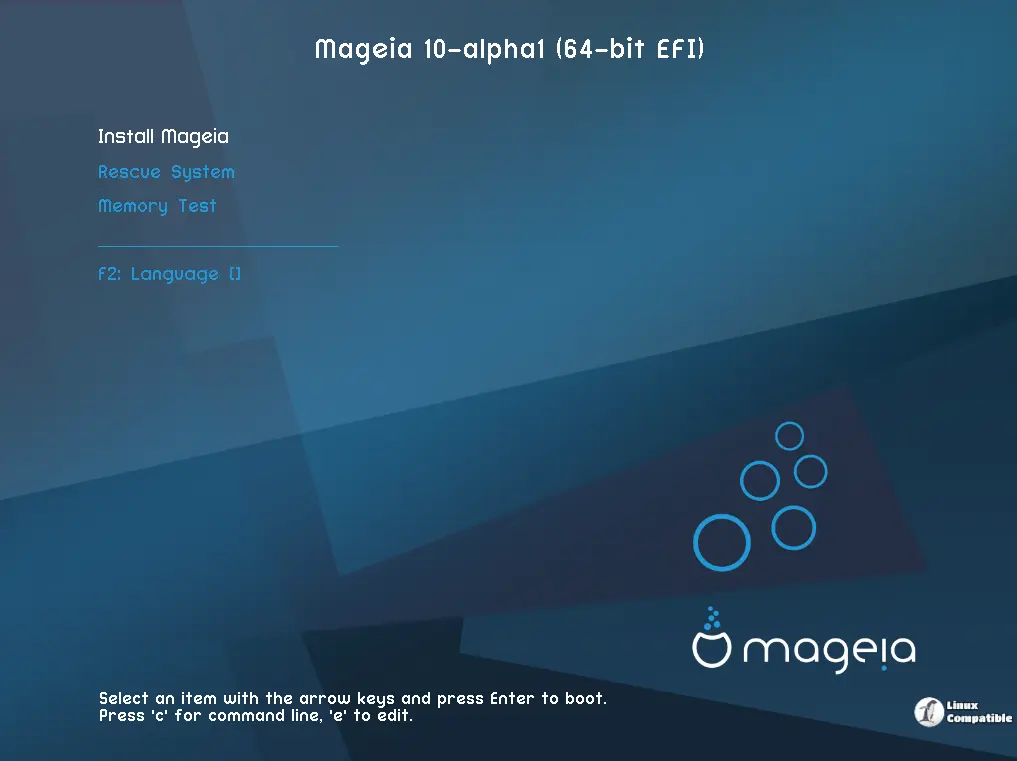
What Actually Changed Since the Beta Release
The packagers have been busy since beta1, and the changelog reads like a standard security patch cycle rather than a flashy feature drop. Firefox jumped to version 140.10.1 while Thunderbird followed with 140.10.0, both carrying critical TLS and rendering fixes that keep modern web applications from breaking under heavy load. The kernel moved to 6.18.26, which usually means better hardware support for newer laptops and improved power management for older desktops. Systemd hit version 258.7, bringing along service manager tweaks that prevent the occasional boot hang many users complain about after major updates. LibreOffice reached 26.2.3.2 with document compatibility patches, and Mesa updated to 26.0.6 for smoother OpenGL performance on both Intel and AMD graphics cards. The root certificates bundle also refreshed to April 2026 standards, which stops those annoying browser warnings when visiting secure sites that use newer certificate authorities.
The Post-RC1 Patch Wave That Actually Matters
ISOs freeze at a specific moment, but the Mageia packagers do not wait for that deadline to push critical fixes. Kernel version 6.18.30 slipped in after RC1 alongside updated GTK libraries and Python 3.13.13 patches that address memory handling issues in certain scripting environments. SDDM received a minor revision to fix display manager hangs that occasionally block login screens on fresh installs. MariaDB moved to 12.2.2 with query optimization tweaks, while Mutter got version 49.5 for smoother window management under Wayland. These updates do not change the core experience dramatically, but they clean up edge cases that trip up power users who run development tools or compile software from source. The urpmi package manager also hit version 8.136, which improves dependency resolution when mixing official repositories with third-party mirrors. Some live images still bundle unnecessary desktop utilities that slow down older hardware, so checking the .lst files before downloading saves bandwidth and disk space.
How to Test the ISO Without Breaking Your Main System
Testing a release candidate requires isolation, and virtual machines remain the safest route for most users. Downloading the classical installation media or live ISO images provides access to different desktop environments, but the package lists differ between formats. The .idx files cover the traditional installer while the .lst files map directly to live image contents, so checking those text files first saves time when hunting for specific drivers or tools. Mounting the ISO in VirtualBox or VMware and allocating at least four gigabytes of RAM prevents sluggish performance during package installation. Running the installer with default settings verifies basic hardware detection before attempting custom partitioning schemes that often expose bootloader quirks. Logging into a fresh user account after installation reveals whether display managers like SDDM behave correctly under normal load. System administrators have noticed this pattern after faulty graphics drivers slip through testing cycles, so isolating the test environment prevents corrupted host configurations from masking real bugs.
Reporting Issues Without Getting Stuck in Bot Hell
The Bugzilla tracker handles all reported problems, but the site currently struggles under automated scraping traffic that slows down legitimate submissions. Waiting a few extra seconds between page loads and avoiding rapid form resubmissions keeps human testers from getting temporarily locked out. Capturing exact error messages during installation or noting which package triggers a crash provides packagers with actionable data instead of vague complaints. Checking existing reports before opening new tickets prevents duplicate entries that clutter the tracking system. The development team relies on these logs to prioritize fixes, so detailed observations about hardware compatibility or service failures carry more weight than generic stability claims.
Grab the ISO, run it in a sandboxed environment, and report what actually breaks. The packagers need real hardware feedback more than polished screenshots, so testing thoroughly pays off when the final release ships. Happy troubleshooting.


