Liquorix Linux Kernel 7.0-9 Release Brings Low Latency Performance to Your Rig
The Liquorix Linux Kernel 7.0-9 update just dropped, and it keeps pushing that same enthusiast focus on raw responsiveness and low latency. This release targets anyone tired of audio crackles during recording or sudden frame drops in games, and it ships with a straightforward install script for Debian, Ubuntu, and Arch systems. You will learn exactly what this kernel changes, when it actually helps, and how to get it running without breaking your daily workflow.
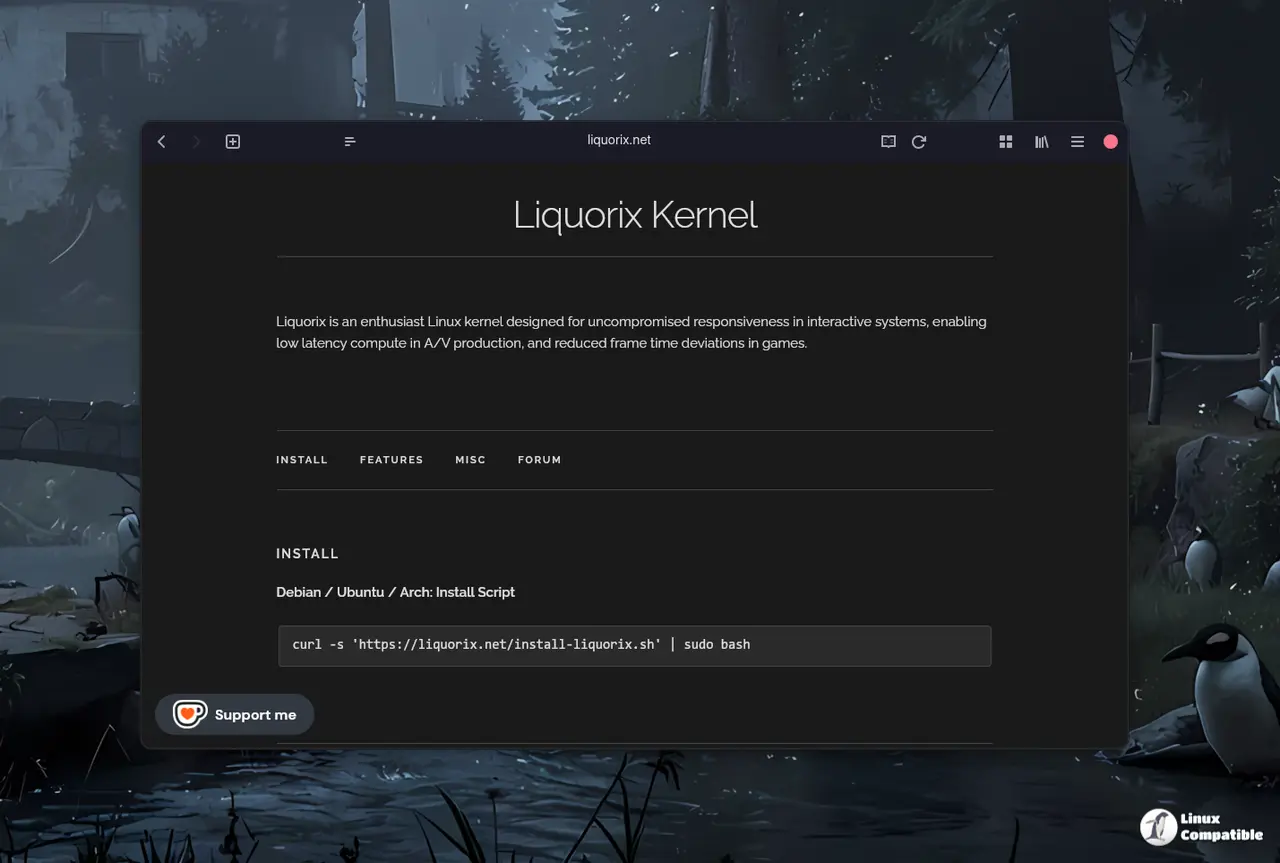
What the Liquorix Linux Kernel actually does
Liquorix strips away the conservative tuning that stock distributions ship with and replaces it with aggressive scheduling, tighter memory management, and preemptive kernel patches. The goal is simple. You want the system to react instantly to input, keep audio streams buttery smooth, and stop stuttering when the GPU and CPU both decide to work overtime. The 7.0-9 build rides on top of the official Linux Kernel 7.0.9 base, so it inherits all the recent hardware support and security fixes while applying those enthusiast tweaks. It is not a magic bullet for every workload, but it does remove the artificial throttling that distro maintainers add to keep enterprise servers from melting down.
Why you might want to run it
Most desktop users will never notice a difference, but the kernel shines when you are pushing hardware to its limits. A sound engineer editing multi-track sessions in Linux often fights buffer underruns, and a competitive gamer will feel the gap between a standard distro kernel and a low latency build. The Liquorix Linux Kernel tunes the scheduler to prioritize foreground tasks, reduces context switching overhead, and tightens interrupt handling. That means less time waiting for the CPU to decide what to do next. If you are just browsing the web and writing documents, you can safely ignore this update and save yourself the troubleshooting headache.
curl -s 'https://liquorix.net/install-liquorix.sh' | sudo bash
How to install the Liquorix Linux Kernel
The developers provide a single bash script that handles the heavy lifting for Debian, Ubuntu, and Arch. Running the curl command pulls the script directly from the Liquorix website and executes it with administrative privileges. The script checks your current distribution, downloads the matching kernel packages, updates your bootloader, and marks the new kernel as the default boot entry. It matters because manually compiling or chasing package files across different release cycles is a reliable way to break your initramfs or leave you stuck in a boot loop. The automated approach keeps your system packages consistent and handles the bootloader configuration behind the scenes. You just need to reboot after the script finishes and verify that the new kernel loaded correctly.
Things to watch out for
Enthusiast kernels do not come with enterprise grade stability guarantees, and that trade off shows up in real world usage. Proprietary drivers, especially older NVIDIA modules or certain virtualization tools, can fail to compile against a rolling enthusiast kernel. You will also need to keep an eye on the official forum when new hardware arrives, since custom builds sometimes lag behind mainline support for brand new chipsets. If your system becomes unstable, you can always fall back to the stock distribution kernel from your bootloader menu. The Liquorix Linux Kernel is a tool for specific workloads, not a mandatory upgrade for every machine.
Tweak your system, test your workflow, and keep a backup kernel handy. The rest of the details sit on the Liquorix website, and the forum thread usually has the quickest answers when something goes sideways.


