Liquorix Linux Kernel 7.0.17 Ships with Hardening Syncs and Lower Latency Tweaks
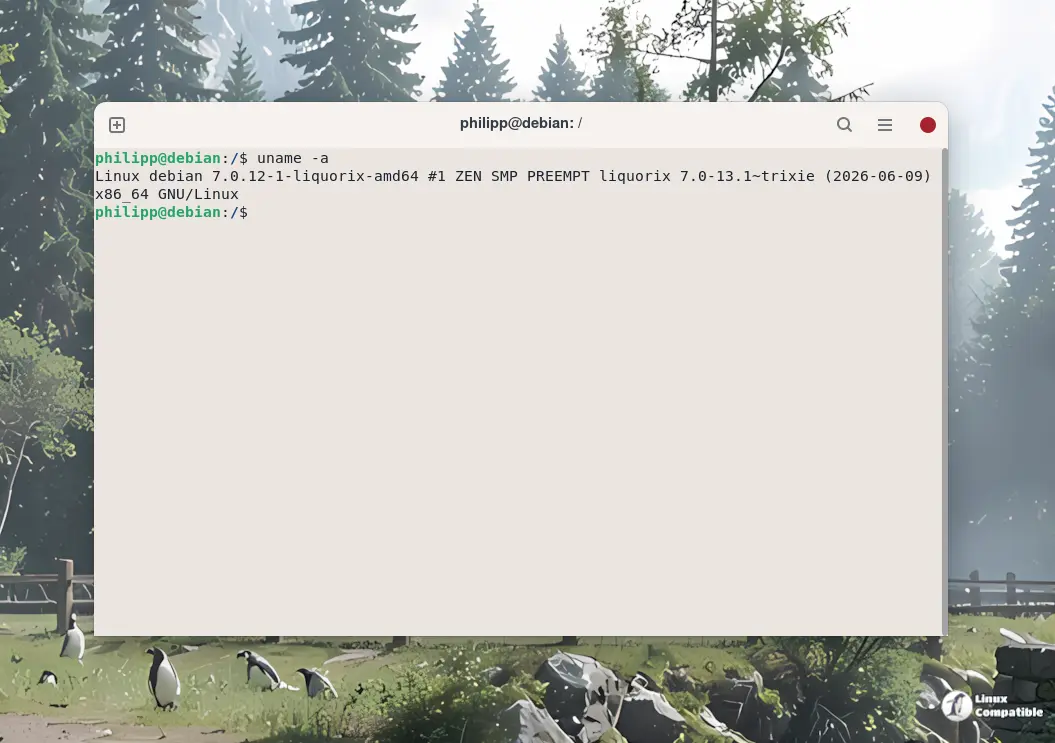
Liquorix Linux Kernel 7.0.17 has dropped. The daily-patched enthusiast kernel from Steven Barrett (damentz) rolls in a fresh sync of upstream configurations, a handful of hardening tweaks, and a few power management defaults worth noting. If you're running a Debian-based system focused on gaming or audio/video work, this is the kind of routine update that keeps the underlying stack from rotting in place.
Liquorix has spent the last several years carving out a pretty distinct niche in the Linux kernel space. While mainstream distros ship with the Completely Fair Scheduler and a conservative set of tunables, Barrett's project targets low-latency interactive workloads. Think frame-time consistency in games, reduced audio glitches during recording, and snappier desktop behavior under mixed workloads. The project has pushed past 1,047 tagged releases and maintains a daily build cadence. That kind of pace requires a maintainer who actually enjoys reading patch logs at 2 AM.
What's Actually New in 7.0.17
The 7.0.17-1 release pulls the base kernel to 7.0.14 and syncs a bunch of config flags from the upstream linux-zen tree. Most of the changes lean toward hardening and subsystem enablement. KFENCE is now active, memory hotplug is turned on by default, and both USB gadget and the accessibility subsystem get synced downstream. The block layer keeps its aggressive tuning: mq-deadline swaps to kyber for multiqueue drives, bfq stays on single-queue setups, and the default SATA power policy shifts to med_power_with_dipm. Next, the version string officially updates to 7.0.17-1. It's not earth-shattering, but these are exactly the kinds of background adjustments that quietly keep things from stuttering when you're trying to mix a session.
The Scheduler Still Does the Heavy Lifting
The PDS scheduler remains the project's actual headline. Barrett's Priority and Deadline based Skip list scheduler still replaces the stock CFS in the default config. It's built around a skiplist data structure for priority and deadline tracking, and it's actively maintained alongside upstream kernel changes. The tick rate sits at 1000Hz, hard kernel preemption is enabled, and the system leans heavily into interactive tuning at the expense of raw throughput. If you're running a dedicated gaming rig or a multitrack DAW, that tradeoff makes sense. However, at the same time, a general-purpose machine that just needs to survive a browser full of tabs will find the aggressive settings overkill.
It's not a completely pristine ride, though. The project's issue tracker has reports of video playback freezes in Firefox, particularly on systems relying on hardware-accelerated HTML5 decoding. There are also scattered hard freezes on specific Intel Comet Lake hardware since the v7.0 transition, plus occasional NVIDIA 580.x build failures against the DKMS modules. Some users are flagging missing Pressure Stall Information in certain config builds. Barrett responds to forum threads regularly, and the CVE patching cadence stays tight, but you should absolutely check the issue tracker against your specific hardware before flipping your bootloader entry.
You can install the new kernel via the official script, which sets up the repository for Debian, Ubuntu, and Arch-based distros:
curl -s 'https://liquorix.net/install-liquorix.sh' | sudo bash


