Liquorix Linux Kernel 7.0-10 Fixes Network Stack Bug and Tightens Desktop Latency
The latest Liquorix Linux Kernel 7.0-10 lands with a targeted patch for a network vulnerability while keeping its focus on predictable frame pacing and audio production stability. Desktop users running Debian, Ubuntu, or Arch will get the update through a single script that handles package management automatically. This build targets people who actually need responsive system behavior instead of generic desktop performance metrics.
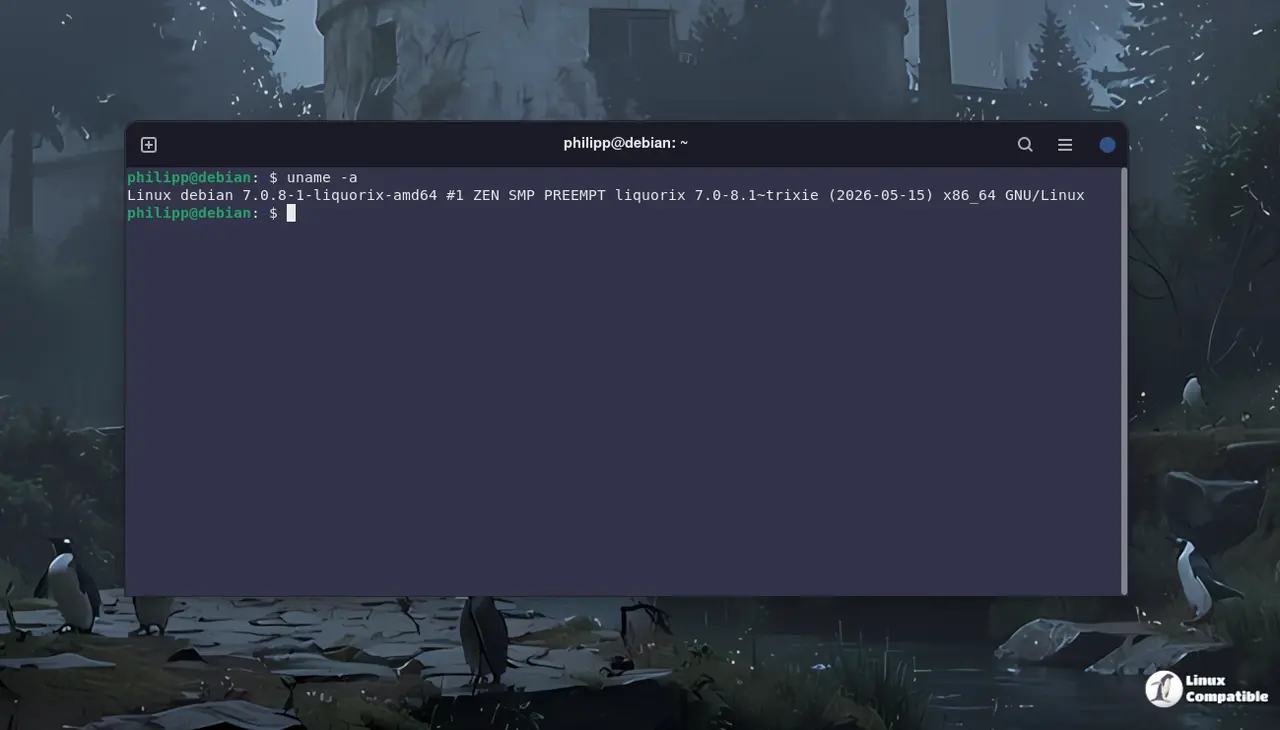
Liquorix Linux Kernel 7.0-10 Addresses the Network Vulnerability
The release resolves CVE-2026-43494 in the net/rds subsystem by resetting op_nents when zerocopy page pin operations fail. Network stack bugs like this usually show up as dropped packets or sudden connection resets during heavy data transfers. A zerocopy failure means the kernel tried to bypass standard memory copying and hit a dead end, leaving internal counters out of sync. Resetting those counters prevents the network driver from getting stuck in a retry loop that can throttle bandwidth or freeze background downloads. Users often notice this exact behavior after installing a mismatched graphics driver, where the system hangs until the network stack times out. Applying this patch stops the retry loop before it drains CPU cycles and breaks streaming workflows.
Why Low Latency Kernels Matter for Desktop Workflows
Most default kernels come loaded with aggressive power management features that desktop users rarely touch. The scheduler gets tuned to prioritize foreground tasks over background housekeeping, which keeps audio buffers from starving during recording sessions. Gaming benefits come from reduced frame time deviations rather than raw benchmark spikes. A system running a stock kernel often stutters when disk caching or systemd timers fire up unexpectedly. This build quietly pushes those background chores into the shadows so the desktop stays smooth. Standard distributions prioritize battery life and thermal throttling, which makes sense for laptops but feels like unnecessary interference on a wired desktop rig.
Installing Without Breaking Existing Setups
The official installation method relies on a curl command that fetches and runs a shell script from the Liquorix website. Running this script adds the project repository to the package manager and pulls in the new kernel headers alongside the main image. Users should verify their current bootloader configuration before rebooting since some older UEFI setups require manual GRUB updates. The process handles dependency resolution automatically, but keeping a fallback kernel available prevents boot failures if hardware drivers misbehave during the transition. Skipping the fallback option is a common mistake that leaves machines stuck in recovery mode when a new driver conflicts with the updated scheduler.
curl -s 'https://liquorix.net/install-liquorix.sh' | sudo bash
Keep an eye on the project page for follow up patches and stick with the stock kernel if background services matter more than desktop snappiness. The update runs clean on most modern rigs without requiring manual configuration tweaks. Grab the script when ready and enjoy the smoother desktop experience.


