First Liquorix Kernel Based on Linux 7 Series Brings Aggressive Responsiveness Tweaks
The first Liquorix Kernel built around the Linux 7 series just dropped, and it pushes hard on interactivity over raw throughput. Standard distributions spend half their time trying to save battery life while desktops sit idle, which leaves gaming rigs feeling sluggish when multiple applications compete for resources. Users chasing smoother frame pacing or tighter latency for audio work will find this release heavily skewed toward keeping the system snappy. The build swaps out conservative defaults for aggressive preemption, faster I/O schedulers, and a modified CPU frequency governor that stops second guessing itself under load.
Why Standard Distributions Feel Too Heavy for Daily Use
Standard distribution kernels prioritize thermal headroom and power efficiency, which works fine for laptops but leaves desktops feeling unresponsive when background tasks pile up. The new Liquorix build flips that philosophy by enabling hard kernel preemption and switching to a two millisecond scheduling timeslice. That change forces the CPU scheduler to hand out processor time more frequently, which cuts down on input lag during gaming or video editing sessions. Background memory reclamation gets turned on automatically so huge pages do not sit idle while active applications starve for RAM. The watermark boost factor drops to zero, meaning the kernel stops artificially throttling memory pressure and lets the system react instantly when demand spikes.
How the New Installation Script Actually Works
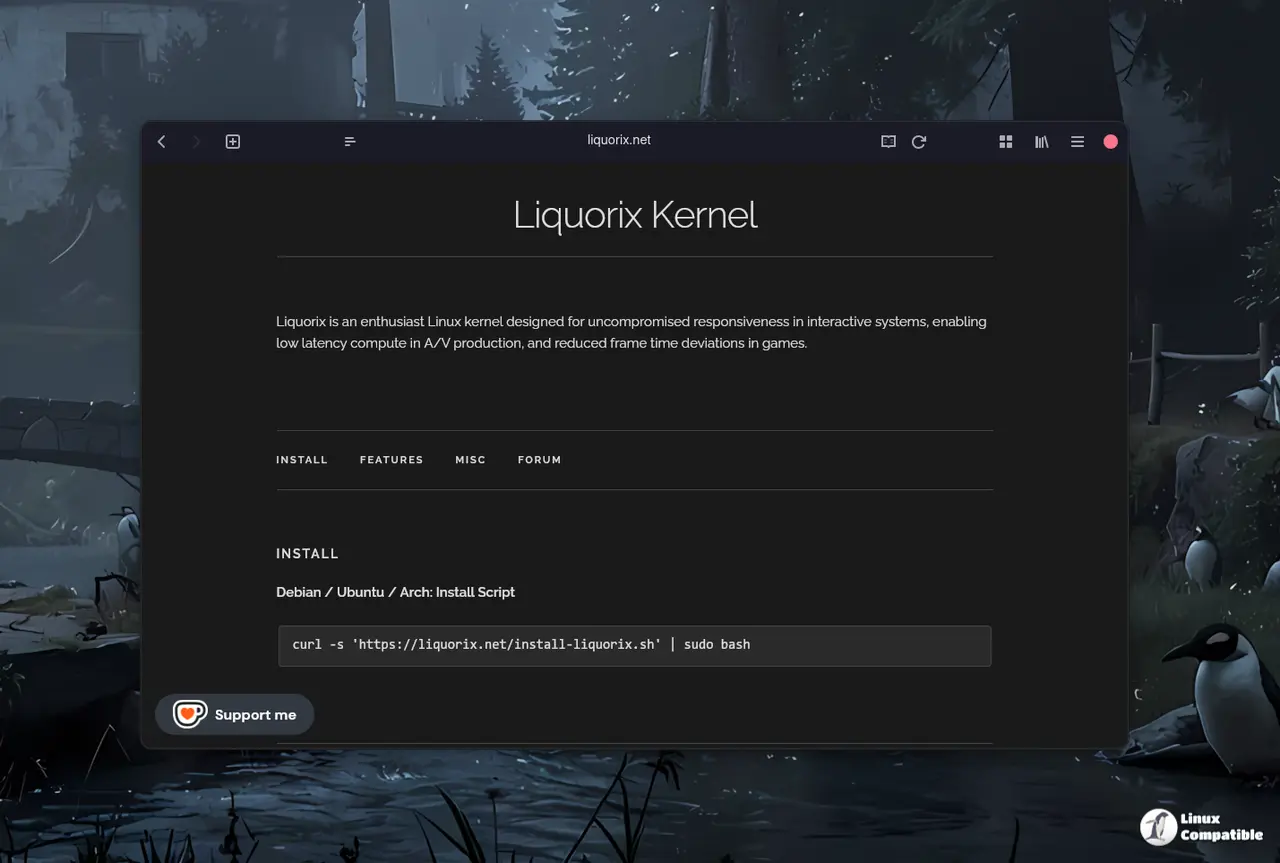
Getting the updated kernel onto a Debian or Ubuntu machine relies on a single curl command that fetches and executes the official setup script. Running:
curl -s 'https://liquorix.net/install-liquorix.sh' | sudo bash
pulls the latest binaries directly from the project servers and handles package dependencies without requiring manual repository edits. The script checks for existing kernel installations first, so it does not overwrite a working system by accident. Users should verify the output before pressing enter since elevated privileges are required to replace core system files. Once the installation finishes, a quick reboot activates the new scheduler settings and I/O tuning immediately.
What Changes Under the Hood Actually Matter
The block layer switches from mq deadline to kyber for multiqueue drives or bfq for older single queue hardware, which keeps disk access predictable during heavy file transfers. TCP congestion control moves to bbr2, allowing network connections to push data faster without waiting for traditional cubic algorithms to catch up. CPU frequency scaling gets a complete overhaul with the ondemand governor set to sample down at a factor of five and shift thresholds to fifty five percent for upsizing and sixty percent for downsizing. That adjustment stops the processor from idling too aggressively when short bursts of activity occur, which directly translates to fewer stutters in interactive workloads. Split lock detection turns off by default since most modern hardware handles those exceptions without needing kernel level mitigation overhead.
When This Liquorix Kernel Actually Makes a Difference
System administrators often notice input lag spike after a faulty graphics driver forces the scheduler into conservative fallback modes, which explains why the new hard preemption defaults matter so much for desktop responsiveness. Enthusiasts running high refresh rate monitors or chasing sub millisecond audio buffer times will feel the shift in task scheduling right away. The aggressive preemption model shines when compiling code while streaming media, since background tasks cannot starve foreground applications for processor cycles. Virtual machine users benefit from paravirtualization options enabled by default, which trims hypervisor overhead without requiring manual configuration tweaks. Systems with older storage controllers or heavy network traffic might see slightly higher power draw due to the aggressive CPU frequency scaling, but that trade off keeps input latency consistently low. The project maintains daily builds for Debian stable and testing branches, so Ubuntu users get matching packages within hours of each upstream release.


