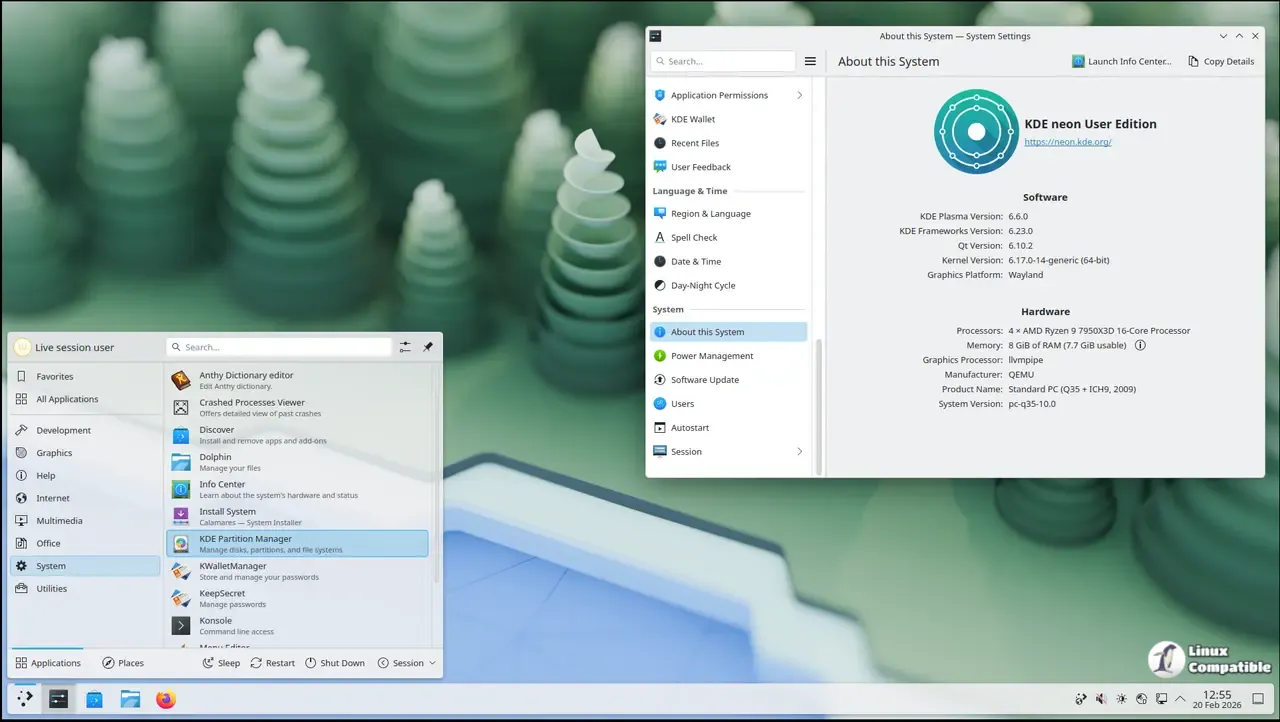
KDE neon 20260507 drops straight onto a stable Ubuntu LTS foundation and pushes unpatched Plasma updates the moment upstream developers release them. The distribution clearly targets desktop tinkerers who want bleeding edge tools, so anyone running mission critical work should probably stick to slower release cycles. Graphics driver support stays strictly limited to open source Nouveau, while traditional apt packages get filtered out in favor of Snap and Flatpak alternatives. Keeping the system from breaking requires running full-upgrade through the terminal or Discover, which means regular backups are basically mandatory before hitting refresh.
KDE neon 20260507 Release Brings Fresh Plasma to Ubuntu LTS, But Know the Tradeoffs First
The latest KDE neon build drops straight onto a stable Ubuntu base and pushes out unpatched Plasma updates without waiting for distro maintainers to approve them. This release keeps the rolling software model alive while sticking strictly to 64-bit hardware and HTTP download mirrors. Users who want bleeding edge desktop tools will get exactly what upstream developers shipped, but those chasing plug-and-play reliability should read the fine print before wiping a drive.
Who actually needs the KDE neon User Edition?
The distribution targets tinkerers and desktop enthusiasts who want the newest Qt libraries and Plasma features without waiting for a full release cycle. The User Edition offers a slightly more polished experience than the Testing or Unstable tracks, but it still skips thorough quality assurance on the complete software stack. Technicians frequently see systems lock up after a background library swap during a routine update, which explains why this setup demands comfort with terminal troubleshooting. Mission critical workstations should stick to distributions that delay packages for weeks rather than pushing them the moment they compile.
The Ubuntu base and rolling software model
The foundation stays locked on Ubuntu LTS releases, which means kernel and graphics stack updates arrive at a predictable pace while KDE applications jump ahead continuously. Main repository apps remain stuck around two years old because neon deliberately filters them out of Discover in favor of Snap and Flatpak packages. This approach keeps the desktop environment fresh but leaves users responsible for managing third party software compatibility. The developers explicitly warn against mixing traditional apt packages with the rolling KDE stack, since dependency conflicts will break the system faster than a bad driver update breaks Windows.
Hardware support and graphics drivers
Official support covers only the open source Nouveau driver for NVIDIA hardware, which handles basic desktop acceleration but struggles with modern gaming or heavy compositing workloads. Installing proprietary drivers from Ubuntu archives works in theory, yet neon refuses to back those installations if they brick the display server. Users who rely on specific GPU features should probably pick a distribution that maintains dedicated support channels for vendor drivers. The team also dropped 32-bit builds entirely since modern hardware rarely ships without 64-bit instruction sets anymore.
Updating and maintenance routines
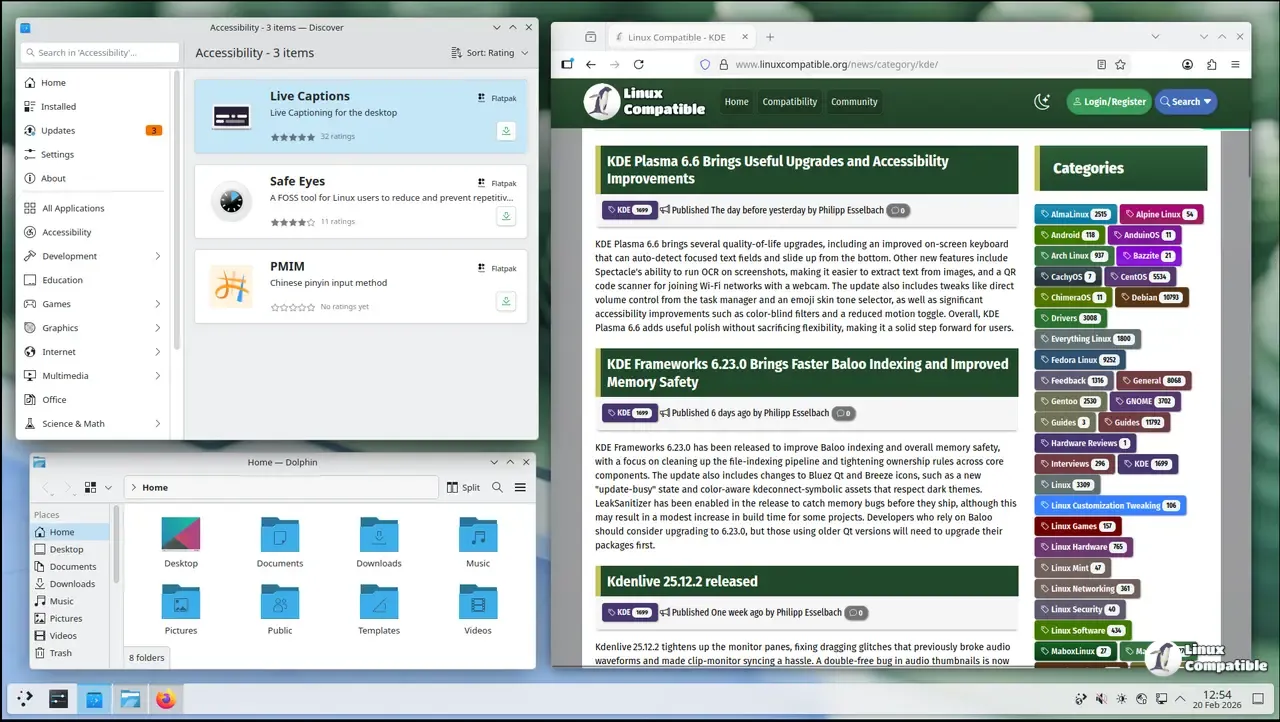
Keeping the system current requires running sudo apt full-upgrade instead of the standard upgrade command, because fast moving KDE packages often need dependency swaps that a normal upgrade refuses to perform. The developers actually block the regular upgrade switch and force users toward full-upgrade to prevent half installed states. Discover also provides a graphical updater in the panel for those who prefer clicking through prompts rather than typing commands. Regular backups before running these updates save hours of recovery work when a new Plasma component decides to drop a required library.
Grab the ISO, verify that GPG signature, and enjoy the freshest desktop environment available without waiting for distro release cycles. Keep an eye on forum threads when updates roll out, and you will likely find exactly what works best for your workflow.


