KDE neon 20260423 drops fresh Plasma updates and Qt libraries onto a stable Ubuntu base, targeting tinkerers who want bleeding edge desktop tools without waiting for full system refreshes. The setup deliberately skips corporate patches and forced configurations, which means technical users get exactly what upstream developers intended but must handle their own troubleshooting when things break. Graphics drivers especially fall outside official support, so anyone chasing high performance on NVIDIA hardware should expect to fix black screens or dependency conflicts independently. Keeping the system stable requires running sudo apt full-upgrade instead of standard upgrade commands, and casual desktop users will likely save themselves headaches by sticking with traditional LTS releases.
KDE neon 20260423 Brings Fresh Plasma Updates Without the Ubuntu Bloat
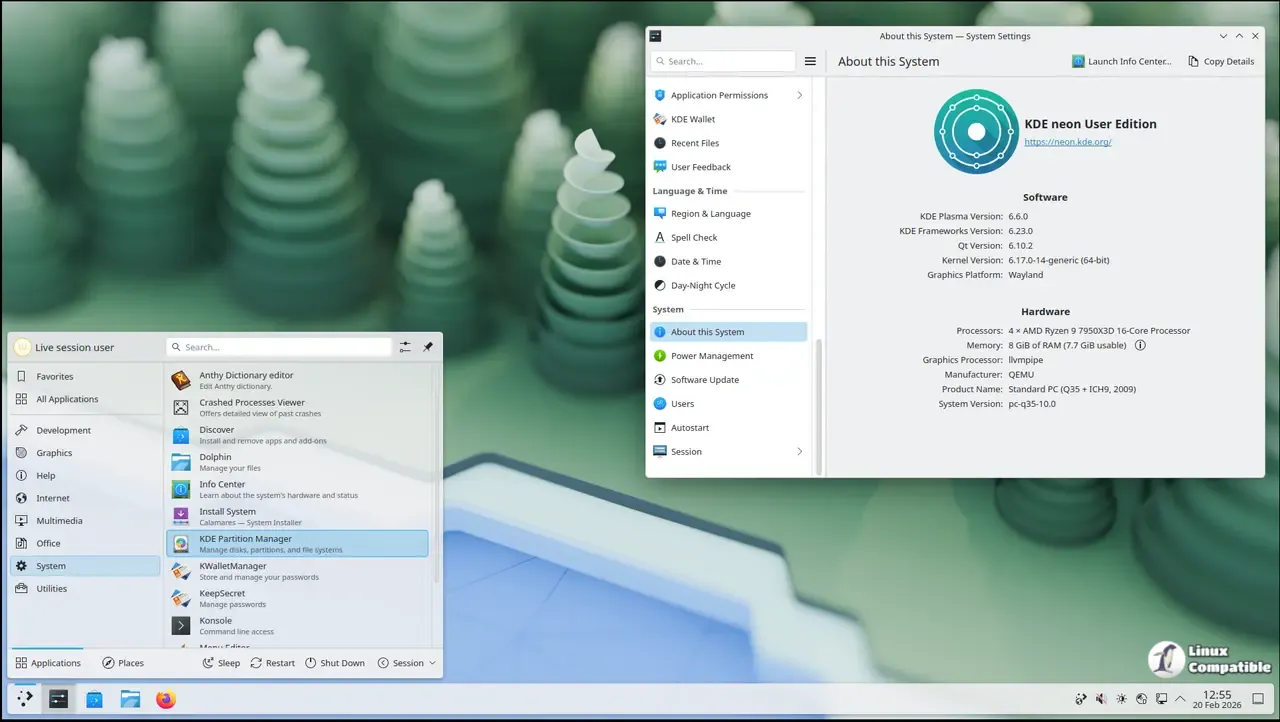
KDE neon 20260423 just dropped, and it keeps doing exactly what it has always done. This release delivers the latest Plasma desktop and Qt libraries straight from upstream without waiting for a full operating system refresh. Readers will learn how to install it safely, why the update process requires specific commands, and when this setup actually makes sense for daily driving.
Who Actually Needs KDE neon Right Now
The distribution targets users who want bleeding edge desktop environments without rebuilding their entire system from scratch. It sits on top of Ubuntu 24.04 LTS to keep the underlying kernel and core utilities stable while letting the KDE stack roll forward independently. Technical users will appreciate the lack of corporate patches or forced configuration changes, but casual desktop users should think twice before swapping over. System administrators frequently observe machines crashing after a rushed driver update on rolling software stacks, and this setup demands that same level of hands-on maintenance. If mission critical reliability matters more than having the newest file manager features, sticking with a traditional LTS release makes far more sense.
Navigating the NVIDIA Driver Situation
Graphics card support remains one of the trickiest parts of running a lean desktop environment. The open source Nouveau driver works out of the box for basic hardware acceleration, but anyone wanting proper gaming or workstation performance will need to install proprietary drivers through standard Ubuntu tools. The team does not provide official troubleshooting for those installations, which means broken X sessions and black screens become entirely personal problems. Users who rely on specific GPU features for rendering or video editing should probably stick with distributions that offer dedicated driver support channels. Installing third party graphics stacks always carries a risk of breaking package dependencies, so keeping a live USB handy before touching anything is not worth the risk.
Keeping KDE neon Updated Without Breaking It
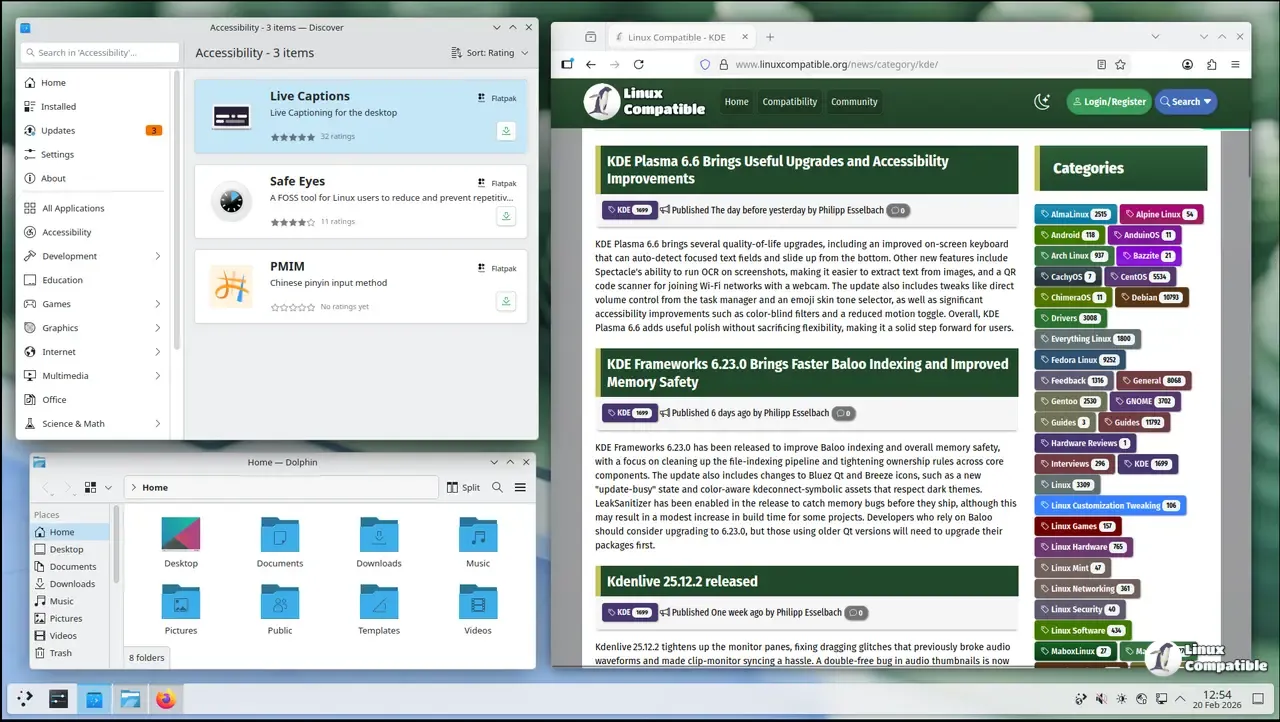
The update mechanism differs from standard Ubuntu workflows because the KDE stack moves faster than traditional release cycles. Running a normal upgrade command will leave packages stranded or cause dependency conflicts during fast moving software transitions. The correct approach requires pulling fresh metadata first with sudo apt update, then forcing a full system upgrade using sudo apt full-upgrade to handle package replacements and removals automatically. This two stage process ensures that newer Qt libraries replace older ones without leaving the desktop in an inconsistent state. Discover handles most of this visually for those who prefer clicking through panels, but command line users must remember the exact flags to avoid half installed applications.
Deciding Between User Edition and Testing Builds
The distribution splits its offerings into distinct tracks depending on how much instability a user can tolerate. The standard User Edition delivers polished desktop tools while still filtering out older repository packages in favor of modern containerized alternatives. Testing and Unstable editions skip the polish phase entirely, giving developers early access to features that might introduce regressions or crash loops. Most everyday users should stick with the main release unless they actively plan to file bug reports with upstream maintainers. Running beta software on a primary machine usually results in wasted evenings spent debugging configuration files instead of actually working.
Grab the ISO and keep an eye on the package manager logs during that first boot. The desktop will feel snappier with the newer libraries, but patience goes a long way when things inevitably need tweaking.


