KDE neon 20251030 has been released, offering users access to the latest KDE updates and software features. Based on Ubuntu's long-term support release, KDE neon showcases KDE software exactly as the developers intended it without patches or modifications. The distribution is geared towards tech-savvy individuals who value quick access to new KDE features and includes a rolling release model specifically for KDE software, where certain packages are updated as needed. Users can choose from various live images, including User Edition 64-bit, Testing Edition 64-bit, Unstable Edition 64-bit, and Developer Edition 64-bit, which cater to different levels of risk tolerance and testing needs.
KDE neon 20251030 released
KDE neon 20251030 has now been released, offering users access to the latest KDE updates, such as KDE Plasma 6.5. This cutting-edge Linux distribution serves as a perfect platform for adventurous users who want to try out new things and stay at the forefront of KDE software development.
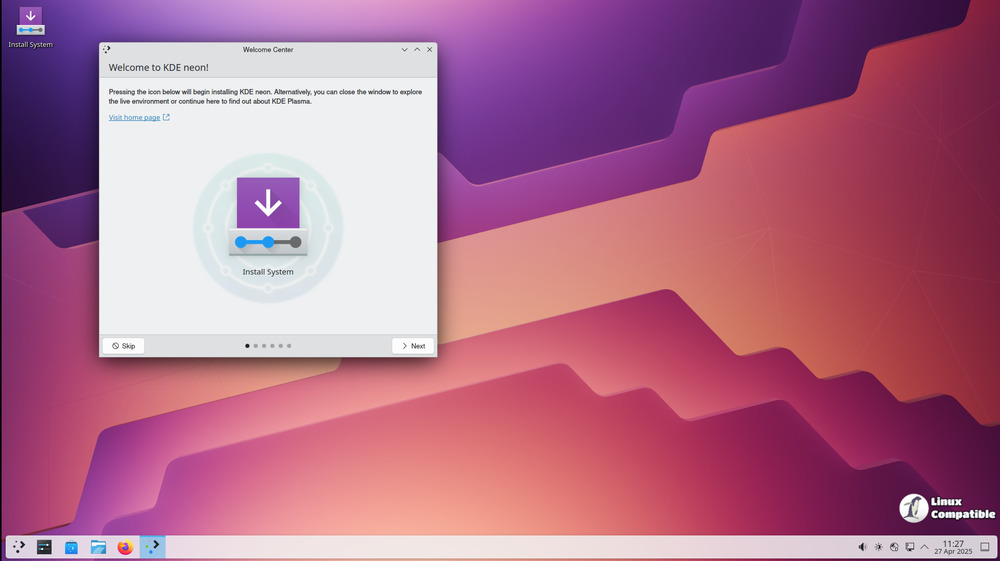
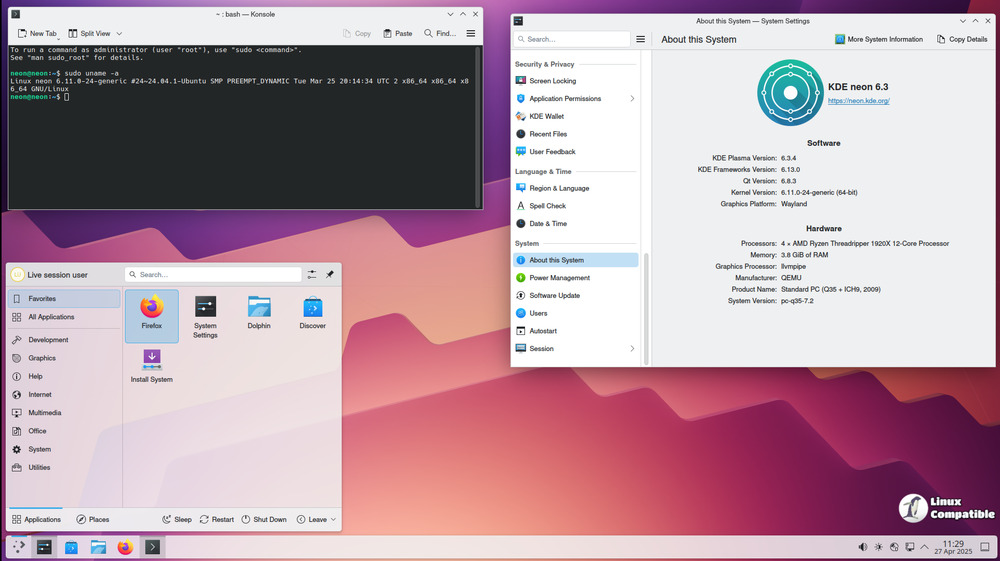
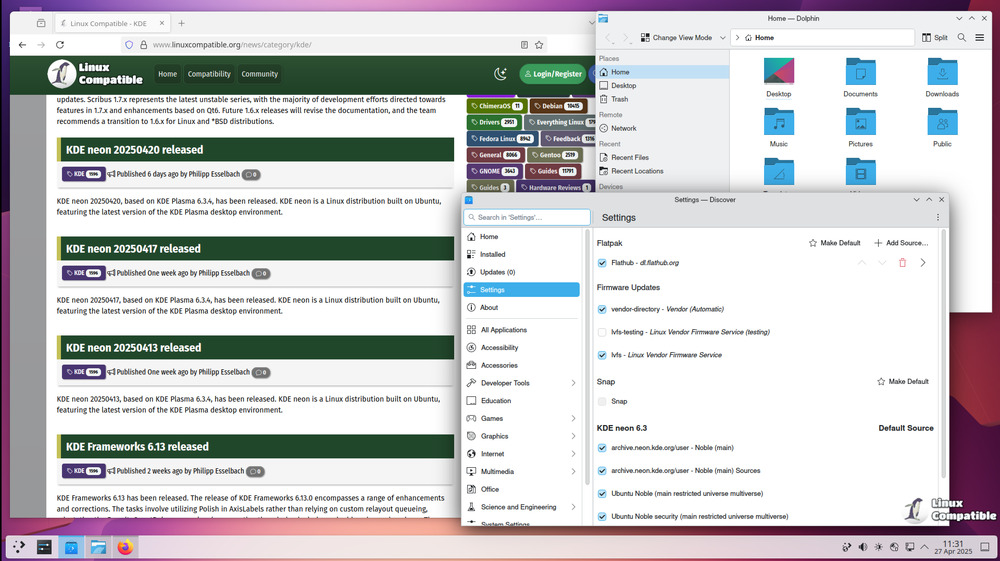
Based on Ubuntu's long-term support release (version 24.04), KDE neon showcases KDE software exactly as the developers intended it - without any patches or modifications to its default settings. This allows users to experience the latest features and capabilities that KDE has to offer.
KDE neon is geared towards tech-savvy individuals who value quick access to the newest KDE features. The "Testing" and "Unstable" editions are particularly suitable for those who want to try out unreleased KDE software and contribute to its improvement by serving as beta testers. However, it's essential to note that utilizing the latest software may compromise system stability compared to other distributions that require days or weeks for updates.
KDE neon is a unique distribution in several ways. Firstly, it uses the open-source Nouveau driver for NVIDIA graphics cards, which provides satisfactory performance for basic desktop use. Unfortunately, the proprietary NVIDIA driver isn't supported due to potential compatibility issues. Furthermore, KDE neon features a rolling release model specifically for KDE software, where the core Ubuntu system remains unchanged, but certain packages are updated as needed to accommodate newer library versions that KDE apps require.
One of the primary differences between KDE neon and regular Ubuntu is the inclusion of newer Qt packages and the latest KDE software. The team made this decision partly because of their familiarity with Ubuntu and its strong community backing, which also offers excellent third-party support. As a result, users can enjoy the newest KDE software without sacrificing stability or reliability.
Installing KDE neon requires basic system management skills, but it is accessible even for those new to Linux. However, having some fundamental knowledge of Linux can be beneficial in case issues arise during setup or usage.
It's also worth noting that KDE neon completely replaces Kubuntu when it comes to compatibility with other distributions. This means users cannot run both systems simultaneously, and transitioning from Kubuntu to KDE neon may require adjustments due to their similar basic features.
In addition, KDE neon offers alternative desktop environments to Plasma but does not recommend or support this feature since the primary focus is on KDE software.
One crucial aspect of KDE neon is that it's only available in 64-bit versions, which are designed for modern systems. To ensure authenticity and integrity, the images are GPG signed. The distribution is primarily through HTTP-based download mirrors due to some groups not supporting HTTPS.
KDE neon provides live images that enable users to try out and install the operating system without altering their existing computer settings. These live images cater to different levels of risk tolerance and testing needs, offering a range of versions, including User Edition 64-bit, Testing Edition 64-bit, Unstable Edition 64-bit, and Developer Edition 64-bit.
The User Edition is ideal for everyday users who prioritize reliability, as it includes the most recent official KDE software. In contrast, the Testing Edition and Unstable Edition are suited for those who want to test prerelease software and provide feedback to the development team. The Developer Edition caters specifically to developers and advanced users seeking to contribute to the growth of the KDE ecosystem by offering tools and libraries that facilitate creating and testing apps within the KDE environment.
To ensure authenticity, users can choose their preferred version and download it as a live image or torrent file along with its PGP signature. This procedure allows users to trust the safety of the software they're downloading. The live images provide a safe and easy way for users to explore the features and functions of this unique Linux distribution without changing their current operating system.
KDE neon Live Images
Live images are ideal for people who want a clean installation. Use a live image to replace your existing system, install alongside existing operating systems, or simply try KDE neon without affecting your computer.
If you intend to use KDE neon in a VirtualBox VM, please turn on 3D acceleration in the machine settings.


