Goverlay 1.8.0 Brings Much Needed Per Game Tweaks and a Cleaner Interface to Linux Gaming
Linux gamers have finally gotten a proper way to manage per title performance tweaks without breaking their global setup. Goverlay 1.8.0 lands with a complete interface overhaul, per game configuration for Steam, and several long standing bugs that used to clutter the system tray. This update actually fixes the messy state of desktop gaming utilities instead of just adding more toggle switches.
Goverlay 1.8.0 Modernizes the Interface and Status Cards
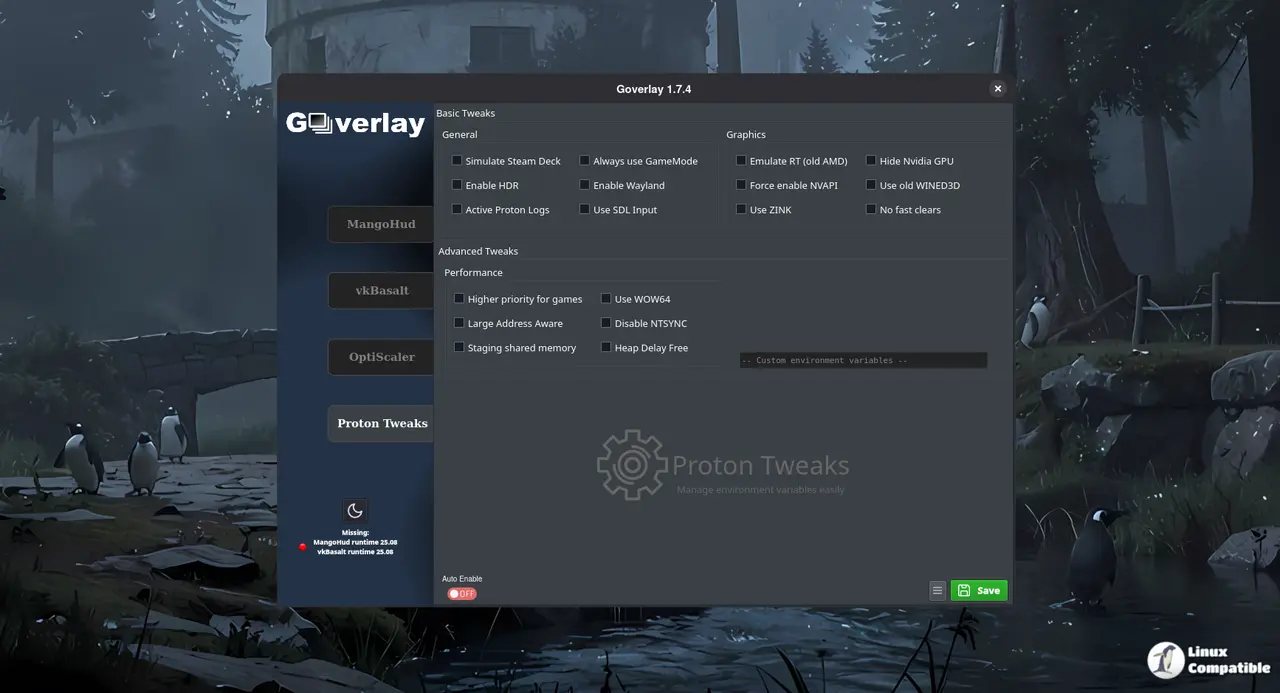
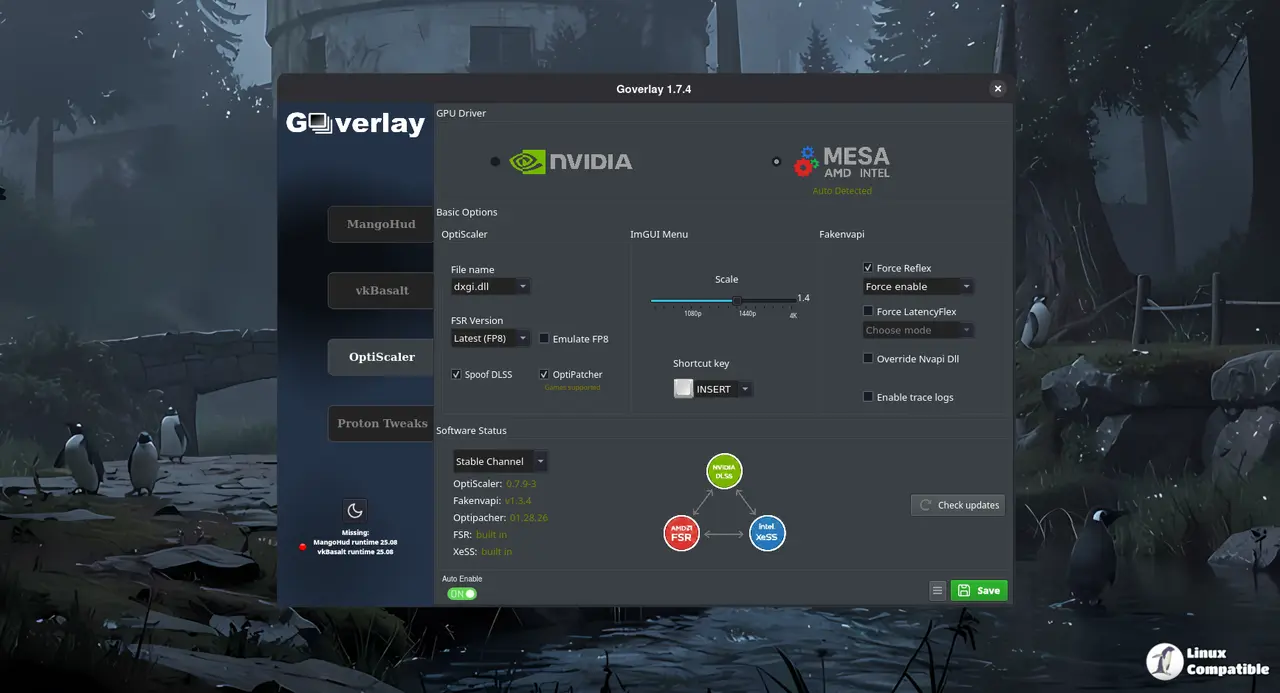
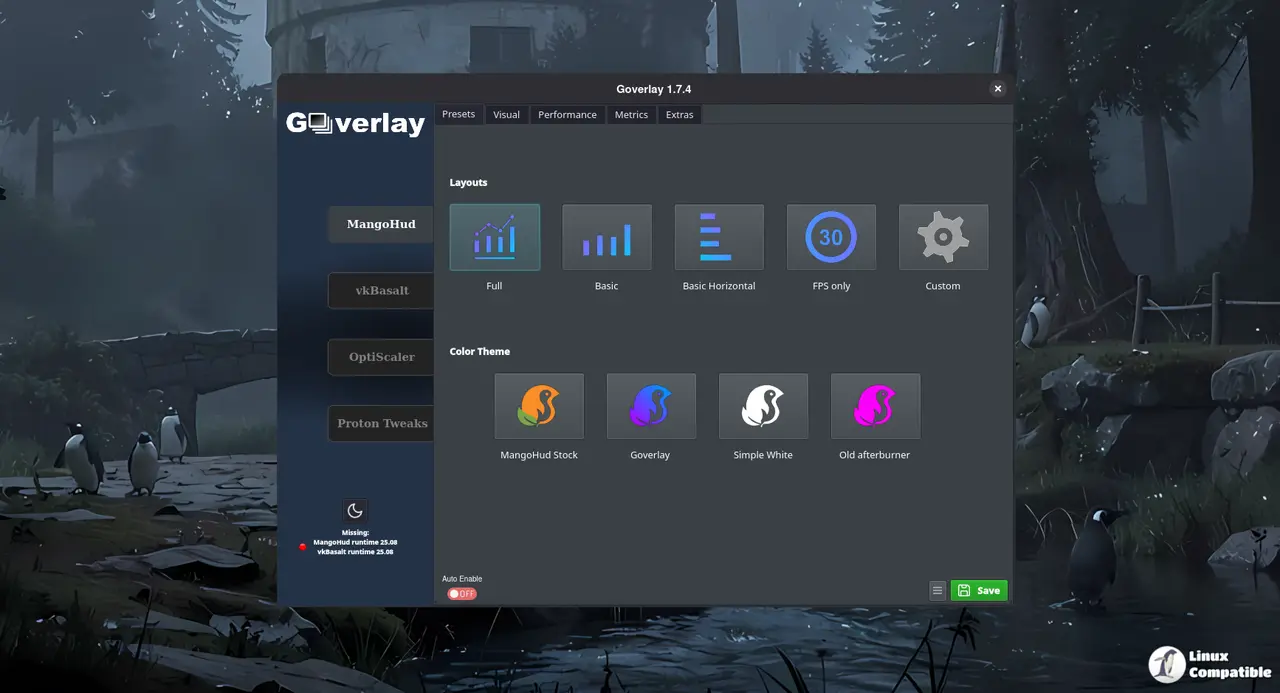
The old layout forced users to hunt through nested menus just to change a single overlay setting. This release moves global settings to the bottom of a collapsible sidebar and replaces the cluttered tabs with a flat Material Design 3 tweaks panel. A new system status card sits right in the main view so users can check GPU temperatures and VRAM usage without launching a separate monitoring tool. The darker color palette actually reduces eye strain during late night sessions instead of just looking fancy. Most utilities add more buttons than they remove, but this redesign keeps the workspace tight and functional.
Per Game Configuration Actually Works Now
Managing overlay settings across dozens of titles usually means editing config files by hand or accepting that one bad tweak breaks every game. The new per game mode lets users click any Steam library card to open a dedicated settings panel. Visual badges appear directly on those cards to show which tools like MangoHud or vkBasalt are currently active. Right clicking a game provides direct access to the installation folder or Steam Prefix without navigating through hidden directories. The one click reset option clears out leftover files when a game update breaks compatibility. This approach saves hours of troubleshooting that used to happen after every patch cycle.
Shortcut Capture and Under the Hood Fixes
Assigning hotkeys used to require guessing syntax or editing text files that would break on the next update. The interactive shortcut capture feature records key combinations directly from the keyboard, which removes the guesswork from overlay toggles. Users have seen this happen after a bad driver update, where the old version would constantly prompt for the same GPU choice until the config file finally stuck. OptiScaler now saves those selections to goverlay.conf so the system stops asking for the same choice after every reboot. The constant update notification bug that flooded the system tray has been patched, and the utility no longer accidentally deletes ReShade dxgi.dll files. File management logic also stops creating unnecessary ~/.var directories that clutter the home folder. These changes prove the developers actually read bug reports instead of just shipping new features.
Install via AppImage
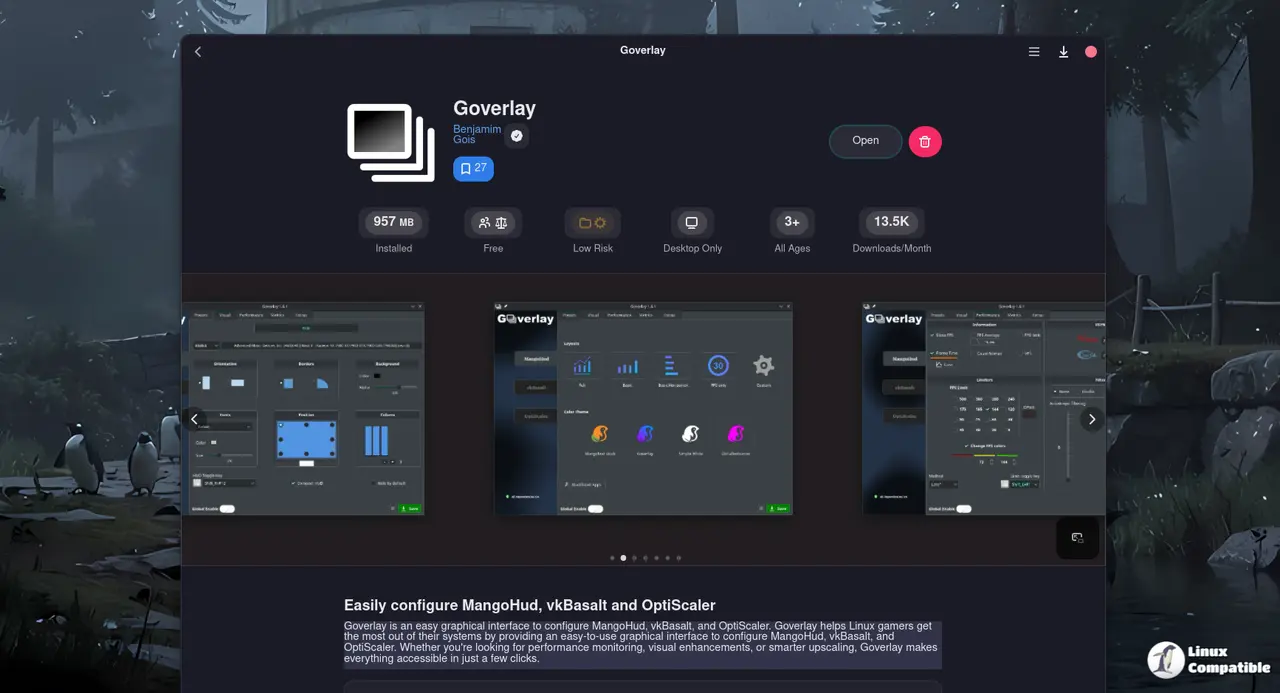
Goverlay is available as an AppImage. After making it executable you can launch it directly:
chmod +x goverlay_1_8_0.AppImage
./goverlay_1_8_0.AppImage
Because the binary carries its own Qt stack, you avoid “missing libqt6pas” errors that sometimes bite Arch users who install from the AUR. The downside is no automatic updates – you’ll have to replace the file manually when a newer version appears.
Install via Flatpak
Flatpak bundles everything Goverlay needs, so you won’t end up chasing missing Qt libraries later. First add Flathub (if it isn’t already there) and then pull in the overlay together with the required Vulkan layers:
flatpak remote-add --if-not-exists flathub https://dl.flathub.org/repo/flathub.flatpakrepo
flatpak install flathub io.github.benjamimgois.goverlay \
    org.freedesktop.Platform.VulkanLayer.MangoHud//25.08 \
    org.freedesktop.Platform.VulkanLayer.vkBasalt//25.08 -y
Keep the overlay tools you actually use and let Goverlay handle the rest. The update installs cleanly over the previous version, so there is no reason to wait. Check the official repository for installation instructions and drop by the community forums if a specific game refuses to cooperate.


