How to Test the Fedora 44 Release Candidate Without Breaking Your Main Machine
The Fedora 44 release candidate RC-1.5 just dropped, and the quality team needs fresh eyes on the build before it goes final. This guide covers what actually matters for desktop users and server admins who want to validate the update without wasting time on redundant checks. Testing a pre-release build requires a specific setup and a clear understanding of which components tend to break first.
Setting Up a Safe Testing Environment
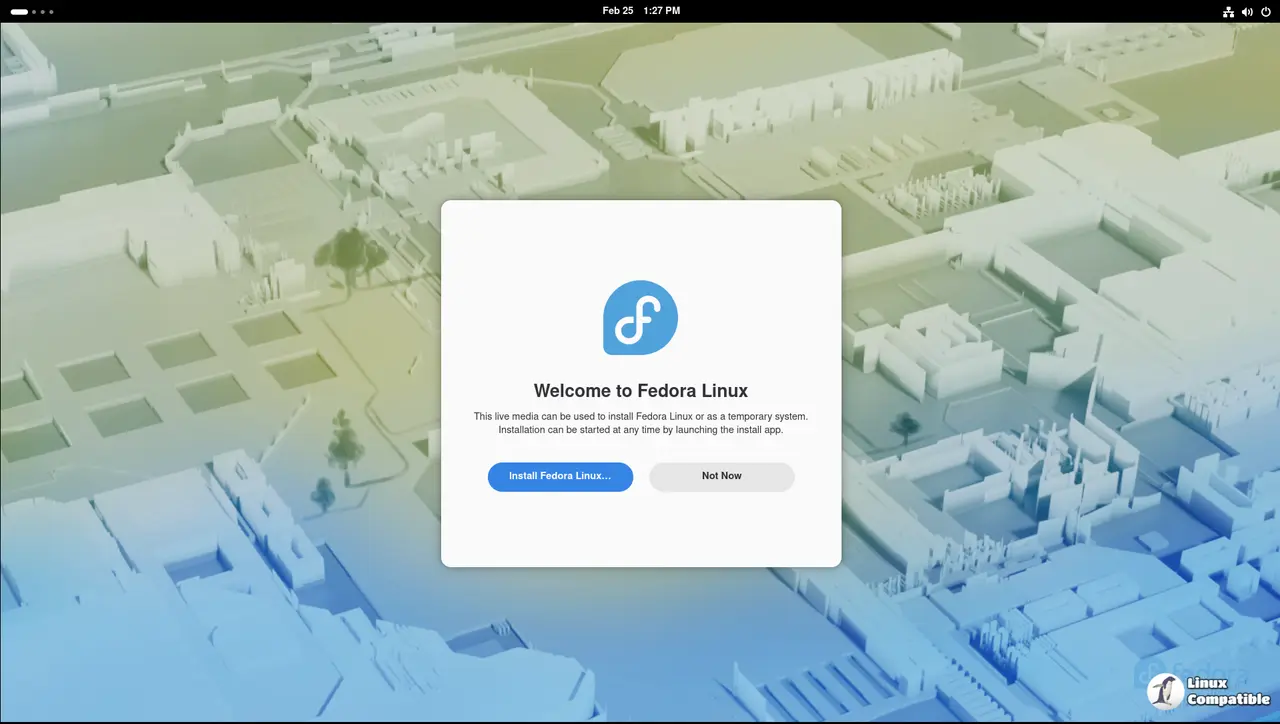
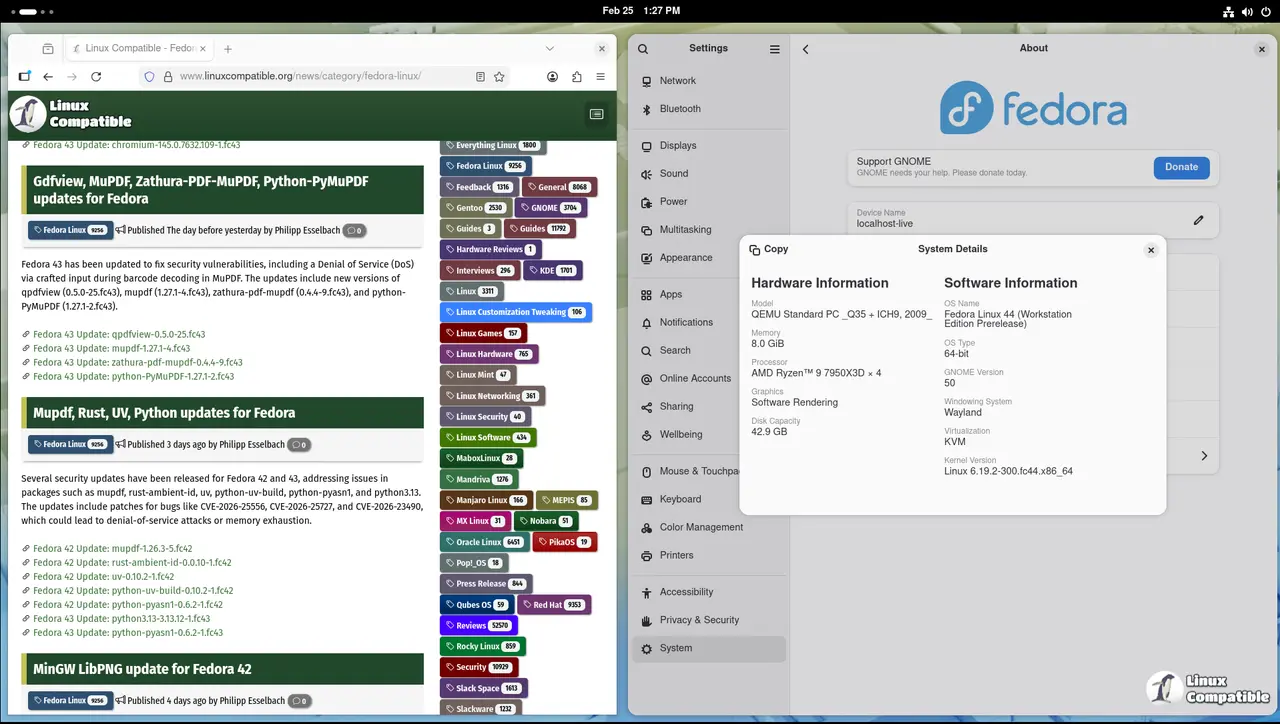
The Fedora team expects testers to run the RC images on virtual machines or spare hardware rather than touching production systems. Virtualization software like QEMU or KVM works perfectly fine for desktop validation, while cloud images should go straight into isolated test accounts. Running the build inside a snapshot-enabled VM makes it trivial to roll back if the display server crashes or the package manager chokes on dependencies. The quality team tracks results through openqa.fedoraproject.org, so every successful boot and failed driver load gets logged automatically.
Validating Desktop Workflows in the Fedora 44 Release Candidate
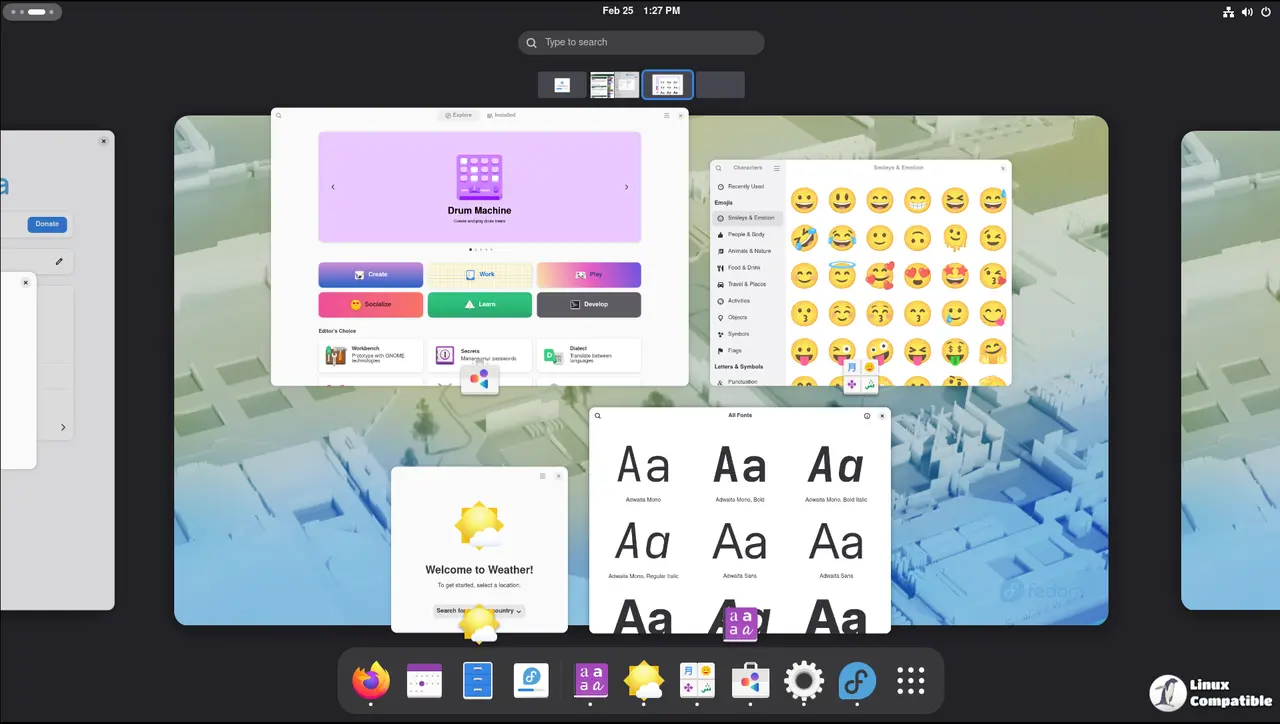
Most people assume testing means clicking around until something breaks, but the RC validation plan focuses on core functionality that affects daily workflows. Graphics stack stability remains the biggest pain point after every major update, so checking Wayland compositing and external monitor scaling should come first. Package installation through dnf or GNOME Software needs to handle updates without leaving half-installed files behind. Audio routing through PipeWire often trips up users with USB headsets or Bluetooth dongles, so verifying audio capture and playback across different input devices saves the QA team hours of debugging later. Multiple RC cycles have stalled because developers missed how certain NVIDIA drivers handle hybrid graphics under Wayland, which is why testing display output on multi-monitor setups matters more than clicking through the installer.
Server and Cloud Validation Priorities
System administrators testing the server variant should focus on service management and network stack behavior rather than graphical interfaces. The systemd journal needs to log boot sequences cleanly, and firewall rules must survive a full reboot without dropping active connections. Cloud images require validation of cloud-init scripts and automatic hostname assignment during first boot. Running automated test suites against the base install helps catch regressions in storage drivers or filesystem handling before they hit production environments.
Reporting Results Without Wasting Time
The Fedora quality team tracks every test case through a centralized wiki, and submitting results follows a straightforward process that avoids duplicate entries. Testers should grab the official image from the download portal, run the validation checklist, and paste the output into the designated summary page. If a specific component fails, reporting it to the blocker bugs tracker with exact reproduction steps helps developers prioritize fixes before the final release. The quality chat channels stay active during testing windows, so asking about edge cases or sharing workarounds keeps the community moving forward.
Grab a spare drive or spin up that old VM you have sitting around. Testing pre-release builds never hurts anyone who wants a smoother upgrade cycle next month. Happy debugging.


