Fedora Linux 44 RC 1.3 Is Ready for Testing and Here is How to Actually Help Without Losing Your Mind
The third release candidate for Fedora Linux 44 just dropped and the quality assurance team needs fresh eyes on the installer, desktop environment, and server components before the final release locks down. This guide walks through exactly where to grab the images, how to run meaningful tests without wasting hours on false positives, and what actually counts as a blocker bug versus normal development noise. Getting involved now saves everyone from chasing regressions later when the official build ships.
Grabbing and Verifying the Right Images
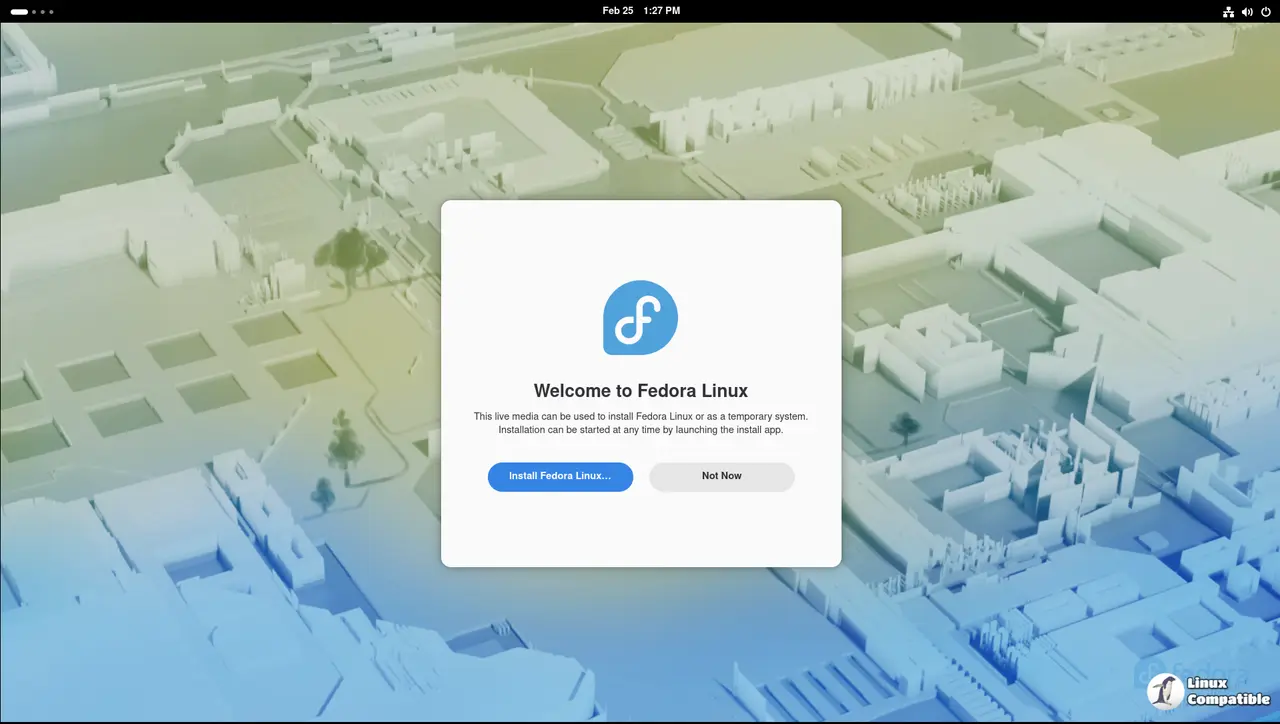
Fedora 44 RC-1.3 covers multiple architectures and desktop flavors, so picking the wrong ISO is the fastest way to waste an afternoon. The official test results page hosts verified downloads for Workstation, Server, Cloud, and Security Lab spins. Always check the SHA256 checksum before burning anything to a USB drive or mounting it in a virtual machine. A mismatched hash usually means a corrupted download or a mirror that refused to sync properly. Running sha256sum Fedora-44-RC-1.3-x86_64.iso and comparing the output against the published value takes thirty seconds and prevents hours of debugging installation failures that were never actually bugs in the release itself.
Running Tests That Actually Matter
The Fedora quality team tracks coverage across installation, base system, desktop, and server workloads, but not every test case needs a full bare metal install. Virtual machines with nested virtualization enabled handle most desktop and cloud validation tasks without touching primary hardware. The real value comes from testing edge cases that break daily workflows, like switching between Wayland and X11 sessions after a kernel update or verifying network manager reconnects properly when waking from suspend. Report findings on the dedicated test results wiki page with exact reproduction steps, journalctl logs, and whether the issue happens consistently or only under specific conditions. Vague reports like it just broke get closed faster than a leaky faucet in a thunderstorm.
Understanding Fedora 44 RC-1.3 Blockers and Release Criteria
Not every bug stops the release train from leaving the station. The current blocker list tracks issues that violate core release criteria, such as broken package installation, missing critical drivers, or security regressions that expose default services to unauthenticated access. Everything else falls into normal development noise unless it directly impacts the primary use case for a given spin. The quality team enforces strict pass rates on RC priority test cases before approving the candidate status, so hitting those benchmarks requires consistent reporting across different hardware configurations and desktop environments. Checking the blocker bug tracker daily helps filter out low priority complaints and focuses effort on issues that actually threaten the final build.
Where to Get Help Without Wasting Time
The Fedora quality channels move fast and duplicate reports get buried within minutes. Jump into the official Matrix chat room or browse the Discourse quality tag when stuck on test procedures or image verification steps. The mailing list archives serve as a historical record for edge case discussions, but real time troubleshooting happens in the chat rooms where maintainers actively monitor incoming reports. Tagging issues with the exact Fedora version, hardware model, and desktop environment speeds up triage significantly. Keeping notes on what was tested, what failed, and which workarounds were attempted prevents duplicate submissions that clutter the bug tracker.
The release candidate window stays open long enough for thorough testing but short enough to keep the schedule on track. Grab an image, run a few targeted tests, and drop your findings where they will actually get reviewed. Happy debugging.


