Debian 13.6 Trixie live images drop as volatile RAM sandboxes that erase every config and package on shutdown unless you manually wire up persistence first. Desktop stacks like GNOME 48, KDE Plasma 6.3, and Xfce 4.20 get stability tweaks that prioritize smoother navigation over feature bloat. On the backend, the release finally tackles the expired 2013 UEFI Secure Boot certificate with updated fwupd and shim packages while patching critical vulnerabilities across Chromium, Firefox, nginx, and the kernel.
Debian 13.6 Trixie Live Images Drop With RAM-Only Sandboxing and Critical Secure Boot Fixes
Testing your next setup without bricking your main drive.
Debian has released the 13.6 Trixie live images, delivering a volatile, RAM-resident testing environment alongside a massive security overhaul and desktop environment updates. If you boot these ISOs, you get a clean sandbox that never touches your primary storage. Every configuration change and installed package vanishes the moment the machine powers off, unless you manually wire up persistence storage first. The distribution also slaps dozens of security advisories across Chromium, Thunderbird, Firefox ESR, openssl, and nginx, while finally addressing the long-overdue expiration of the 2013 UEFI Secure Boot certificate.
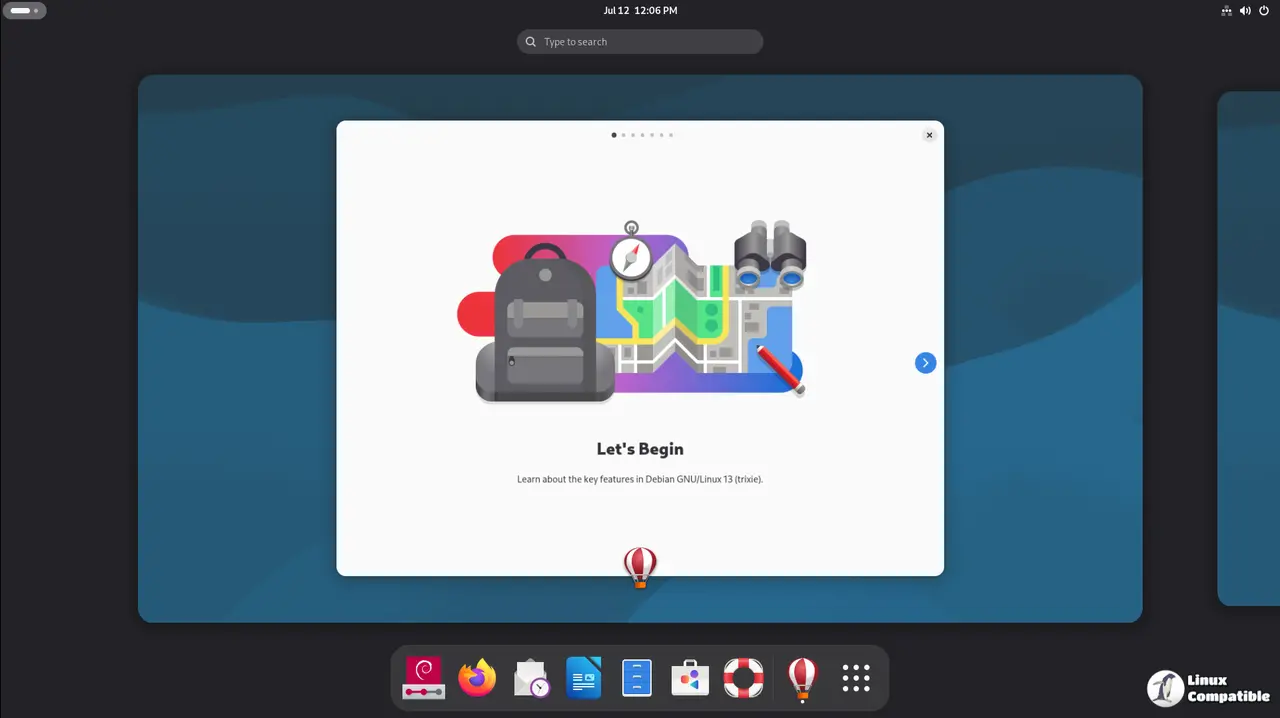
Desktop Environments Shift Toward Housekeeping Over Feature Chasing
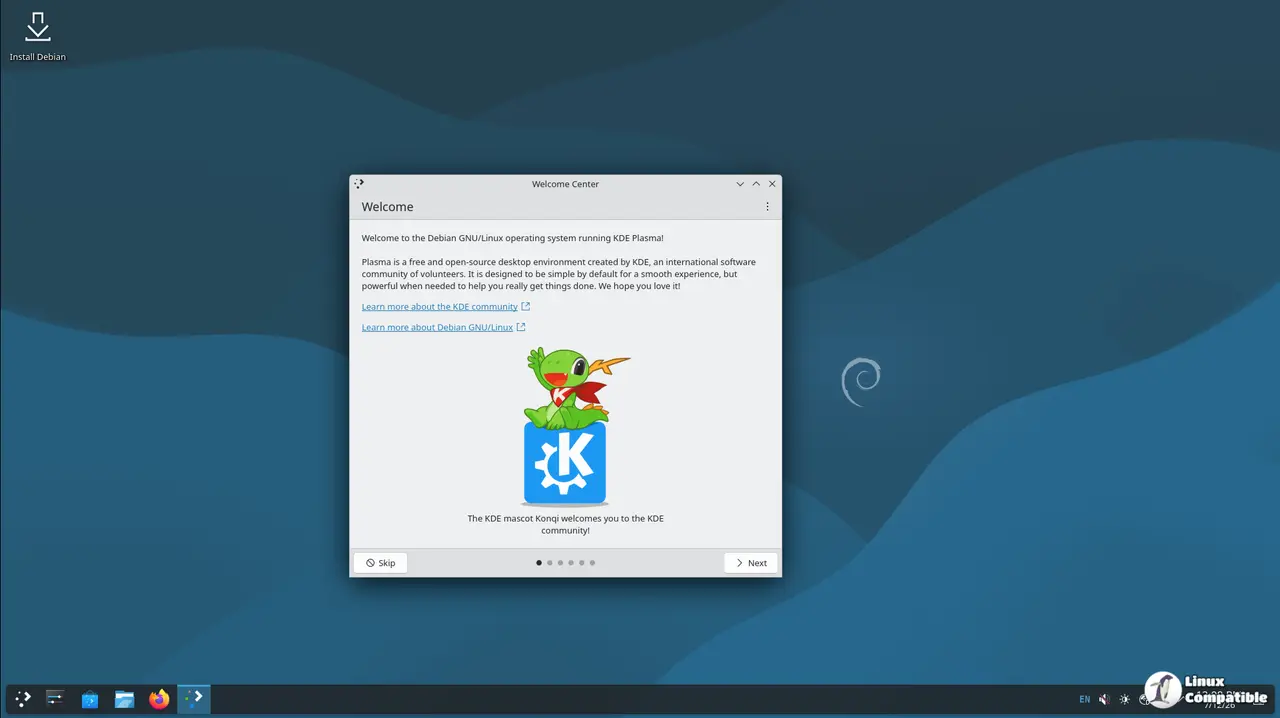
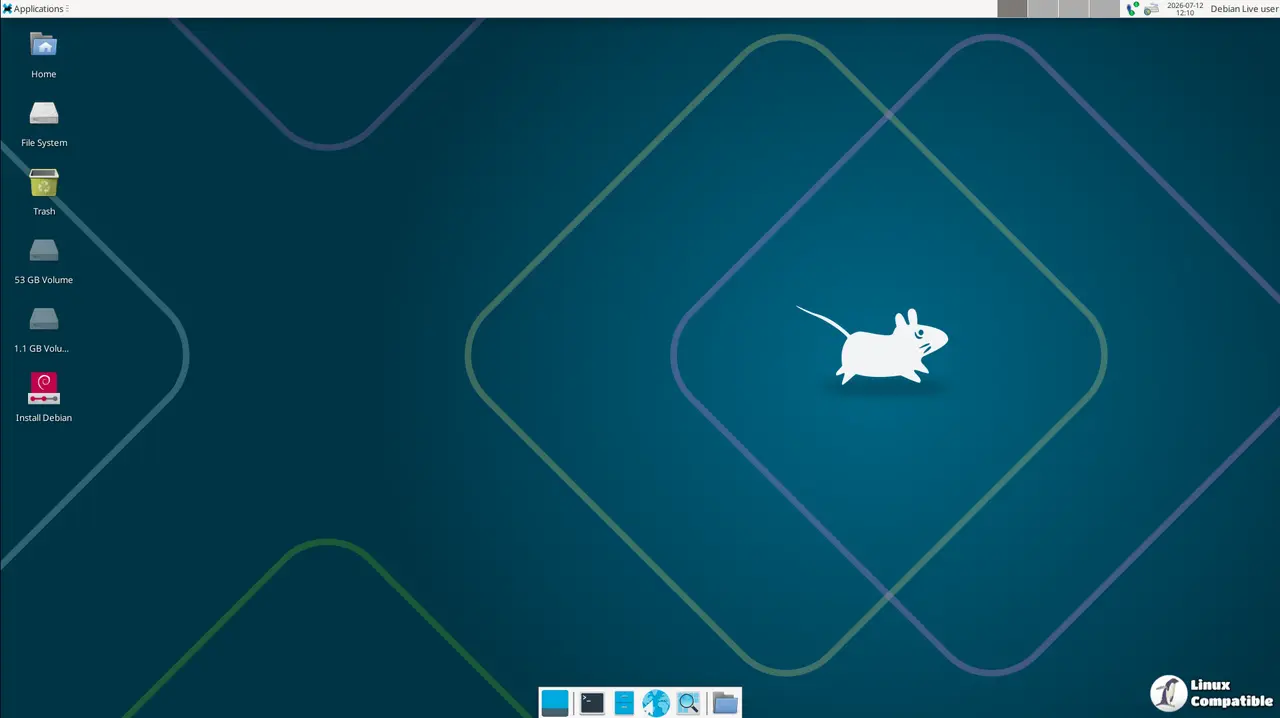
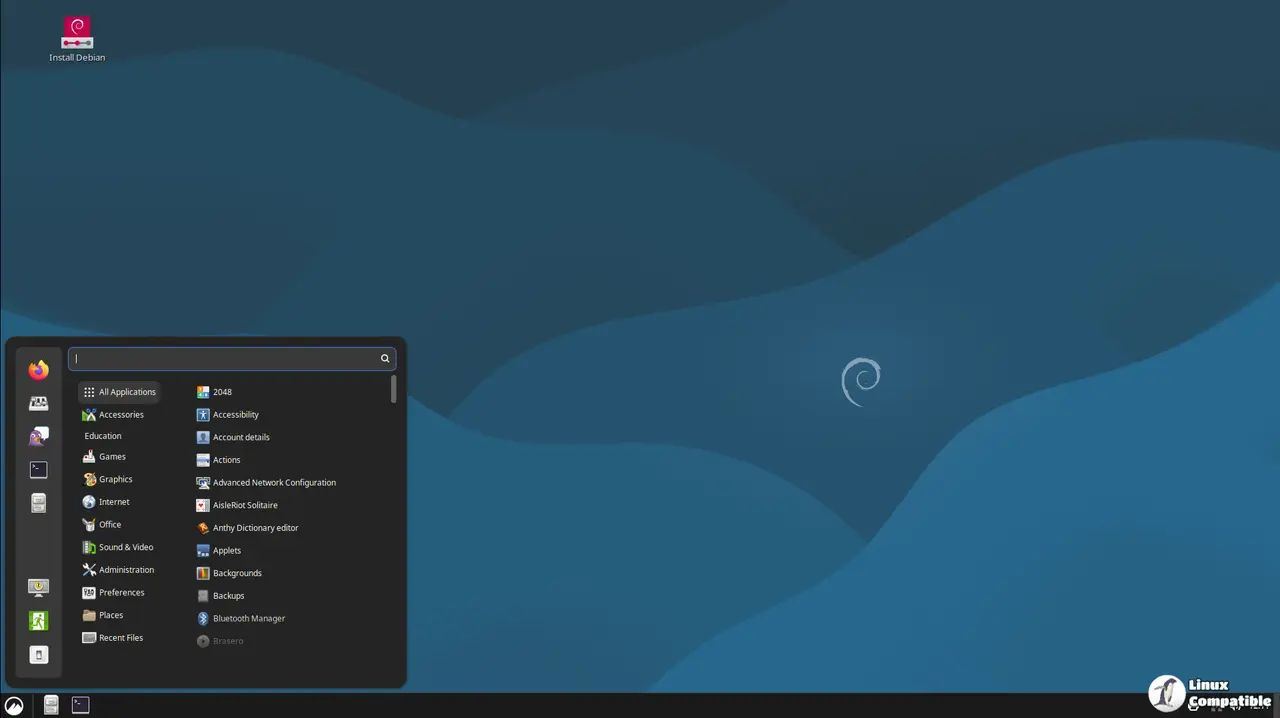
The live images ship with refined desktop builds that prioritize stability and workflow friction over flashy new toys. GNOME 48 arrives with a refreshed file manager that respects custom column sorting and keeps view toggles closer to the top of the window. KDE Plasma 6.3 brings improved panel performance, a redesigned task manager with better filtering, and a cleaner logout screen. Xfce 4.20 lands with lighter default settings, a more intuitive panel configuration dialog, and faster file browsing through Thunar. Cinnamon 6.4.10 tightens the panel item layout, improves Nemo and Caja switching speed, and trims launch latency.
MATE 1.26 rounds out the traditional stack with enhanced panel editor controls and tighter tagging support in Caja, while LXQt and LXDE 0.99.3 continue their decades-long commitment to minimal resource footprints. The file manager updates across these environments focus on reducing dialog clutter and keeping frequently used controls within a single click. It’s a rather conservative approach to desktop updates, though the reduced friction for sorting and view switching does make daily navigation noticeably smoother. Skip the feature sprinting and focus on reliability. That’s exactly what this release does.
Secure Boot Certificates Die. The Security Patch Flood Hits Everything Else.
The 2013 UEFI Secure Boot certificate just expired. That’s not a drill. fwupd has been bumped to upstream version 2.0.20 specifically to handle the migration, allowing users to update the CA, KEK, and revocation databases on the fly. Debian’s security tracking team updated shim, shim-signed, and the shim-helpers-* packages to align with Microsoft’s 2023 UEFI CA requirements. Without applying these updates, future bootloader patches could leave systems unable to boot with Secure Boot enabled. If you’re still running hardware from the mid-2010s, you’ve probably felt the friction of firmware certificate rollovers before. This release treats it as a hard deadline rather than a soft warning.
Beyond the firmware chain, the security advisories span everything from network daemons to database engines. Chromium pulls in patches across DSA-6250 through DSA-6384. Thunderbird and Firefox ESR receive parallel fixes for rendering and networking vulnerabilities. nginx, apache2, haproxy, and varnish get updated to address remote code execution and denial-of-service vectors. The kernel gets a ABI bump to 6.12.94+deb13 across DSA-6274, DSA-6295, DSA-6305, and DSA-6355, while cryptography packages like openssl, libgcrypt20, and haveged get hardened against known exploit paths. The geoip-database package also got reverted to a DFSG-compatible snapshot from December 2019, since upstream data no longer meets Debian’s licensing requirements. You’ll need to source fresh GeoIP data directly from the vendor if you depend on it.
Keep in mind that this sandbox exists for exactly one reason: testing without consequences. The RAM-only architecture prevents accidental system corruption, but it also breaks the mental model of most desktop users who expect settings to survive a shutdown. Treating the live session as strictly read-only saves hours of debugging later. The persistence documentation isn’t optional. Read it before you start compiling kernels or patching drivers.
Grab the ISOs from the official Debian mirrors, mount them to a test VM or a spare USB stick, and keep the Secure Boot migration guide open during your first boot. The wiki page covers the exact fwupd commands and OEM CA steps, and you’ll want them ready before the system asks for a passphrase.
Grab the images from the links below and start testing:
| Desktop Environment | Key Features & Highlights | Direct Download Link |
|---|---|---|
| GNOME | GNOME 48, refreshed file manager, improved sorting/layout logic, streamlined controls |  GNOME ISO GNOME ISO |
| KDE Plasma | Plasma 6.3, updated Task Manager, Dolphin/Spectacle/KRunner integration, logout screen redesign | KDE ISO |
| Xfce | Xfce 4.20, lightweight & highly customizable, Thunar & Leafpad, intuitive panel settings | Xfce ISO |
| Cinnamon | Cinnamon 6.4.10, optimized panel UI, Nemo/Caja file manager support, faster app launching | Cinnamon ISO |
| MATE | MATE 1.26, Caja/Pluma/Gedit, MATE Tweak & Panel Editor, highly adaptable classic desktop | MATE ISO |
| LXQt | Lightweight LXQt desktop, LXAppearance theming, QTerminal, session management tools | LXQt ISO |
| LXDE | Classic LXDE 0.99.3, Openbox WM, PCManFM, ultra-low resource usage for older hardware | LXDE ISO |


