Bazzite Linux 44.20260501.1 drops a quiet but necessary kernel upgrade to version 6.19.14 alongside tighter CPU scheduling that actually cuts input lag during heavy gaming sessions. The release keeps Lutris preinstalled so non-Steam libraries from Epic, GOG, and Ubisoft drop straight into Gaming Mode without forcing users to wrestle with Wine prefixes or manual compatibility scripts. Current owners can safely jump to the new build using the built-in rollback helper, which backs up the existing configuration before pulling the update to prevent half-finished installs. It is exactly the kind of practical maintenance release that keeps Linux gaming from falling apart when drivers inevitably break.
Bazzite Linux 44.20260501.1 Brings Kernel Upgrades and Better CPU Scheduling for Steam Deck-Style Gaming
Bazzite Linux 44.20260501.1 lands with a quieter but more practical set of changes than most major distro releases. The update focuses on kernel stability, improved CPU scheduling for responsive gameplay, and tighter integration for non-Steam libraries. Anyone running a gaming-focused Linux setup will find the new scheduler tweaks worth testing before chasing flashy desktop environments.
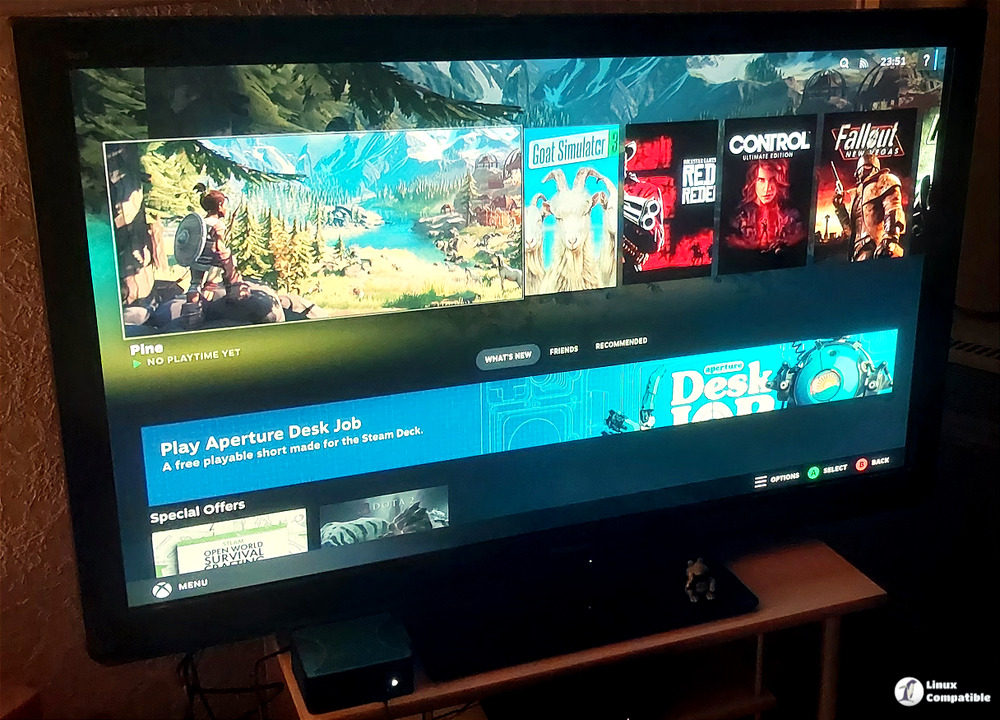
The Kernel Jump and Why It Actually Matters
The most visible change in this release is the move to kernel 6.19.14 from version 6.19.11. Kernel updates often get dismissed as boring maintenance, but they directly control how graphics drivers talk to the hardware. Users frequently notice systems stutter or drop frames after a bad driver update until the underlying kernel catches up with proper scheduler fixes. The new CPU scheduling tweaks in this build aim to reduce input lag during heavy gaming sessions by prioritizing game threads more aggressively. Framework laptop owners also receive an updated kmod package that keeps hardware quirks from breaking display output or battery management routines.
Non-Steam Games Without the Launcher Mess
Lutris ships pre-installed and handles the messy part of running games from Epic, GOG, EA App, Ubisoft Connect, and even Xbox Game Pass through battle.net. Most Linux gaming guides waste pages explaining how to manually patch Proton compatibility layers or fight with Wine prefixes that break after a Windows update. Bazzite skips that headache by letting those external launchers drop straight into Steam Gaming Mode. The integration handles controller mapping and fullscreen transitions automatically, so players can jump from an EA App title to a GOG release without leaving the big picture interface. It even supports older media formats and niche storefronts that usually require manual script editing on other distributions.
Updating Bazzite Linux 44.20260501.1 Without Bricking Your Setup
Rolling out this version relies on the built-in rollback helper instead of chasing raw ostree commands or risking a broken package manager. The tool checks the current branch state before pulling the new image, which prevents the kind of partial updates that leave systems unbootable after a failed download. Users running the latest stable track can simply run bazzite-rollback-helper rebase stable to grab the newest build automatically. Those who prefer pinning to exact release dates should use bazzite-rollback-helper rebase 44.20260501.1 instead. The helper also backs up the current configuration state, so a bad driver or broken game launcher can be rolled back without reinstalling the whole system.
bazzite-rollback-helper rebase stable
That tells the system to pull the latest stable manifest, which now points to 44.20260501.1. If you prefer to lock onto this exact build rather than whatever future “stable” may become, invoke the same script with the explicit version string:
bazzite-rollback-helper rebase 44.20260501.1
Grab the ISO if building fresh hardware or just want a cleaner desktop Linux setup that actually respects your time. The update process is straightforward, and the framework upgrades alone make the switch worth checking out.
Give the scheduler tweaks a spin on the main rig before pushing it to secondary machines. Gaming Linux keeps getting less painful, and this release proves that quiet kernel work usually beats flashy UI changes every time.


