Bazaar 0.8.0 Adds Direct Flatpak Bundle Installation and Cache Management for GNOME
Bazaar 0.8.0 arrives with features that bridge the gap between GUI convenience and raw Flatpak functionality, allowing users to install local bundles directly and manage app caches without leaving the interface. The release also brings memory optimizations and UI refinements that make the GNOME app store feel more responsive for daily use.
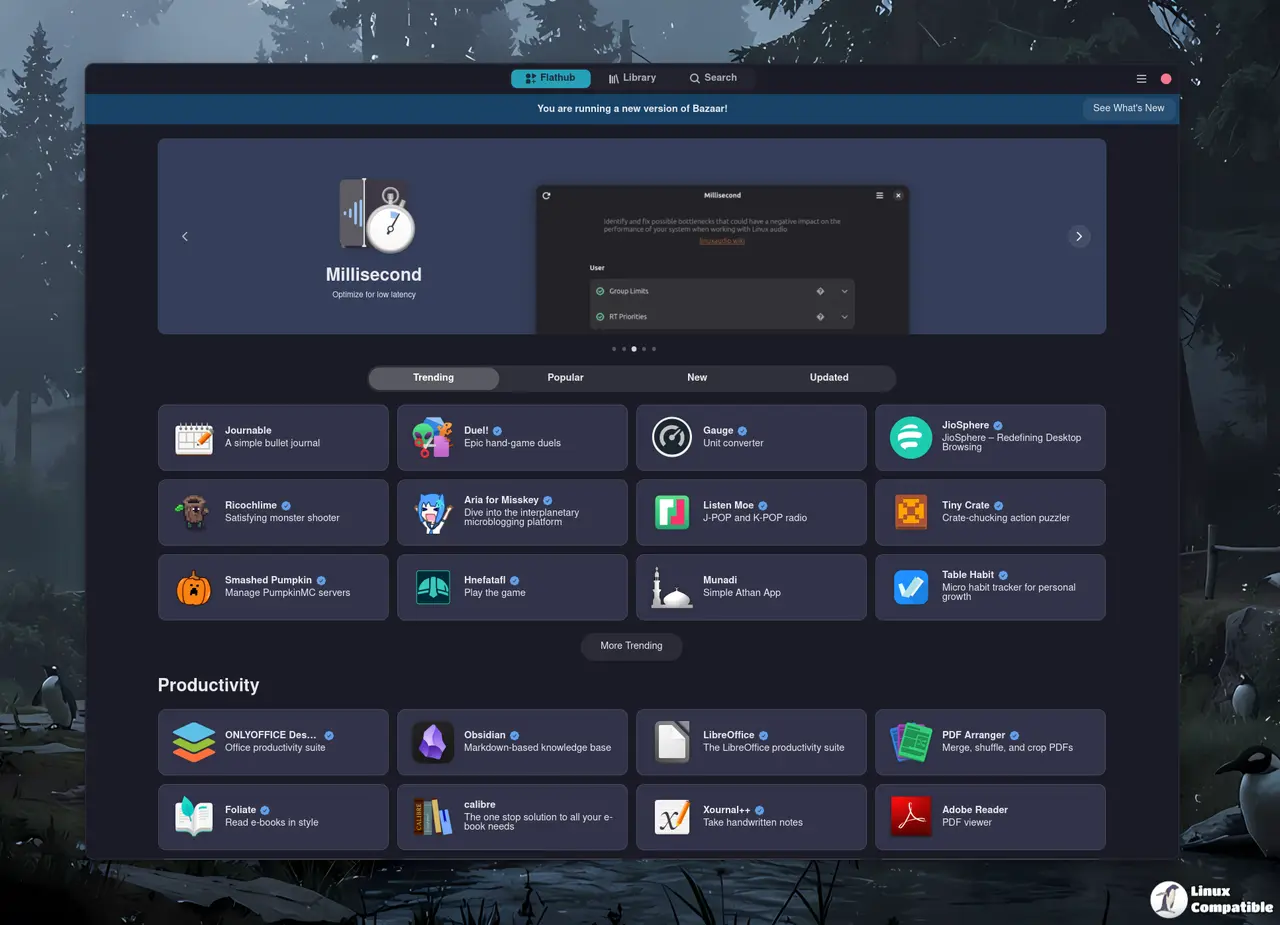
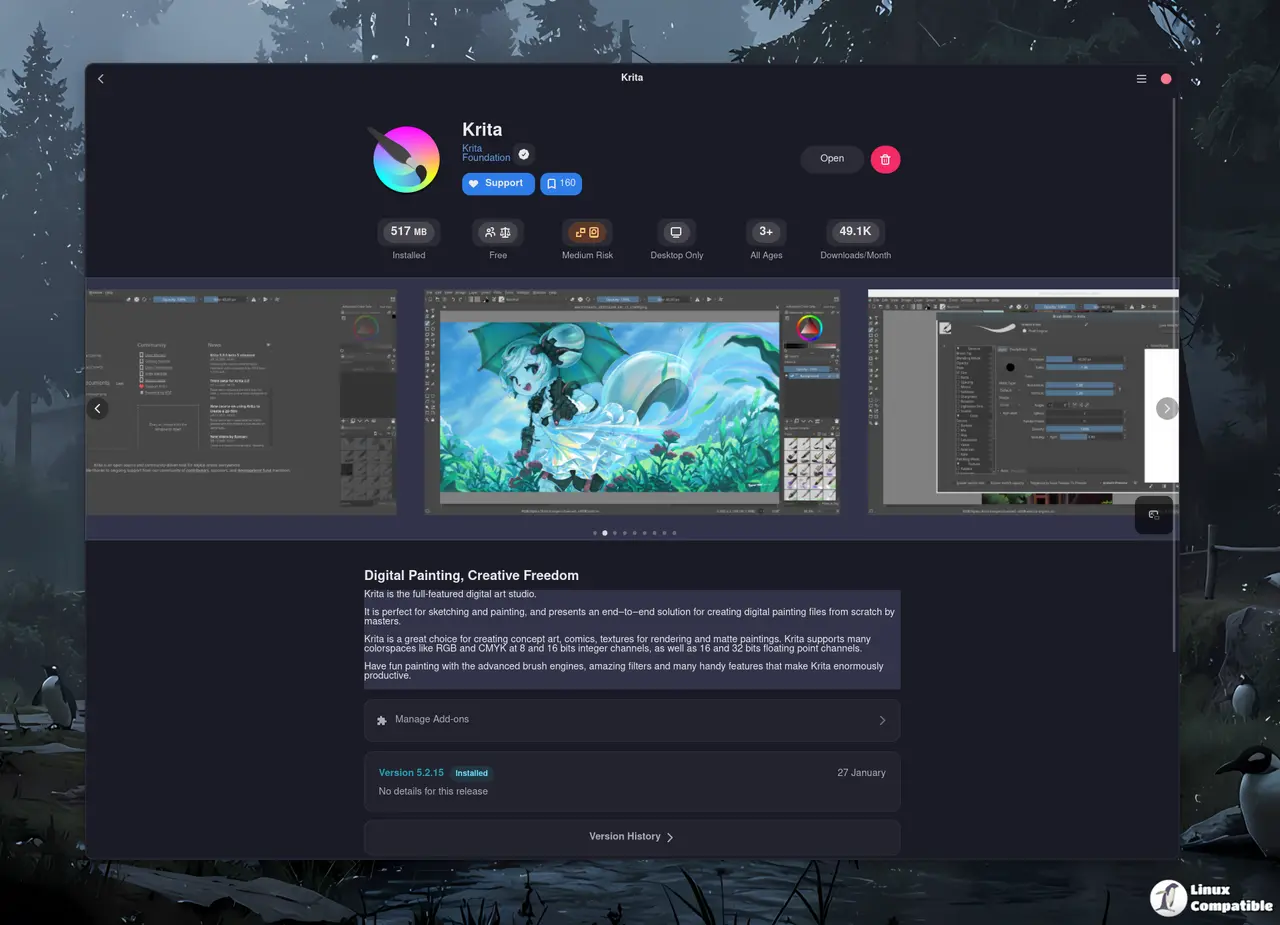
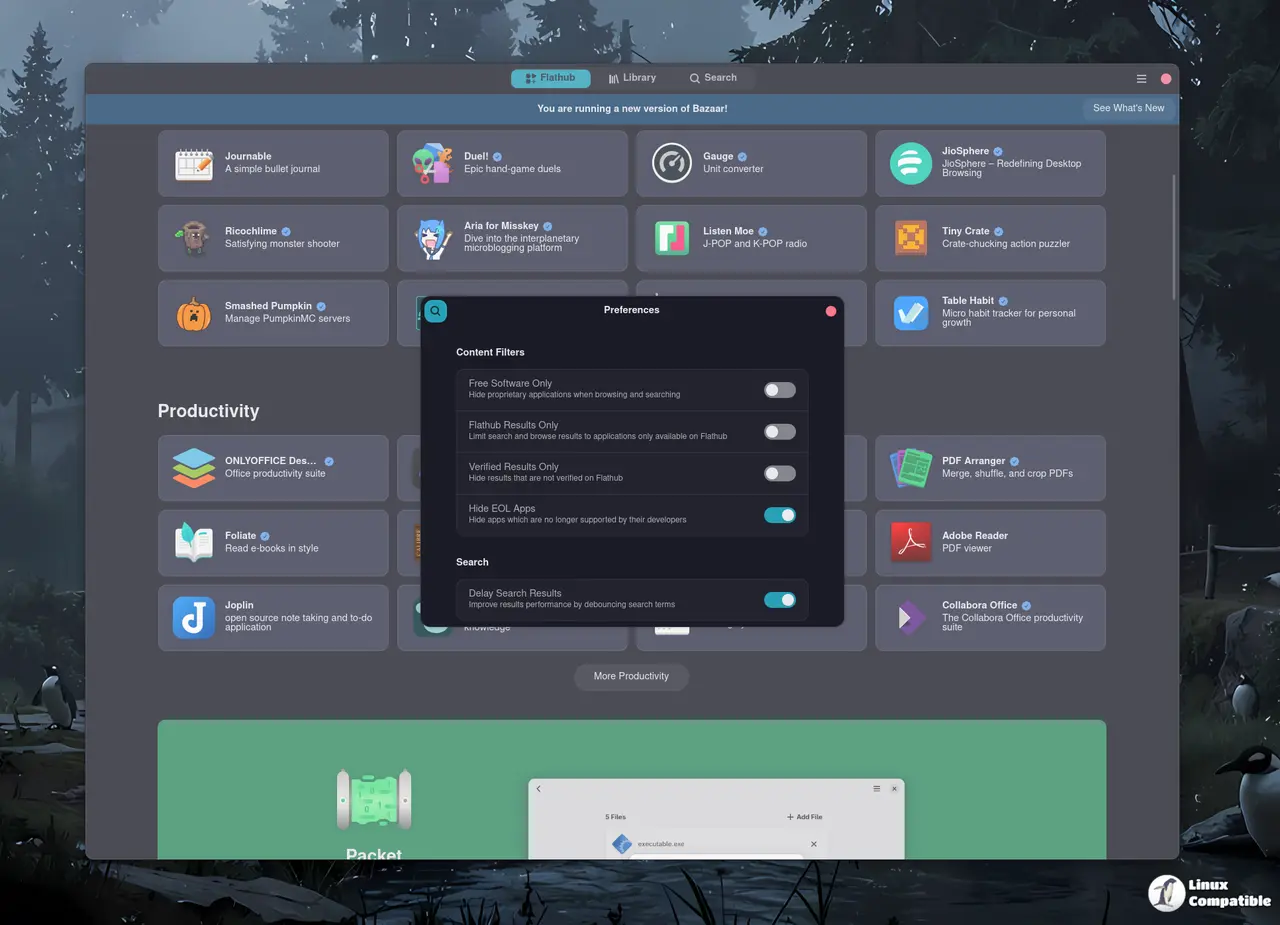
Installing Local Flatpak Bundles in Bazaar 0.8.0
One of the most requested capabilities has finally landed, which now supports installing .flatpak and .flatpakref files directly from the application. The update registers these file types as supported MIME types, meaning double-clicking a bundle in a file manager should trigger the installation dialog automatically. This removes the need to open a terminal and type out flatpak install commands when grabbing software from developer websites or community forums. The developers also added logic to ensure runtime remotes are available before attempting a bundle installation, which helps prevent errors when dependencies are missing from the system.
Clearing App Caches and Reducing Memory Footprint
Flatpak caches can accumulate quickly, especially for users who frequently test different versions of an application or switch between multiple remotes. Bazaar 0.8.0 introduces a dedicated section to view and delete these app caches directly within the interface. This feature helps reclaim disk space that often gets trapped in hidden directories after uninstalling software. The release also addresses RAM usage when no windows are open, which is a welcome improvement for systems where background processes tend to creep up over time. A common scenario involves leaving Bazaar running while managing updates only to notice memory consumption rising unnecessarily because the app was not fully closed. This fix ensures the application releases resources more effectively when idle.
UI Refinements and Bug Fixes for Multi-Remote Users
The visual experience has received several tweaks, including new progress indicators that move the progress bar behind the install button and switch to a border style for better visibility during transactions. Animated icons provide feedback while operations are in flight, which helps users understand what is happening without staring at static text. For those who use remotes other than Flathub, the download context tile now displays a proper label instead of leaving it blank, making it easier to identify where an application originates. Window sizing issues during transactions have also been resolved, preventing dialogs from opening at incorrect dimensions while updates are processing.
Under the Hood and Translation Updates
The build system now depends on gtksourceview5, which may require packagers to update their dependencies before compiling the application. Module updates for md4c, flatpak, and bubblewrap ensure compatibility with the latest runtime environments. The community has contributed significant translation work, refreshing entries in Basque, Russian, Japanese, German, Czech, Polish, Cornish, Simplified Chinese, Brazilian Portuguese, and French. These updates keep the interface accessible across a wide range of languages without requiring users to switch back to English for certain menus or descriptions.
Release Bazaar 0.8.0
0.8.0 new dep: gtksourceview5, see readme New Features Add support for installing (.flatpak) bundles New progress indicators The ability to view and delete app caches Fixes Fix the download cont...
Install Bazaar on Linux | Flathub
Discover and manage applications

The update is available now for users who want more control over their Flatpak workflow. Testing the cache cleaner and bundle installation features should reveal how well these changes integrate with existing setups. If local bundles fail to install, checking MIME type associations in the file manager might resolve the issue before looking deeper into the application logs.


