Amethyst Mod Manager 2.0.5 drops with drag-and-drop installs and support for DMC5, Dragon’s Dogma 2, and Halo: Campaign Evolved
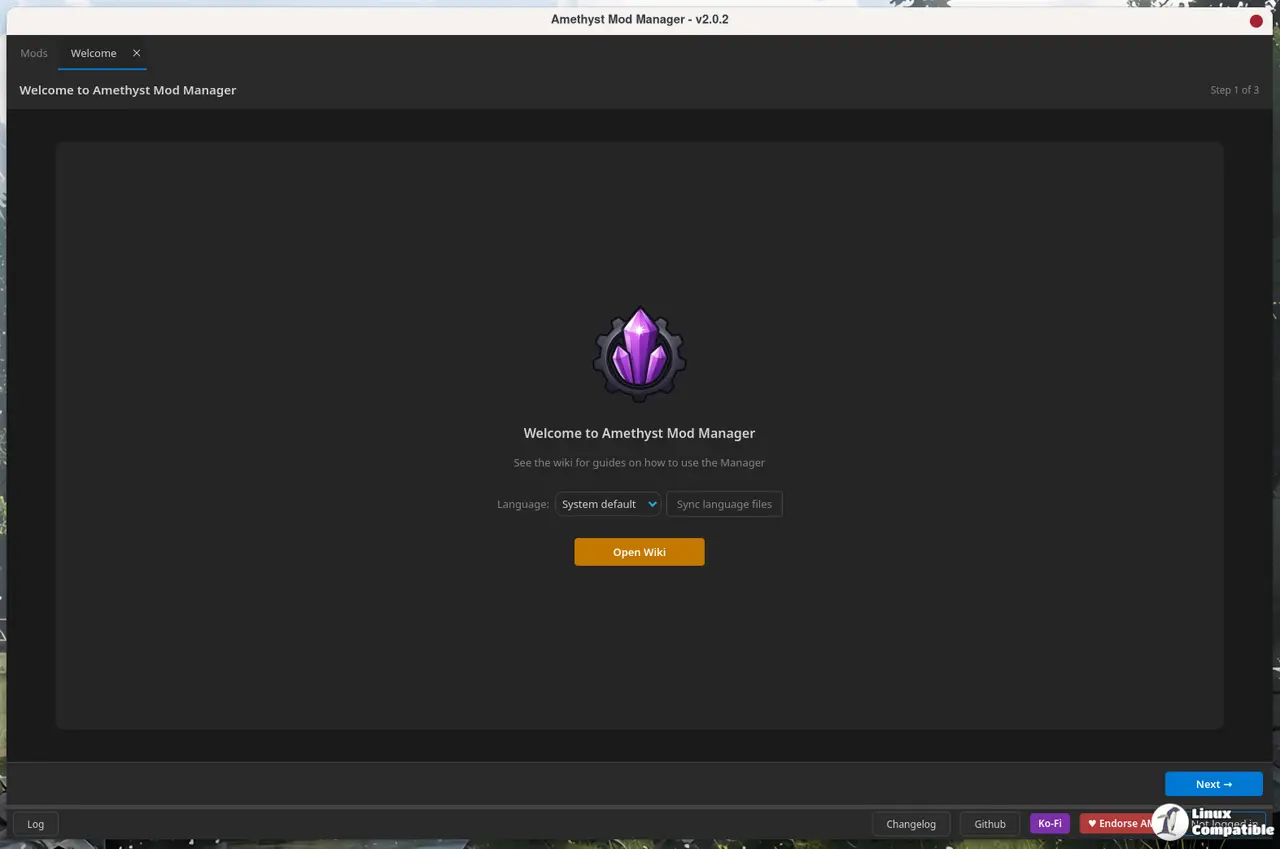
The Linux-native Amethyst Mod Manager just shipped 2.0.5, capping a six-version release sprint that started three weeks ago. The update adds native handlers for Devil May Cry 5, Dragon’s Dogma 2, Halo: Campaign Evolved, and The First Berserker: Khazan, alongside a handful of workflow upgrades that should make daily mod management feel noticeably less friction-heavy.
The project hit a major turning point on July 9 with the 2.0.0 release. That wasn’t a patch. It was a complete UI rebuild in Qt, wiping out an ancient framework that had caused scaling headaches and performance stutters for years. 2.0.5 is the first substantial feature drop since that overhaul, and it leans hard into practical improvements rather than flashy new additions.
What actually changed in 2.0.5
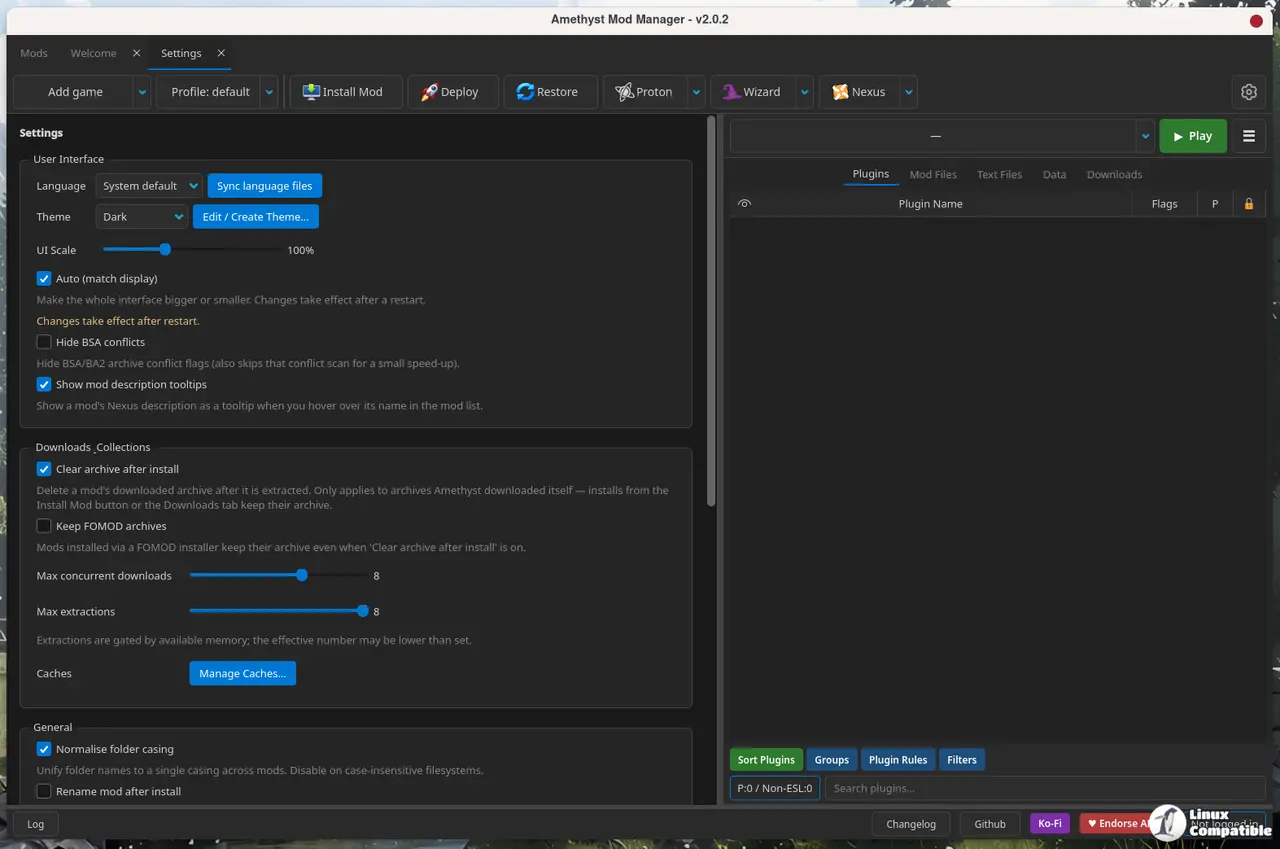
Drag-and-drop installation from the Downloads tab straight into the modlist panel is probably the most visible change. Nexus actions now live inside a right-click submenu, the settings and custom game menus got a serious tidy-up, and games that don’t use a plugins folder no longer force you to stare at an empty tab. There’s also an in-app wiki viewer, a 4GB memory patch toggle for Fallout: New Vegas on deploy, and a warning flag that pops up before you accidentally push mods to an NTFS drive.
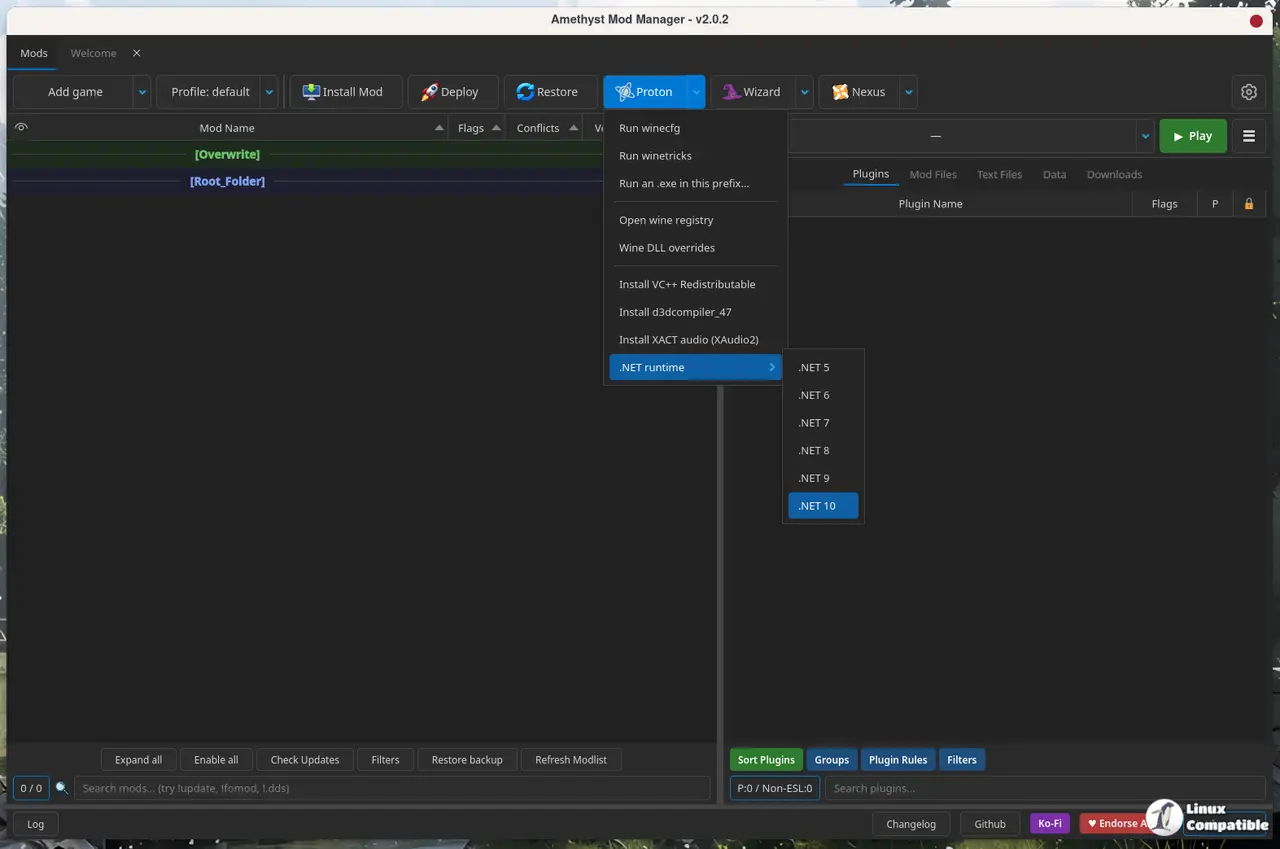
Under the hood, the smart deploy system still relies on hardlinks and symlinks, but 2.0.5 adds automatic dirty plugin cleaning in the xEdit QAC wizards and passes extra command-line arguments straight to xEdit tools. Wizards now lock open while they run so you can’t accidentally close one mid-process. The Baldur’s Gate 3 overrides tab handles mod files directly, SMAPI wizards install without prompting for input, and the Synthesis wizard pulls .NET 10 SDK automatically. Eight bug fixes round out the release, including corrections for BSA/BA2 conflict displays, UE5 overwrite folder deployment, and a tray icon that finally shows up consistently across desktop environments.
Selling AppImages on Linux has been a whole philosophical debate for the better part of a decade. The developer sidesteps the drama by shipping a Flatpak remote and an AUR package alongside the traditional tarball, which is about as practical as it gets. The Flatpak even registers with Discover if you’d rather skip terminal commands entirely.
Why this matters for Linux modders
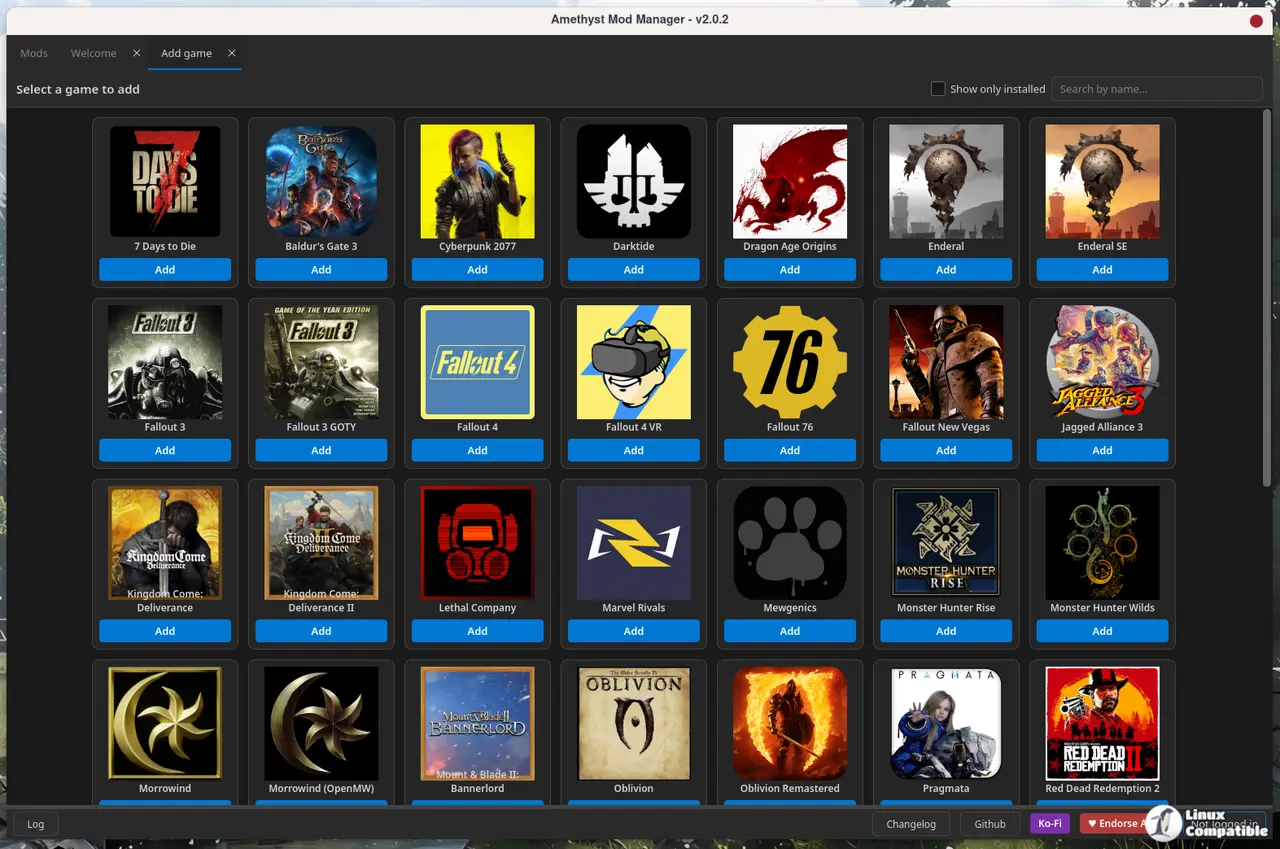
For years, Linux modders were left wrangling Wine wrappers or doing manual installs while Windows users leaned on MO2 and Vortex. Amethyst was never designed to be one of those workarounds. It ships with Nexus API integration, Wabbajack modlist support, libloot for plugin sorting, and native handlers for over 65 games across Bethesda, RE Engine, Unreal 5, and Capcom titles. The v2.0 Qt rewrite basically closed the UX gap. Now the rapid release cadence is closing the feature gap.
ChrisDKN is a solo developer maintaining a repository with over 1,923 commits. That alone makes the three-week, six-release sprint remarkable. The GitHub repo sits at 744 stars and 32 forks, with open issues down to five and a steady stream of community pull requests handling everything from light theme expansions to UE5 pak conflict detection. The developer is also pushing Flatpak remote updates, download speed limits, and parallel mod installs, which suggests the codebase is stabilizing fast.
It’s a rather ambitious pace for a single maintainer, though the Qt rebuild and subsequent hotfixes show the engineering choices are holding up. The NTFS warning alone tells you this was built by people who actually run into deployment headaches on cross-platform file systems. However, at the same time, the sheer volume of rapid releases means you should still back up your profiles before updating. Deploy systems are notoriously finicky, and nothing in the changelog explicitly guarantees a clean handoff between versions.
You can grab v2.0.5 from the GitHub releases page, the Arch User Repository, or via the Flatpak remote pinned in the repository README. The full changelog lives in the release notes, and the wiki covers the new shareable profile codes if you want to hand out modlists without shipping zips.


