AM 10.5 Brings One-Click Web Install and Selective Reinstall to 3,439-App Linux Catalog
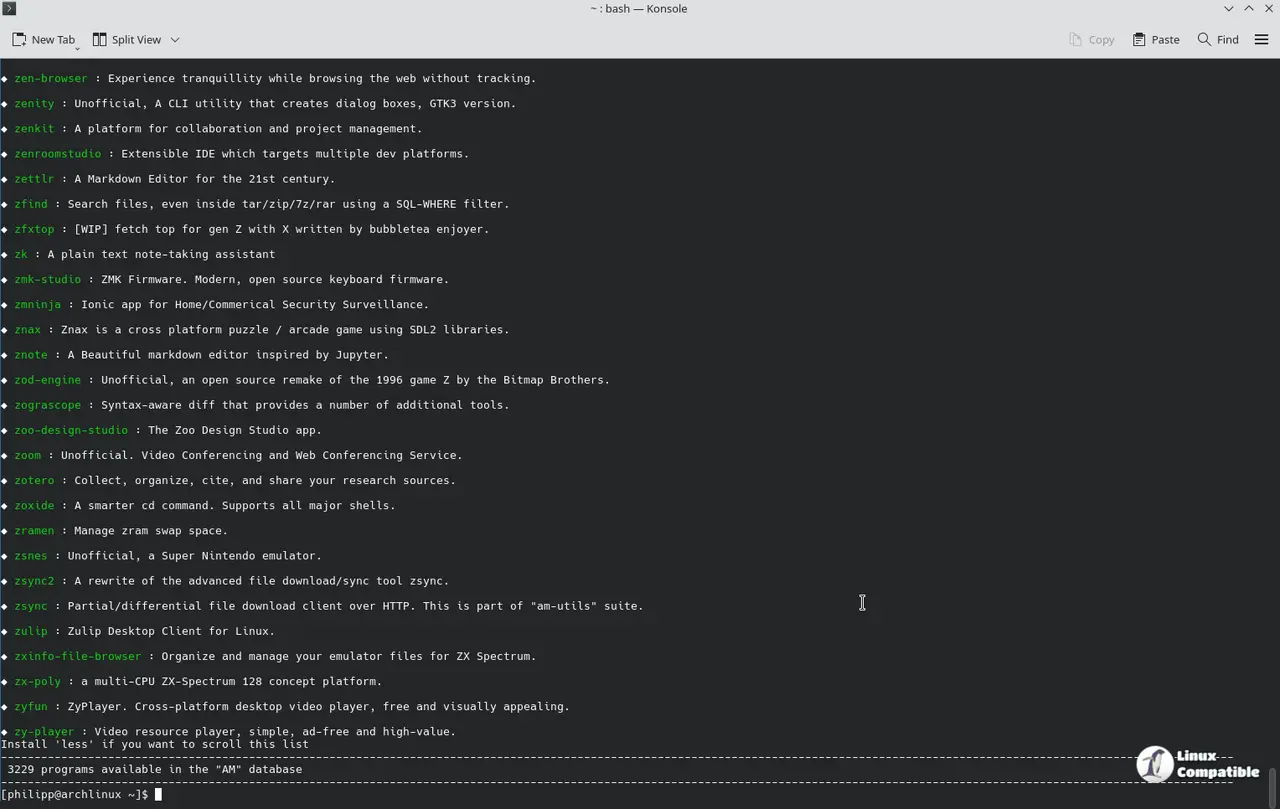
AM 10.5 is out. The new release bridges the portable-linux-apps.github.io catalog to the command line via a new pla-install:// protocol. Lead developer Ivan Alessandro Sala has shipped the update, bringing selective app reinstall, automatic MIME database management, and a database that now covers 3,439 unique applications.
AM is a Bash-based package manager for AppImages and portable Linux software. Think of it as APT, but for self-contained archives. Instead of distributing binary packages, AM distributes installation scripts that fetch and configure apps on the fly. Everything lands in /opt/$PROGRAM/ or a user-chosen directory, and each install spawns its own updater script and desktop entry.
The catalog has grown significantly since the v10 series kicked off. If you're keeping score, that's roughly a 37% increase in the database since June. Ivan describes the project as an "amateur effort," though the sheer breadth of the catalog now rivals some distro repositories for desktop app coverage. He also built in an explicit anti-abandonment architecture: all data sources are configurable via environment variables, meaning the community can fork the catalog if the lead maintainer ever steps away.
Selective Reinstall and the Web-to-Desktop Bridge
The headline feature is the pla-install:// protocol. Click the "Install" button on any app page at the catalog site, and your system launches AM or AppMan with that app's URL. A dialog using yad, zenity, or kdialog prompts you to choose between a system-wide install or a local portable setup. The MIME database updates automatically afterward, so file associations stick without manual tweaking.
Selective reinstall is equally useful. Previously, AM could only reinstall every app or just the launchers. Version 10.5 lets you target specific apps:
am reinstall thunderbird firefox anydesk
AM achieves this by patching the offline install scripts to trick the package manager into thinking they've been modified. The result is a clean remove-and-reinstall cycle that preserves your user data, provided you're using the right config flags.
Automation, Translations, and Ecosystem
The -y flag from v10.4 has been expanded. New "negation" questions default to NO, which completes non-interactive automation for CI pipelines and batch updates. A couple of contributors also added Vietnamese and Traditional Chinese translations, bringing the language support further.
The catalog site got a visual overhaul, and AM's -a option now pulls linear text files and screenshot links instead of parsing raw markdown. On the GUI front, both AM-GUI and AppGallery remain in active development. They'll hook into this release without needing major changes on their end.
It's a rather ambitious catalog for a project maintained by a community of enthusiasts, though the database size does make it arguably the most comprehensive AppImage repository available. The anti-abandonment design is a smart move. You don't have to rely on a single point of failure.
Keep in mind that the pla-install:// bridge is still in its early stages. If you hit a snag with a specific app or encounter a protocol handler issue, the project explicitly welcomes contributions to the URI implementation.
The AM-INSTALLER script is the recommended route for a straightforward setup:
wget -q https://raw.githubusercontent.com/ivan-hc/AM/main/AM-INSTALLER && chmod a+x ./AM-INSTALLER && ./AM-INSTALLER
Keep in mind that you can always clone the repository directly if you prefer a manual build. The full changelog and release notes are available on the GitHub releases page.


