Zorin OS 18 released
Zorin OS 18 is now available, and it comes with many new features and improvements that will make using your computer even better.
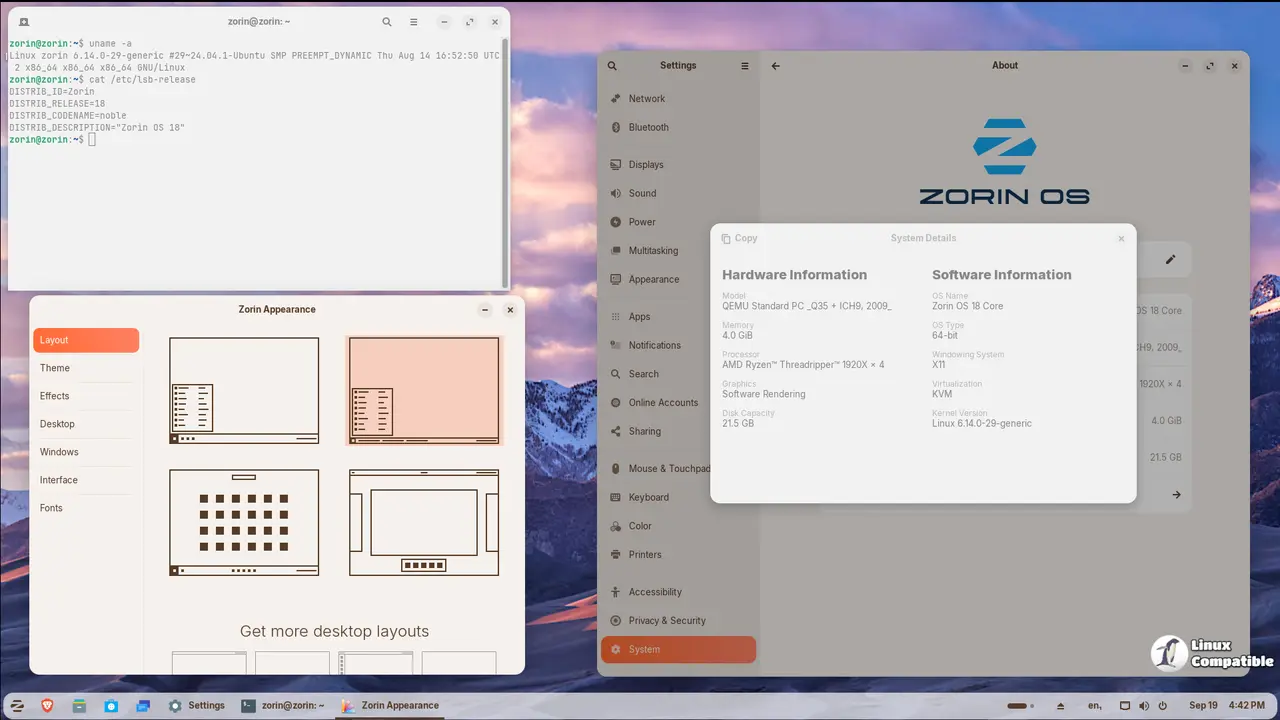
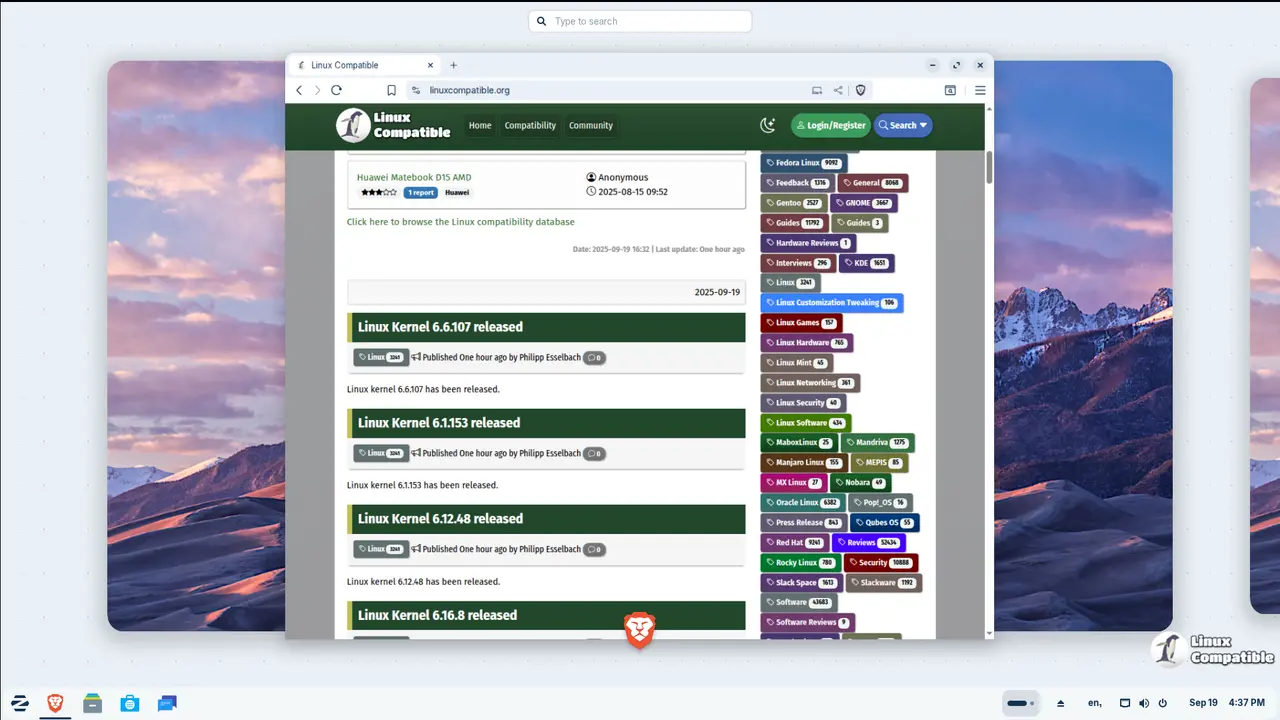
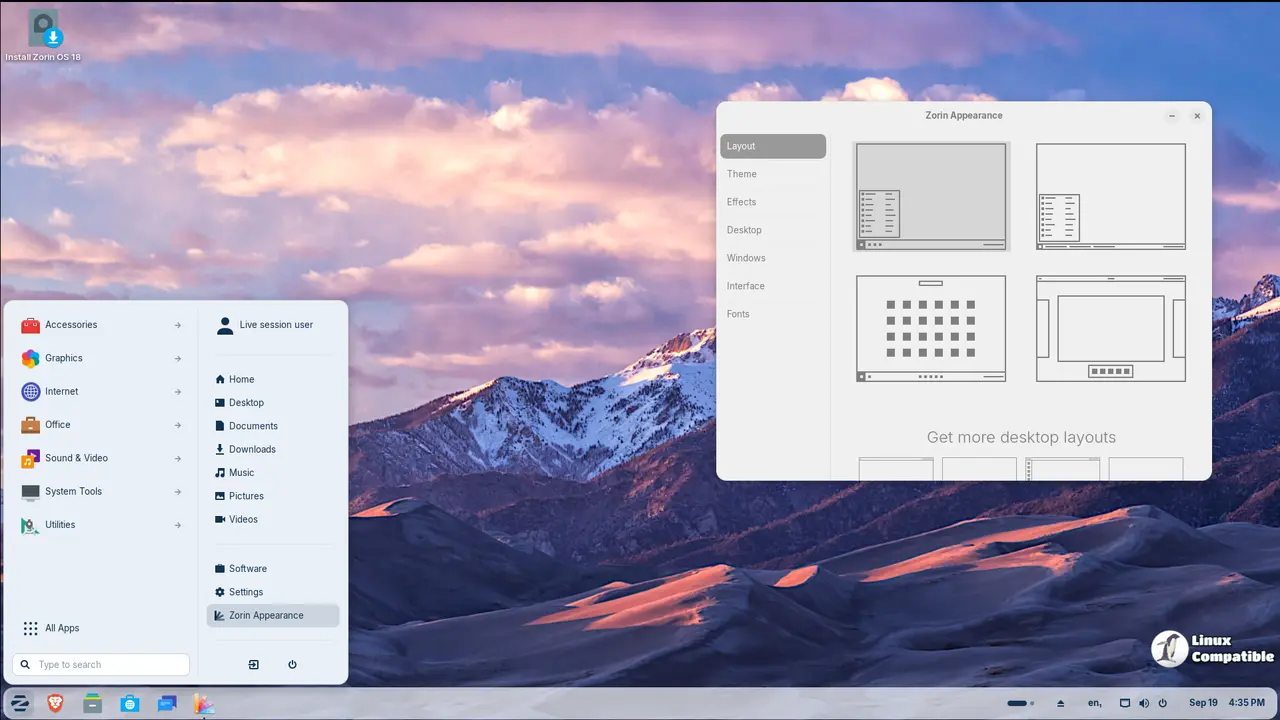
The design of Zorin OS 18 is entirely new, and it is both eye-catching and easy to use. The default theme has been updated in a tasteful way, with softer curves and a more inviting color scheme that makes it a sleek and comfortable place for users to work.
The addition of advanced window tiling management is one of the most important improvements in this release. You can easily arrange multiple windows on your screen by dragging them to the top of the display and choosing from a list of pre-made layouts. The system also lets users customize their experience to meet their specific needs.
Zorin OS 18 has also made a lot of progress in how well it works with web apps. You can now turn any website into a desktop app with a new tool. This means you can use popular cloud-based apps like Microsoft Office and Google Docs right on your desktop.
This release also makes it easier to work with files, especially when it comes to OneDrive. The Files app now lets users browse and manage the files they have stored in the cloud, which makes it even easier to get to the information they need.
Zorin OS 18 is a full solution for finding installer files for popular apps for people who are switching from Windows. The system suggests custom options instead of sideloading Windows executables, which makes the experience smoother and easier.
The operating system also has two new theme colors, yellow and brown. These not only improve the system look, but they also give users more options for customizing their desktop. Zorin OS Pro also adds three new desktop layouts, which give users even more ways to personalize their workspaces.
The main goal of Zorin OS 18 is to make it easy and comfortable for users. This release is a big step forward for the operating system because it includes hundreds of new features and improvements.
The Professional edition of Zorin OS now comes with eleven more apps, such as Deskflow, Warp, and Valot, that are useful for things like sharing files, keeping track of time, and editing audio. The Education version, on the other hand, has four new apps, such as Gradebook and TurboWarp, that are meant to make learning more fun.
Zorin OS 18 has a lot of other cool features, such as performance improvements that make it faster and more responsive than earlier versions. Users can also get better support for Windows software, which lets them run more native apps and games.
The Files app now has a "Search Everywhere" feature that lets users search for files and documents by name or text content in all search locations on their computer. Also, the Zorin Menu has been improved with better touchscreen support and support for multiple monitors.
New features let users log in remotely to access their accounts. New sounds and artwork for the system are also included to make the user experience better.
Lastly, Zorin OS 18 has long-term support until at least June 2029, which makes it a solid choice for businesses, schools, and organizations that need to use it for a long time.
For more information and download links, visit the announcement page below:
Zorin OS 18 Has Arrived
The creators of Zorin OS, the alternative to Windows and macOS designed to make your computer faster, more powerful, secure, and privacy-respecting.


