Zorin OS 18 Beta released
Zorin OS 18 Beta has officially been released, which marks a decisive moment in the development of this Ubuntu-based Linux operating system. The new release is based on the latest LTS release of Ubuntu Linux (24.04.3) and is set to bring an array of innovative features that enhance user experience, making Zorin OS one of the most desirable choices for those looking for a seamless transition from Windows.
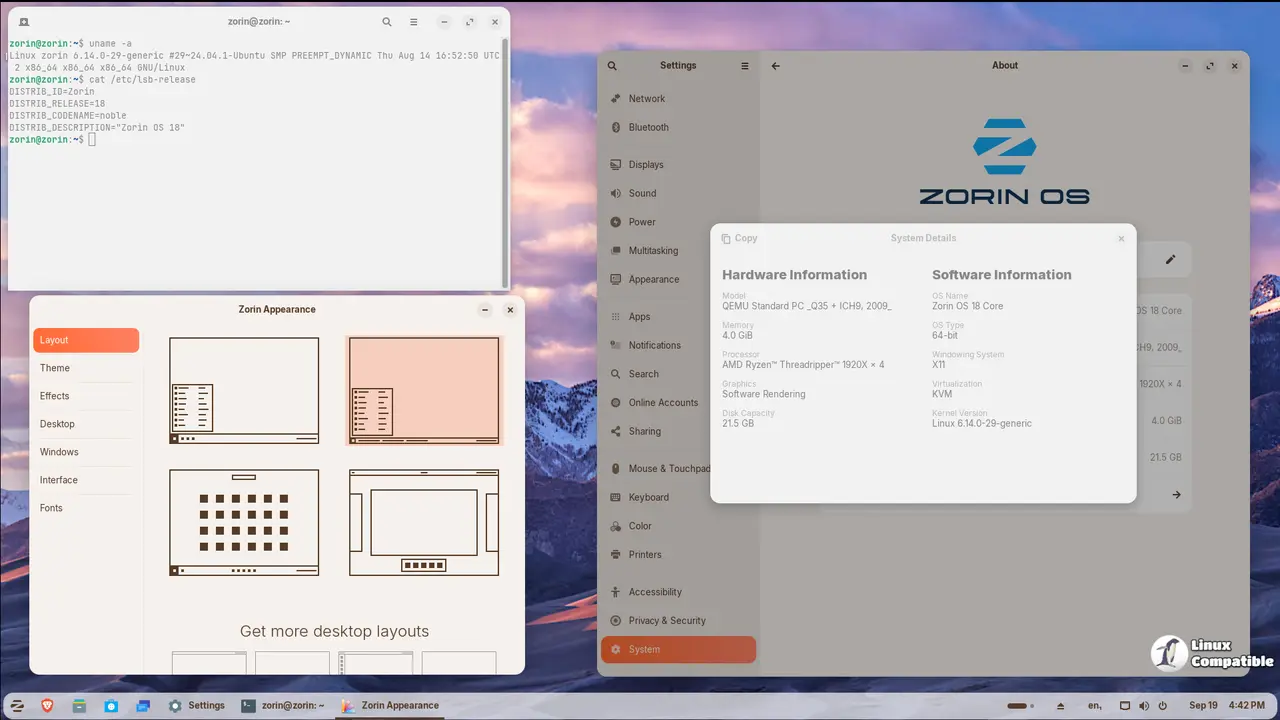
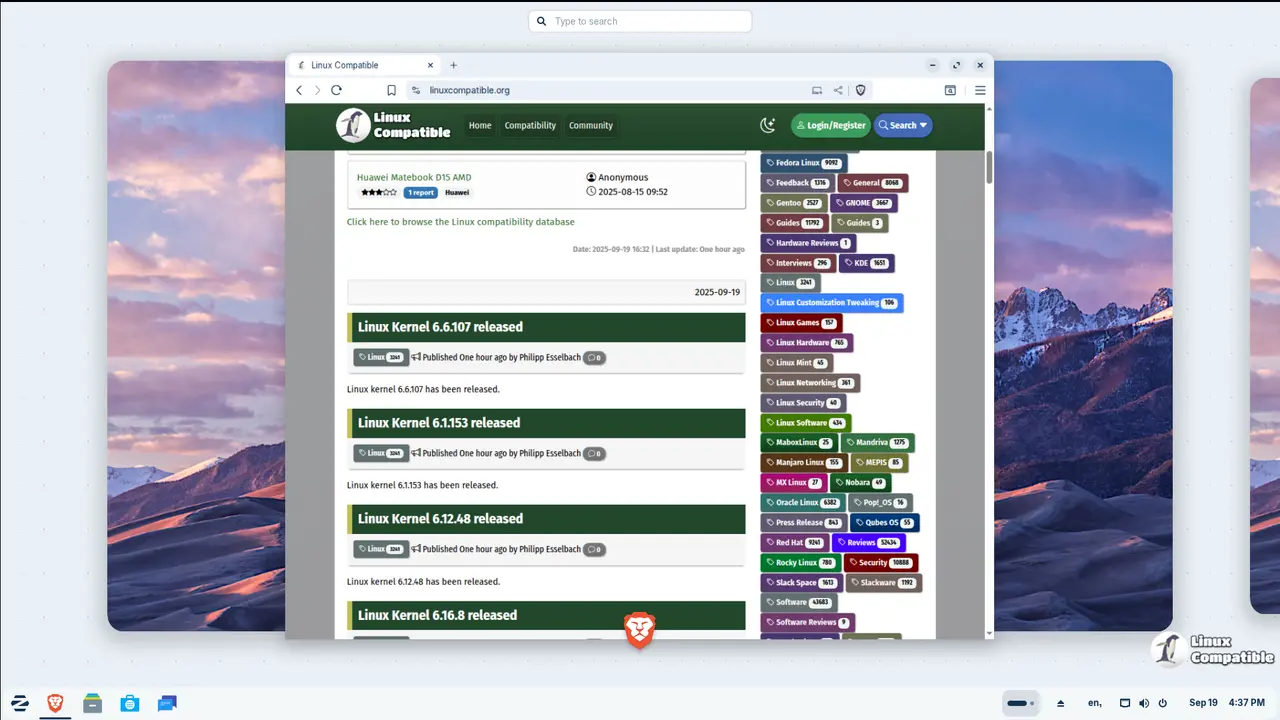
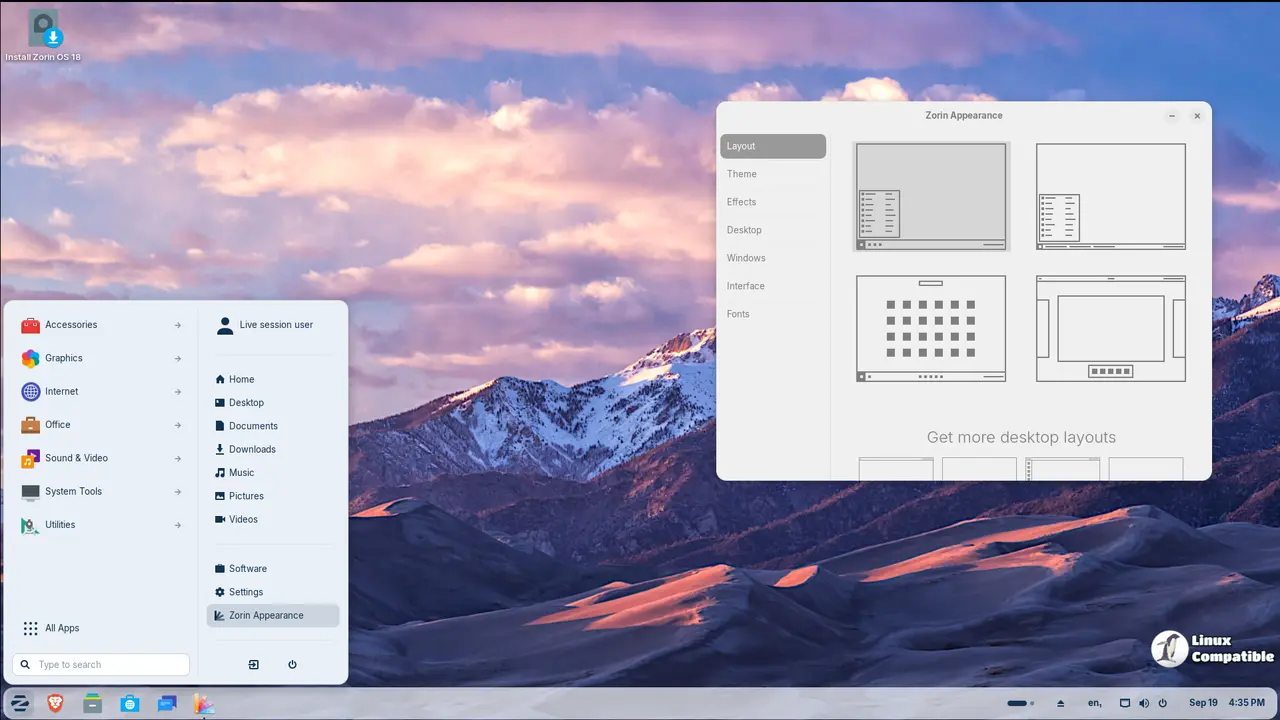
One of the standout aspects of Zorin OS 18 is its visually stunning redesign. A refreshed default theme, coupled with a more rounded appearance and increased tint in backgrounds and sidebars, creates an inviting atmosphere that promotes productivity and creativity. The floating, rounded panel now boasts a reactive workspace indicator, offering users intuitive navigation between tasks.
Zorin OS has made considerable strides in enhancing the user interface of various applications. Notably, the Files app features an updated sidebar and reorganized controls for effortless use. Similarly, the Settings app has been revamped with simplified preference panels that make it easier to navigate through system settings. Other notable improvements include a new Camera app with a streamlined interface and an Evolution mail app that seamlessly integrates with the rest of the system.
In addition to these enhancements, Zorin OS 18 introduces Advanced Window Tiling, a feature designed to simplify multitasking for users. By dragging windows to the top of the screen, users can effortlessly arrange their workspace according to predefined layouts or create custom tiling configurations. This powerful tool is sure to boost productivity and cater to both newcomers and power users.
Another significant update in Zorin OS 18 is seamless integration with web apps. The operating system now supports Progressive Web Apps (PWAs) as first-class citizens, enabling users to turn any website into a desktop app through the newly built-in Web Apps tool. This integration allows popular apps like Microsoft Office/365, Teams, Google Docs, and Adobe Photoshop to run seamlessly from the user's desktop.
Furthermore, Zorin OS 18 includes OneDrive file integration with the built-in Online Accounts feature, catering to users who have migrated from Windows. To enable this feature, users need only sign in using their Microsoft 365 account details, which will then grant them access to browse and manage their OneDrive files directly from the sidebar of the Files app.
The operating system has also expanded its built-in database to detect installer files for popular Windows apps, recommending tailored alternatives for sideloading their executables. This is particularly beneficial for users transitioning from Windows 10, as Zorin OS will provide them with guidance on how to access compatible versions of their favorite apps.
To further enhance user personalization, Zorin OS 18 introduces two new theme colors, yellow and brown, along with a broader selection of accent colors. Users can now choose from an expanded palette to create a workspace that better suits their preferences.
Zorin OS 18 Beta presents users with an array of innovative features that significantly enhance their user experience. Whether you're transitioning from Windows or seeking a modern operating system that prioritizes productivity and creativity, Zorin OS is undoubtedly one of the top choices in the market today.
For more information and download links, visit the announcement page below:
A Sneak Peek at Zorin OS 18. Test the Beta Today.
We’re thrilled to announce the Beta release of Zorin OS 18, the next major version of our operating system. It brings a refreshed design, powerful new features, and even more compatibility with the apps and services you rely on. With Windows 10 reaching its end of life on 14 October 2025, an estimated 240 million computers1 that don’t meet Windows 11’s strict hardware requirements will be left behind. Many users are faced with the choice of either buying a new computer soon or switching to a supported, modern operating system.


