Zed 0.227.1 Drops Parallel Subagents, New AI Provider, and a Lot More
The latest update for Zed’s editor promises better multitasking inside the AI assistant, a fresh LLM option, and a handful of refinements that should keep developers’ fingers moving smoothly.
AI Gets a Serious Power‑Up
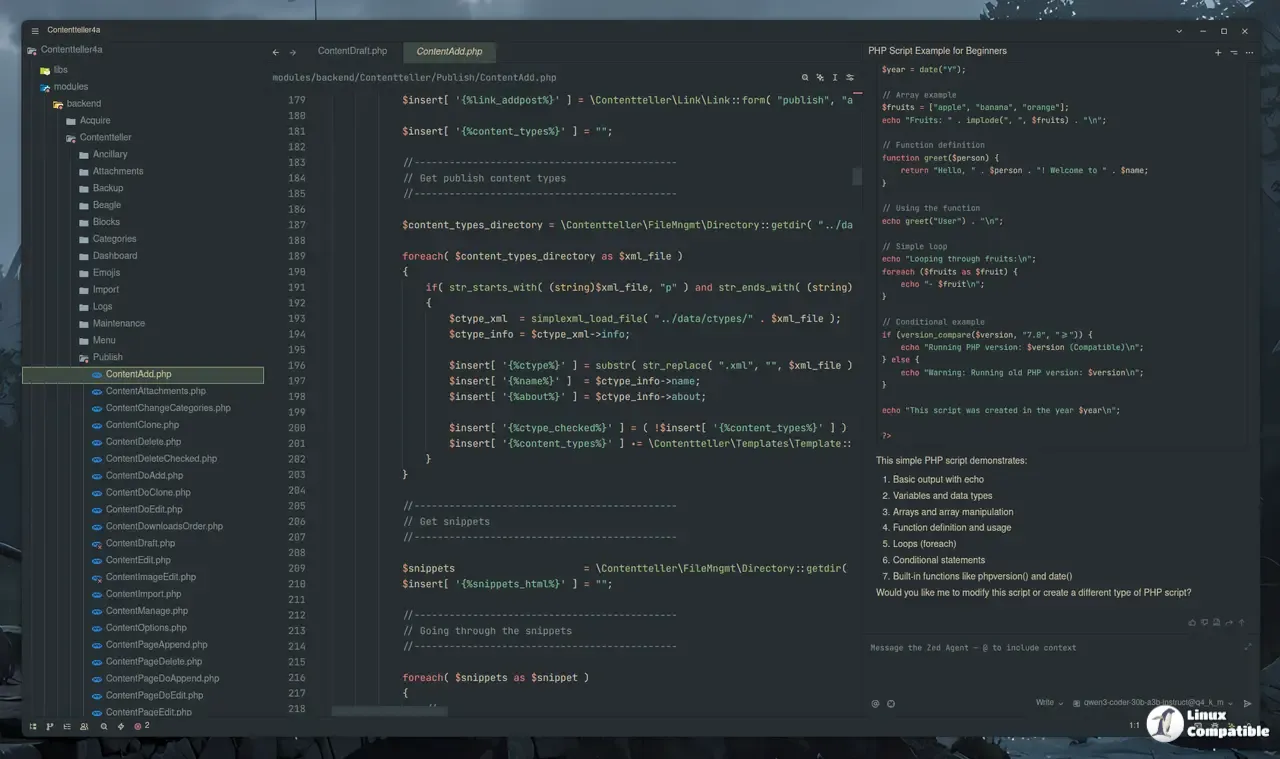
With the new spawn_agent tool, the Zed Agent can now delegate tasks to parallel subagents. This solves a problem many users hit after upgrading from 0.226: running long code analysis in one thread would block the entire conversation window. By splitting work into isolated workers, the assistant keeps the interface responsive while still delivering context‑rich answers. The addition of GPT‑5.3‑Codex support means developers who already have an OpenAI key can pull in cutting‑edge language models without waiting for Zed to ship its own implementation.
The Vercel AI Gateway also lands as a brand‑new provider, giving users the choice between the familiar OpenAI endpoint and Vercel’s edge‑first offering. It’s a welcome alternative for those who want tighter latency control or want to stay within Vercel’s ecosystem. For teams that rely on custom prompts, the new persistence of draft prompts across restarts is a small but handy improvement—no more losing half‑written queries when you hit Ctrl+S and close the window.
Git Gets a Sharper Focus
Zed now shows git diff statistics directly in the panel, so developers can see at a glance how many lines changed without opening a separate diff view. This is especially useful in large monorepos where the commit log can be overwhelming. Trusted workspace support for the integrated git system also tightens security by restricting operations to designated directories.
On Windows, the auto‑update routine has been hardened against stubborn processes that hold the Zed.exe handle; users who previously experienced update stalls should find the new version installs cleanly without manual restarts.
Platform‑Specific Tweaks and Language Support
Linux gets a memory‑saving tweak that reduces GPU usage during window resize, a welcome fix for developers running Zed inside lightweight containers. macOS receives a small but appreciated shortcut: Ctrl+Enter in search bars now inserts a newline instead of triggering the search—great for multi‑line regexes.
Language‑specific changes include support for Go LSP configuration and recognition of .prettierrc files as JSON, which means prettier formatting works out of the box without additional settings. YAML, Helm, and GitLab file icons are added; the Docker icon now appears on Containerfile entries, making the project tree instantly recognizable.
Miscellaneous Improvements
Compound emojis are now supported throughout the editor, so you can drop a  or
or  into comments and have them render correctly. The language selector auto‑chooses the current buffer’s language when opened, saving a click for frequent multitaskers. File name truncation in tabs prevents clutter on wide monitors.
The debugger’s error logs now redact sensitive environment variables more aggressively, a modest but essential privacy win that developers appreciate after hearing about accidental credential leaks online.
Bug Fixes and Stability Boosts
A long list of bugs has been squashed. Users who previously saw the agent panel mistakenly display “No MCP server added yet” when servers were misbehaving will no longer face that odd UI glitch. Several crashes—especially on Linux when opening settings or rendering Mermaid diagrams—are fixed, giving a more reliable experience across platforms.
The update also cleans up internal housekeeping: an unused file_finder.git_status setting has been removed, and the stack trace multibuffer view is gone, reducing clutter in the configuration UI.
What Does It Mean for Everyday Developers?
If you’re the type who relies on Zed’s AI to scaffold code snippets or debug tricky logic, the parallel subagent feature will feel like a new level of responsiveness. Those who work with large codebases can appreciate the diff stats and improved git handling without leaving their workflow. For Windows users, the smoother update process means fewer interruptions during busy coding sessions.
Some changes—like compound emoji support—might seem trivial, but they add polish that makes the editor feel more finished. The removal of unused settings is a clean‑up move that may not be headline news, but it demonstrates Zed’s commitment to lean, efficient tooling.
All in all, 0.227.1 delivers solid incremental improvements without bloating the build, and it shows the team paying attention to real user pain points.
Release Zed v0.227.1
This week's release includes support for parallel subagents, Vercel AI Gateway as a new LLM provider, git diff stats in the git panel, and support for compound emojis.


