Zed Editor 0.225.9 Brings Agent Session History, Mermaid Support, and Linux Stability
Zed editor 0.225.9 arrives with a suite of improvements that make working with AI agents smoother, add markdown diagram support, and fix long‑standing graphics bugs on Linux. The update is a mix of new features and subtle fixes that will change how the editor feels for anyone who relies on external assistants or runs Zed in a headless environment.
Agent Enhancements
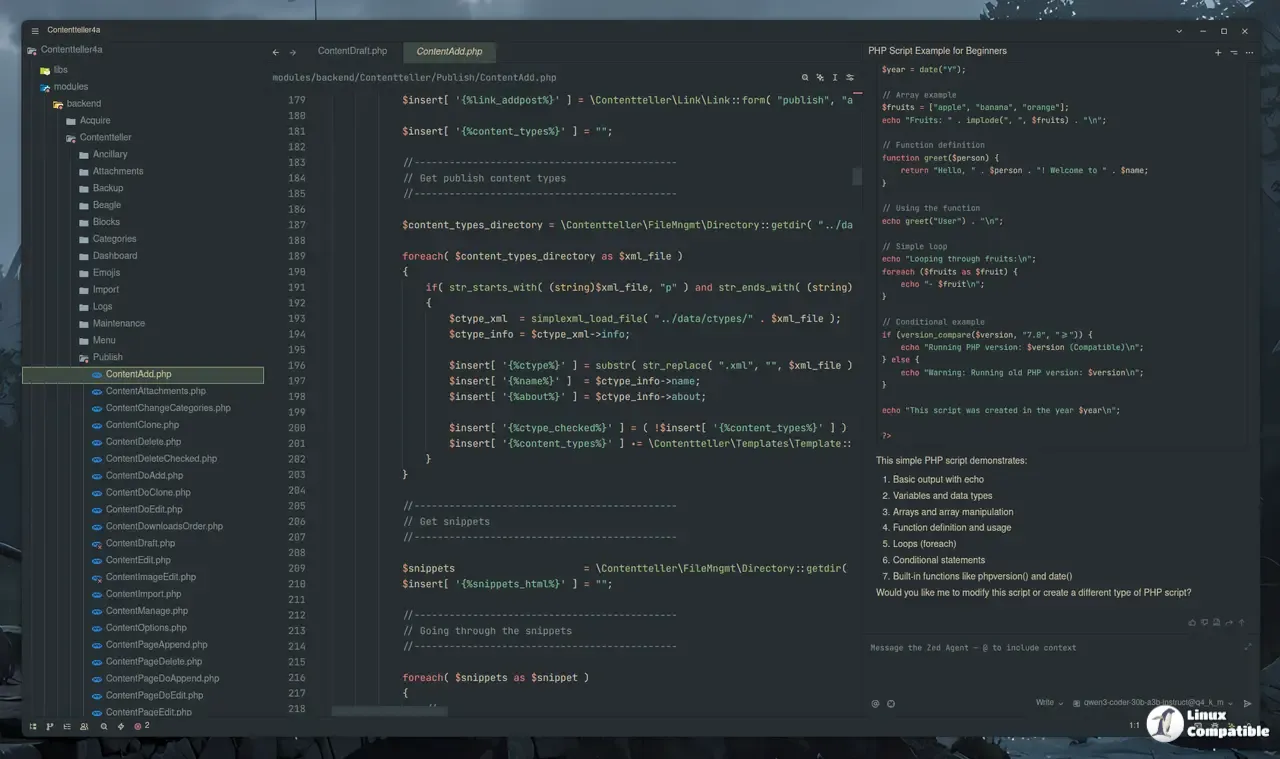
The most noticeable change is the exposure of session history for a roster of external agents—Auggie, Claude Agent, Codex, Factory Droid, Junie, Kimi CLI, Mistral Vibe, and OpenCode. This means you can now scroll back through an agent’s full dialogue even after closing the thread panel, which previously required manual copying. Because the history is persisted across restarts, a broken session no longer ends when you reboot or close Zed.
Agent panel restoration follows suit; if you had been chatting with an LLM in a tab and then closed the editor, your conversation is still there next time you launch it. The new “Always allow” suggestion now scopes to subcommands—so you’ll see “Always allow for cargo build commands” instead of the blunt “Always allow for cargo commands.” This subtle refinement reduces accidental permission grants on unrelated terminal actions.
Thinking effort level controls are finally exposed through the Zed provider, letting users dial in how much processing a model should devote to each prompt. When coupled with Bedrock’s allow_extended_context, you can push up to one‑million‑token windows on supported vision models—a feature that was previously hidden behind an undocumented flag.
Markdown Diagram Rendering
If your workflow includes documentation, the addition of Mermaid diagram rendering in the markdown preview is a win. No more external tools or browser tabs; just paste a graph TD block and see it render in situ. The preview now updates live as you type, making diagram iteration a breeze.
LSP Document Symbols and Breadcrumbs
The new "document_symbols": "on" setting unlocks LSP document symbols in breadcrumbs and the outline UI. With this on, navigating large Rust or TypeScript files becomes faster because symbols populate automatically—no more scrolling through long lists of functions to find your place.
Linux Graphics Backend Switch
Linux users will appreciate the switch from the old OpenGL backend to wgpu. The change was prompted by a handful of stability issues that manifested as sporadic crashes when creating new windows. After the update, opening a fresh Zed instance no longer triggers an immediate crash on systems with older graphics drivers. The fix also improves context initialization, so you’ll see fewer “failed to create graphics context” errors.
Minor Bug Fixes Worth Noting
A few smaller bugs were squashed this round. In one scenario, the agent panel would close unexpectedly when zoomed and the window regained focus; that no longer happens. If a terminal link began with a box‑drawing character (for example, ─ or │), it now gets detected correctly. The “Add to Agent Thread” option is again present in the terminal context menu even on Windows machines lacking an open folder—a tweak many users requested.
How to Enable New Features
- Session History – No action needed; simply start a conversation with any supported agent and close the panel. Your chat will be available next time you open it.
- Mermaid Support – Insert a code block with mermaid as the language tag, for example:
```mermaid
graph TD;
  A-->B;
The preview pane will render it automatically.
- Document Symbols in Breadcrumbs – Add "document_symbols": "on" to your workspace’s zed/settings.json. Restart Zed or reload the project to see symbols appear.
Final Thought
Zed 0.225.9 is a quiet but solid improvement that keeps its focus on developer ergonomics. The agent session history and Mermaid rendering are the headline draws, while the Linux backend fix quietly eliminates headaches for users on older hardware. For anyone who’s used Zed to manage code, documentation, or AI‑aided workflows, this update deserves a quick install.


