Zed editor 0.224.4 brings split diffs and tighter Agent safety
The newest Zed build fixes a handful of annoyances you’ve probably run into, adds true side‑by‑side diff viewing, and finally gives the AI Agent a set of permission controls that stop it from running “rm ‑rf ~” on a whim. If you’re already using Zed for collaborative coding or rely on its built‑in AI assistance, this release is worth a quick upgrade.
Zed editor 0.224.4: AI Agent gets granular permissions
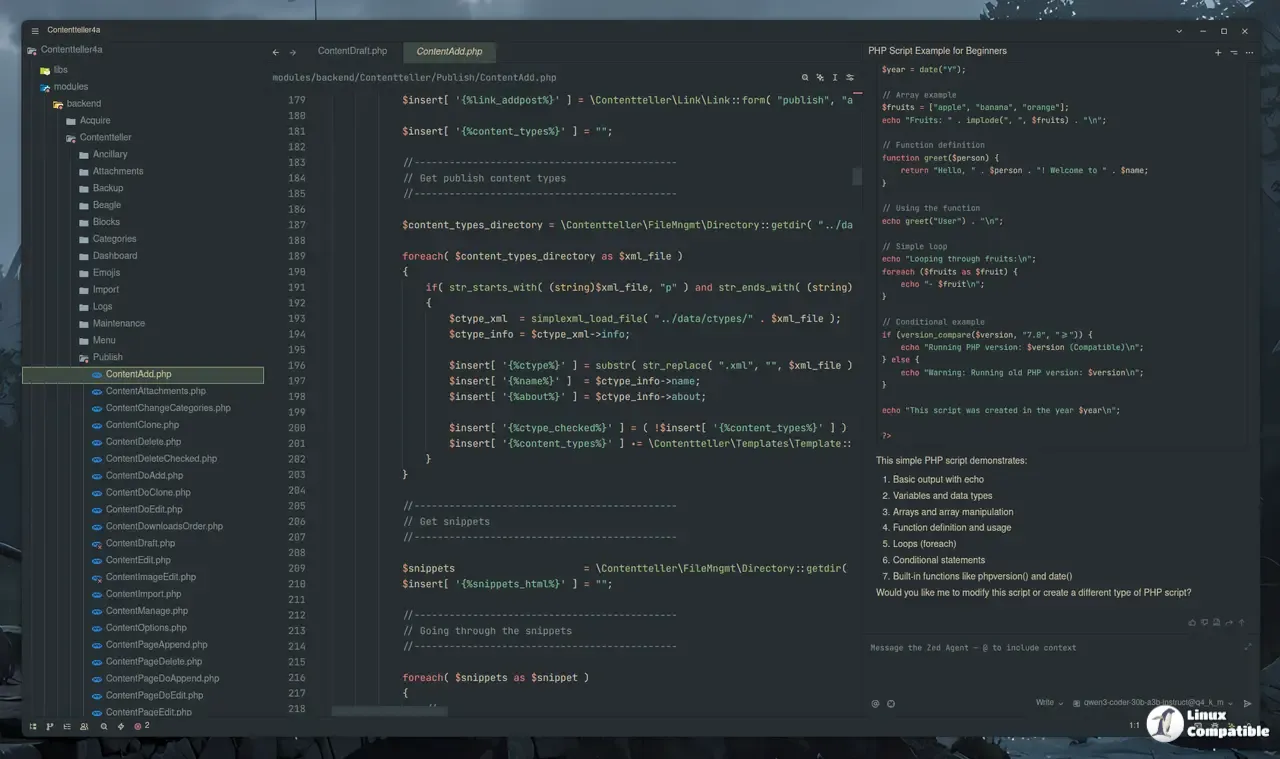
The Agent now respects per‑tool permission settings, meaning you can whitelist Claude Opus 4.6 for normal editing while forcing a confirmation step whenever it tries to invoke any terminal command that looks dangerous. The new regex filters let power users say “auto‑allow `git status` but always ask before anything containing `rm` or path traversal patterns.” In practice this stops the Agent from silently issuing destructive commands that have tripped up a few beta testers after a rogue model update.
Git diff goes side‑by‑side
Viewing changes used to be a cramped vertical scroll, but 0.224.4 adds true split (side‑by‑side) diffs. The layout lines up added and removed lines next to each other, making it easier to spot small whitespace tweaks or missed commas without hunting through the whole file. Users who have spent evenings squinting at inline diff markers report a noticeable speedup when reviewing pull requests.
LSP semantic token highlighting finally works
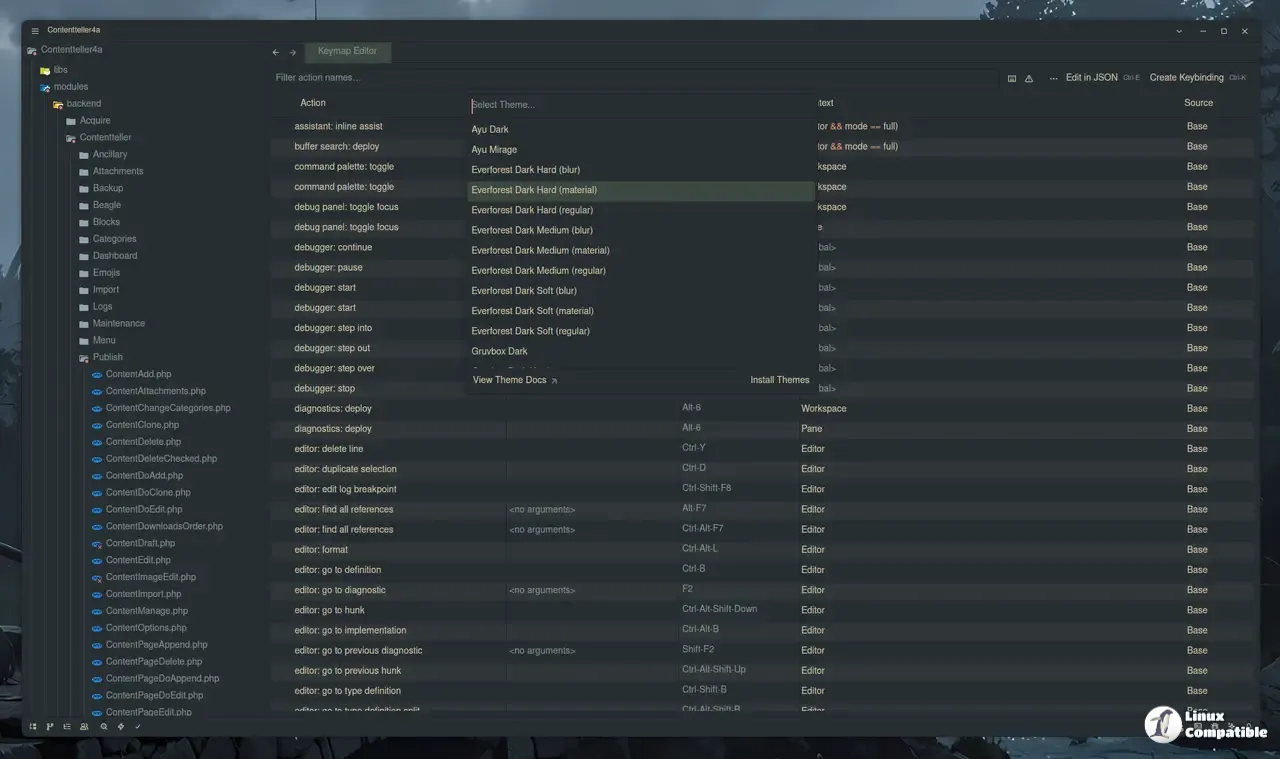
Semantic tokens are now supported across languages that expose them, so keywords, types, and variables get distinct colors defined by your theme. This isn’t just eye candy; it helps separate “this is a function call” from “this is a property access” in large C++ codebases where the traditional keyword palette gets lost in the noise.
Performance and stability tweaks you’ll actually feel
The update trims background work when your CPU is throttling under heat, which translates to less stutter during heavy typing sessions. Font ligature handling has been fixed, so developers who rely on Fira Code no longer see random glyph glitches after an Agent edit. On macOS Intel machines a crash loop that appeared after enabling the new devcontainer support is gone, and the remote Zed CLI now reuses existing windows instead of spawning a fresh one for every workspace.
Other noteworthy changes
The Project Panel gets a “Collapse All” entry that respects multiple worktrees, while the new “Show Active Channels” button in the collaboration pane filters out empty chat rooms. Vim sub‑word motions now stop at `$` and `=` characters, which is a subtle but welcome improvement for those who live inside Vim keymaps. Lastly, the update button has been moved to the title bar and can be dismissed, so you’re not forced into an upgrade dialog every time Zed starts.
All in all, Zed editor 0.224.4 feels less like a beta rollout and more like a mature tool finally catching up with its own promises. Give it a spin; the split diff view alone is worth the download.
Release Zed v0.224.4
This week's release includes the option to view split (side-by-side) diffs, LSP semantic tokens highlighting, granular per-tool permission settings for the Agent