Zed 0.222.2 – what’s actually useful and what feels like fluff
The newest Zed drop adds a buffet of AI providers, a slicker image viewer, Windows‑to‑SSH support and a few quality‑of‑life tweaks. I’ll walk through the bits that will make you notice something (or nothing) in your day‑to‑day workflow and point out where the hype may be overblown.
Multiple edit‑prediction AIs, finally
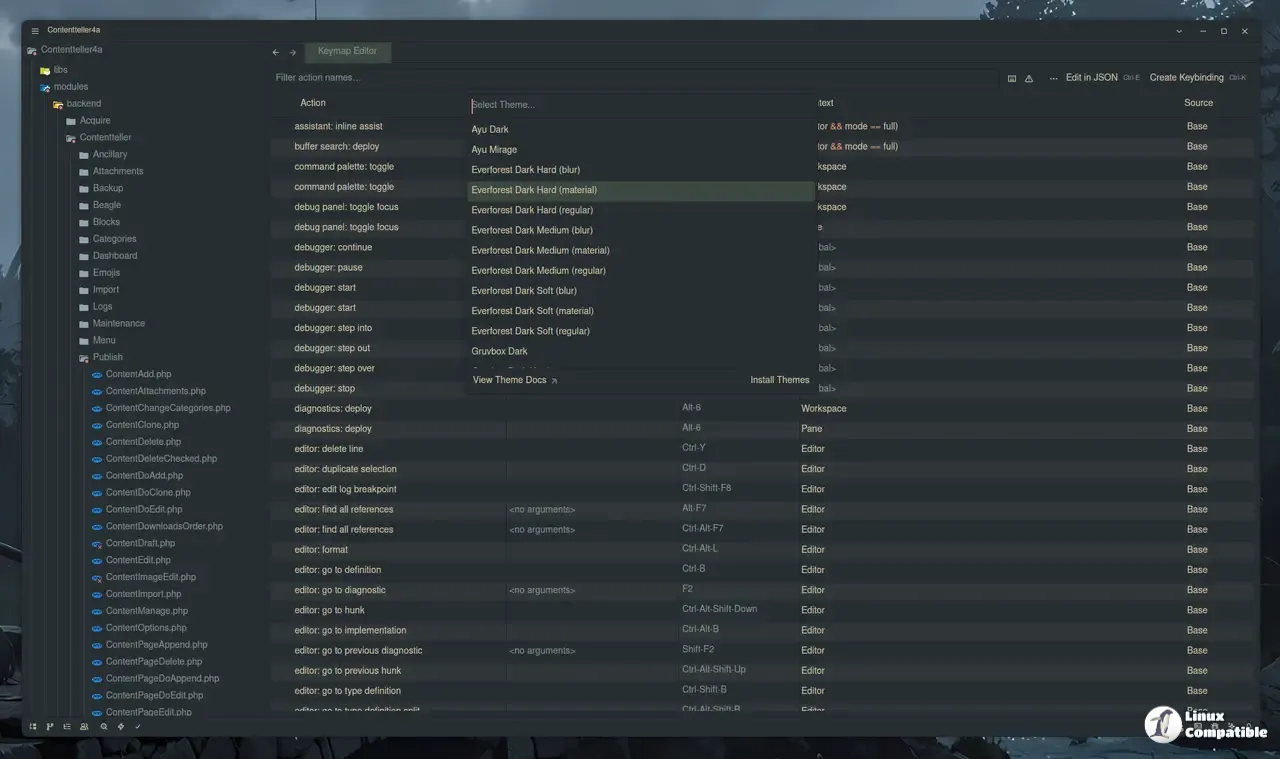
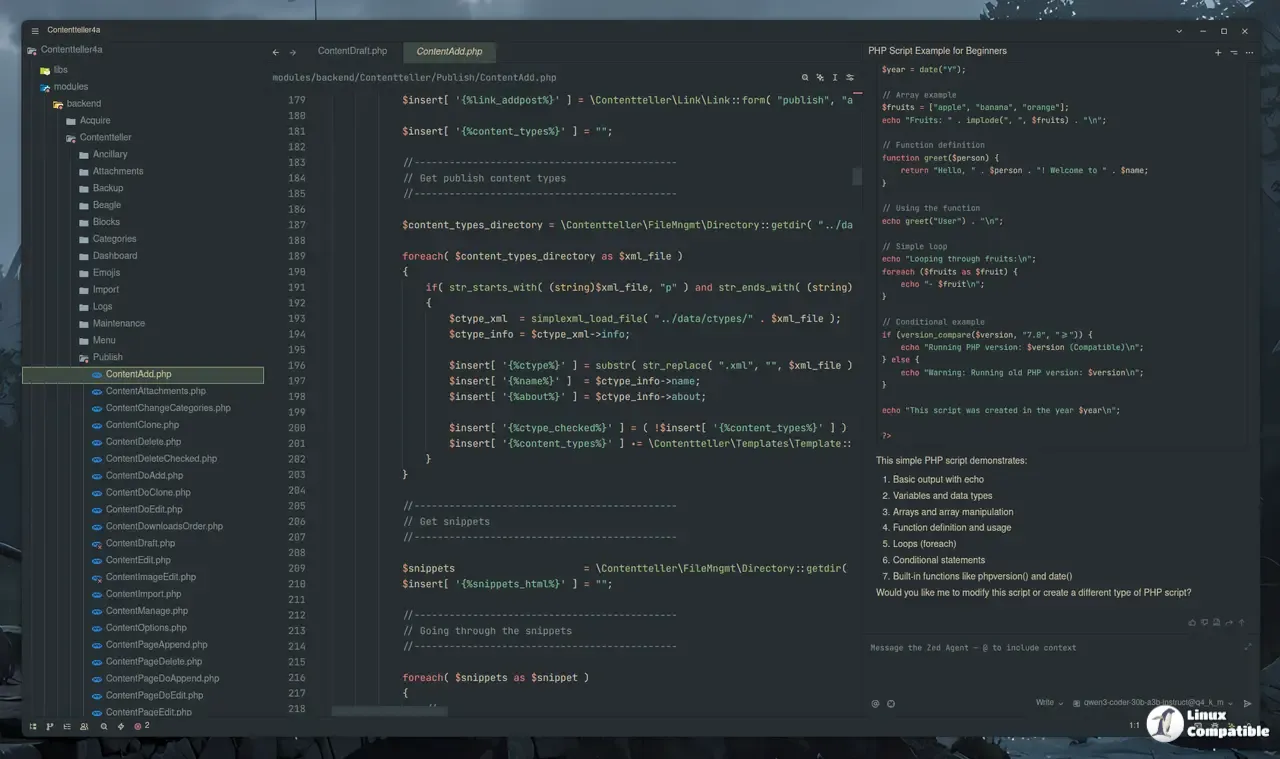
Zed now talks to GitHub Copilot’s “Next Edit Suggestions,” Ollama, Codestral, Sweep and Mercury Coder. The menu lives under Edit Prediction → Configure Providers – tick the boxes you trust, hit Apply and the editor will start polling the chosen service whenever you pause typing.
Image viewer got a mouse‑friendly overhaul
Zooming and panning are now native actions: scroll‑wheel + Ctrl zooms in/out, click‑and‑drag pans, and a toolbar gives quick reset or fit‑to‑view commands. The overlay shows the current percentage, which is handy when you need pixel‑perfect cropping for documentation.
Windows now works for SSH remoting – too late?
Zed finally supports Windows as a target platform for SSH remote development. The option appears under Remote Development → Add Remote, where you can specify host, user and port just like on macOS or Linux.
macOS file‑watcher is leaner: why you should notice
Zed now uses “significantly fewer resources when watching filesystem changes” on macOS. If you run Zed alongside other resource‑hungry apps (Docker, Chrome, etc.), this reduction can keep your laptop from throttling. The change is mostly invisible unless you’ve previously complained about Zed hogging a core while idle.
Terminal tab renaming saves a click or two
Right‑click a terminal tab and choose Rename, or simply double‑click the tab label. The new name sticks until you close the pane, which helps when you have multiple shells doing different things (e.g., one running npm start, another watching logs).
Minor but maddening bugs that finally got squashed
- Agent panel focus: earlier versions would steal focus when opening an AI thread, breaking my workflow mid‑typing. Fixed now.
- Sticky scroll headers in markdown: those ghost bars that never disappeared are gone.
- Remote server binaries on WSL: Zed used to leave orphaned binaries after a session; the cleanup routine now prunes them automatically.
If you’ve been annoyed by any of these quirks, you’ll notice an immediate improvement. The release also patches a crash when loading CJK text in the loading animation.
Release Zed v0.222.2
This week's release includes support for multiple edit prediction providers (GitHub Copilot's Next Edit Suggestions, Ollama, Codestral, Sweep, and Mercury Coder), zooming and panning in the image v...