Zed 0.213.3 released
The popular coding editor Zed has rolled out a major new release. This isn't just about incremental updates; the focus is tangible improvements to streamline work and enhance reliability.
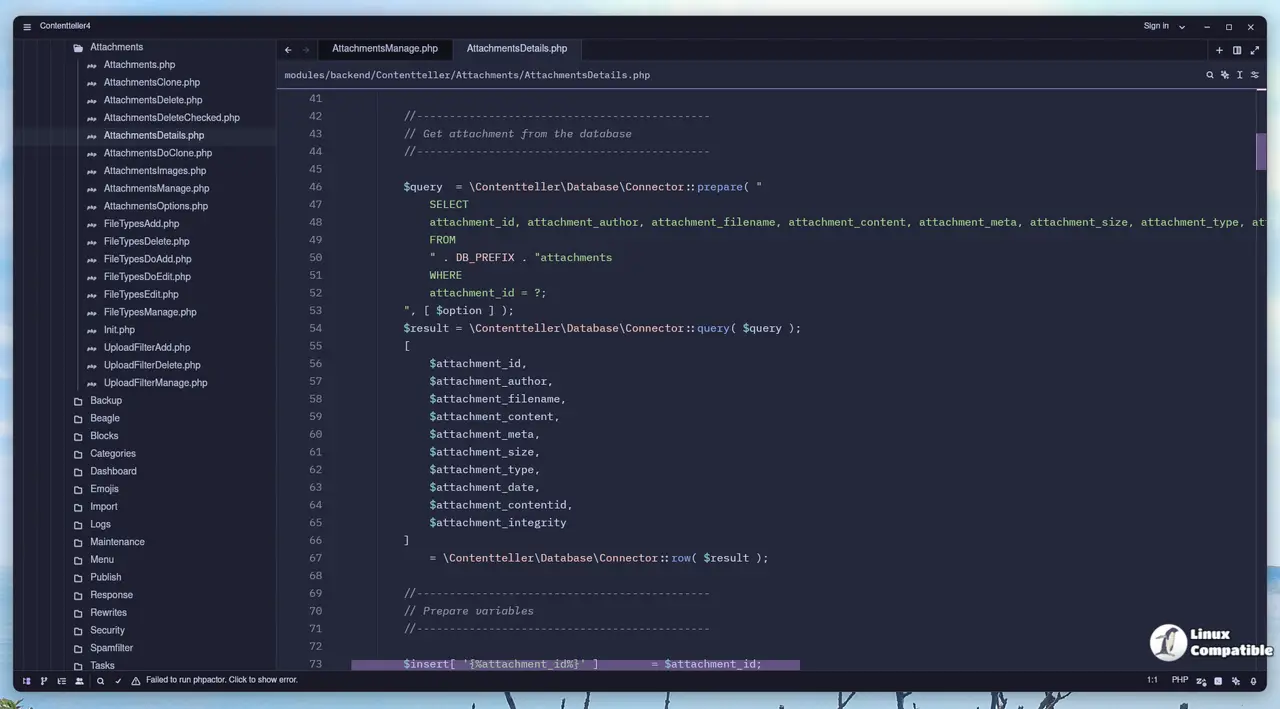
A key usability win involves scope visibility. With sticky scroll enabled via {"sticky_scroll":"enabled"} in your config, you can now keep related parts of your code visible while scrolling, preventing that lost context feeling when working with large files or projects.
For more complex task initiation, multi-word snippet prefixes are now supported too. This makes building and inserting custom code blocks smoother than ever.
Visual feedback across the board is improved. Notifications appear during actions like cloning a repo, and the Git panel provides clearer indicators about commit history changes.
Under the hood, Git handling feels more seamless: blame shows Forgejo/Gitea avatars correctly, automatic signing works by default, and timestamps display better in various dialogs (like branch operations). Better error messages also guide you when issues arise with branches or Bitbucket setups. If you use ACP agents, rest assured that default model selection no longer causes crashes.
The debugger received a favorable upgrade too. LSP tools now leverage relative paths more effectively, and the GDB adapter offers finer control through new configuration options (gdb_path, gdb_args), which is especially advantageous for remote or customized environments.
Language support continues to evolve as well. Markdown can render HTML elements and table captions directly in preview mode, a useful addition. Rust syntax highlighting has also seen refinement, particularly with bang marks in macro calls and clearer lifetime captures during editing.
As always, the team didn't forget about stability either, fixing bugs found across the board: agent panels behave better now, horizontal scrollbars reappear where necessary (especially for code blocks), whitespace filtering handles OpenAI-compatible providers correctly, and that specific macOS 'fn-' shortcut insertion bug is squashed. And for those managing remote server assets via scripts, be aware that Zed's download URL structure has changed to point toward GitHub releases.
Release Zed v0.213.3
This week's release includes a setting to enable sticky scroll for keeping scopes visible at the top of the editor, multi-word snippet prefixes, configurable default models for custom agent profile...