Zed 0.211.4 released
A new version of the Zed editor, 0.211.4, is now out. This update brings a Windows build optimized for ARM64 chips. It also adds a Git feature to directly compare the current branch with 'main' via the command palette, which should make branching smoother. The developers tacked onto the markdown preview some quality-of-life tweaks related to HTML tables and lists.
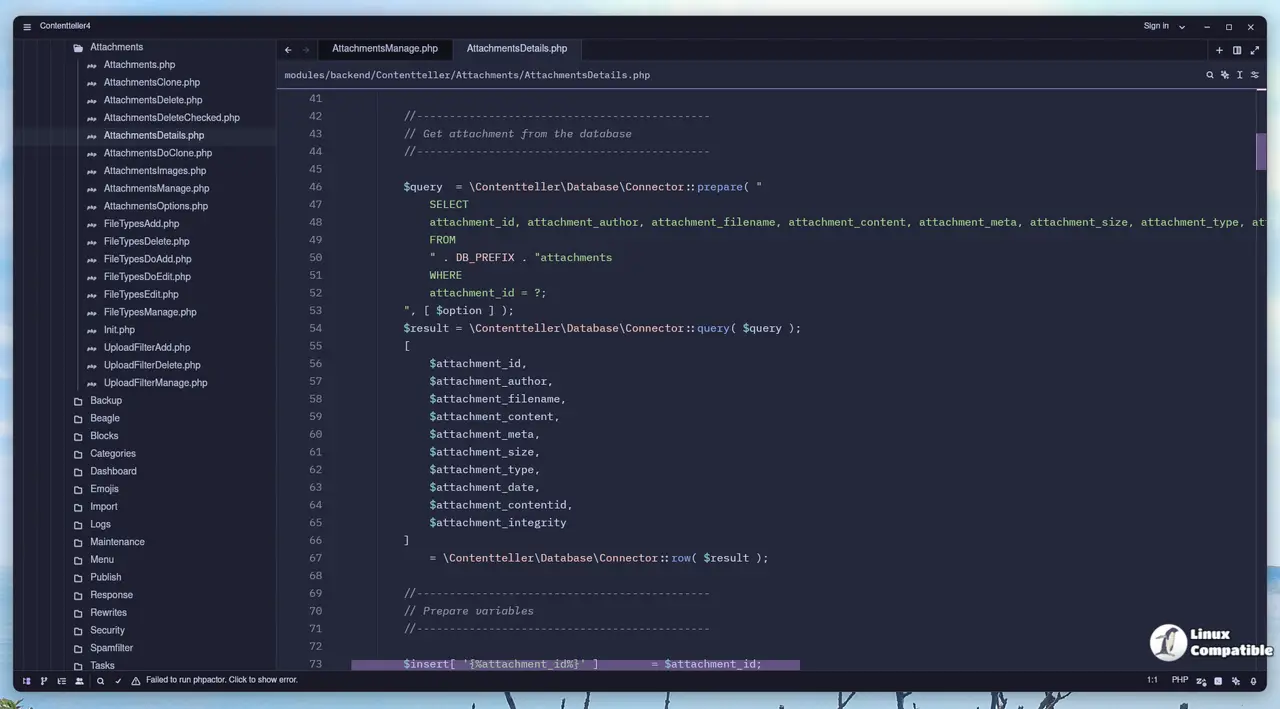
On the Agent front, the new version now supports installing its AI agents through extensions, making symbol completions more precise by showing line numbers. You can also adjust the Codestral endpoint used for code suggestions directly in settings, which is handy if you're using a different model or server configuration. The developers have improved how editing previous messages works, keeping focus where you need it.
For Git users, things should be slightly less buggy now. There was an issue with clean files being saved incorrectly when staging changes, which might have caused headaches for external tools like Vite; hopefully, this is smoothed out. Also, the project diff updates better in response to git activity.
The debugger got a bit more user-friendly: now you can see variables inline while debugging (for JS/TS too!), and there's a horizontal scroll bar and tooltip help for frame details. Plus, they fixed the panic when minimizing Zed.
Some other minor UI tweaks: warning banners appear if you're editing outdated settings that need migration, so don't be surprised. You can now edit project settings for worktrees without a dedicated file, which is nice. And the command palette menu navigation got some Vim-like motions.
For developers diving into languages: markdown previews support more HTML table features like colspan and rowspan, and they finally caught up there! Go users can now have comments automatically injected in go.mod files via Ruff. Helix keyboard mode users saw their Ctrl+P/N navigation fixed for the 'Search project files' command.
Performance-wise, the remote dev's connection timeout is now longer (60 seconds), which might help with network hiccups. And WSL debugging attach lists shouldn't have duplicate entries anymore.
If you're using the terminal integration for authentication, you'll observe that ACP support has been updated accordingly, and Zed now respects the 'responses' endpoint for Copilot as well. Line number handling also received a refresh; they can be wrapped or displayed inline depending on your setting (changed from a simple boolean to an enum: enabled, disabled, or wrapped!), and they fixed that cursor jump issue when duplicating lines upwards.
Basic navigation actions via the command palette ("go to next reference," "previous"), which is useful but not earth-shattering, have been added. There's also a way to toggle all docks from the editor action menu, and two new commands let you reset zoom levels in specific areas (like just the agent panel) if they get messed up.
Bug hunting was productive too: Agent offers only tools it can use, its font sizes scale properly, and the issue of that web search tool appearing unexpectedly is fixed. The developers also unblocked the 'agent: Chat with follow' feature. Some less glamorous fixes exist, like preventing copy buttons from failing in REPL error views or avoiding memory leaks in the Settings UI.
On the language server side: fixed Java completion defaults handling, addressed Ruff and Biome diagnostics, kept ESLint happy with proper line breaks, and even added automatic import organization for Python files as a save feature.
zed-industries/zed Release v0.211.4
This week's release includes a new Windows Arm64 build, a git: branch diff action to diff the current branch against main, many quality-of-life rendering improvements to markdown preview, the abili...


