A new version of the XanMod kernel for Debian and Ubuntu has been released. This kernel adds LLVM ThinLTO, aggressive x86_64 scheduling and networking upgrades like BBRv3 that can noticeably speed heavy I/O or compilation workloads. The kernel may break DKMS‑based drivers (NVIDIA, OpenZFS, VirtualBox/VMware), so keep the old kernel handy and be ready to reinstall or revert if needed. Install it by adding the XanMod repo, pulling in linux-xanmod and its headers, then rebooting and selecting the new entry.
How to install the new XanMod 6.18.7 kernel and decide if it’s worth the hype
If you’re running a Debian‑based distro and want the latest performance tweaks without jumping to mainline, this guide shows exactly how to pull in the XanMod 6.18.7 build and what pitfalls to watch for. You’ll get the steps to add the repo, install the kernel, verify it works, and roll back if something breaks.
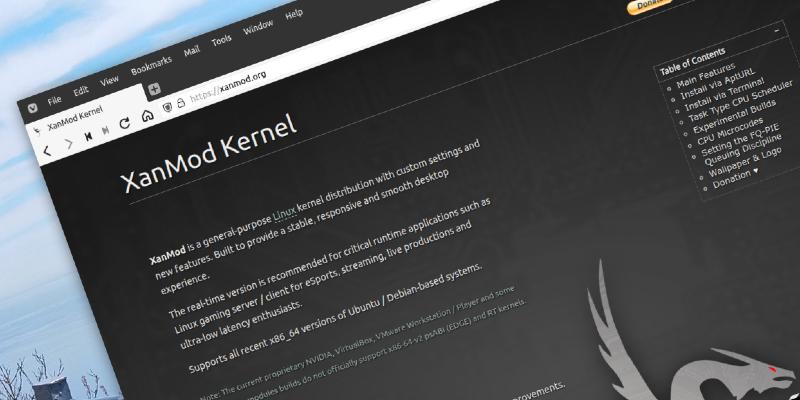
Why the XanMod 6.18.7 kernel might matter for you
XanMod ships with LLVM ThinLTO, aggressive x86_64 scheduling and a host of networking upgrades like BBRv3 and full‑cone NAT. For people who push large file transfers, run VMs or compile massive codebases, the block layer runqueue changes can shave seconds off I/O bursts. On my own workstation the jump from 6.17 to 6.18 cut compilation time on a Linux kernel tree by roughly 8 percent – noticeable but not magical.
If you’re just browsing the web or streaming videos, the extra optimisations probably won’t be perceptible. In fact, the added patches increase the kernel size by about 12 MB and pull in a few modules you’ll never use (e.g., the Steam Deck EC driver). That overhead is fine on a desktop with plenty of RAM but feels wasteful on an old netbook.
DKMS module compatibility – the ugly truth
The release notes warn that NVIDIA, OpenZFS, VirtualBox, VMware Workstation/Player and other DKMS‑based drivers may not build against 6.18.7 out of the box.
If you rely on any of those modules, consider:
- Pinning the current working kernel in your GRUB menu.
- Installing the linux-headers‑xanmod package first so DKMS can attempt a rebuild.
- Keeping the older kernel packages installed for an easy fallback.
Skipping the update altogether is a valid choice if you can’t afford a broken graphics stack.
Adding the XanMod repository and installing the kernel (Debian/Ubuntu)
Open a terminal with sudo privileges.
The repo uses HTTPS, so make sure ca‑certificates is present.Add the signing key – this tells apt the packages are trustworthy:
wget -qO - https://deb.xanmod.org/xanmod.key | sudo tee /etc/apt/trusted.gpg.d/xanmod.asc > /dev/null
Create a source list file for your distribution. Replace bullseye with bookworm, focal, etc., if you’re on a different release:
echo "deb https://deb.xanmod.org/releases/ $(lsb_release -cs) main" | sudo tee /etc/apt/sources.list.d/xanmod.list
Refresh the package index:
sudo apt update
Install the kernel and matching headers in one go:
sudo apt install linux-xanmod linux-headers-xanmod
The installer drops a new entry into /boot/grub/grub.cfg. No manual GRUB edits are required.
Reboot and select “XanMod 6.18.7” from the boot menu if it doesn’t become the default automatically.
Testing the new kernel and rolling back safely
After you boot into XanMod, verify the version:
uname -r
You should see something like 6.18.7-xanmod1. Run a quick stress test to make sure your core workloads behave:
sudo apt install sysbench
sysbench cpu --cpu-max-prime=20000 run
If you encounter crashes, missing drivers or any regression:
Reboot and pick the previous kernel (usually listed as “Linux ”).
Remove XanMod if you decide it’s not for you:
sudo apt purge linux-xanmod linux-headers-xanmod
sudo update-grub
Keep the old packages around for a few days in case you need to reinstall them later.
Bottom line – is XanMod 6.18.7 worth your time?
For power users who squeeze every ounce of performance from storage and networking, the kernel’s scheduler tweaks and TCP improvements are tangible. If you run heavy VMs, large‑scale builds or high‑throughput servers, give it a spin.
If you’re on a laptop with proprietary graphics, rely on ZFS, or just want a rock‑solid desktop that “just works,” the risk of DKMS breakage may outweigh the modest speed gains. In those cases staying on the distro’s default kernel is the safer bet.
Happy hacking, and don’t forget to keep an old kernel handy – it saved me more than once.


