Wireshark 4.6.0 and 4.4.10 released
Wireshark, a leading network protocol analyzer widely used for troubleshooting and analysis, has recently released significant updates with its versions 4.6.0 and 4.4.10. As an open-source project hosted by the Wireshark Foundation, it heavily relies on community contributions to support its educational initiatives.
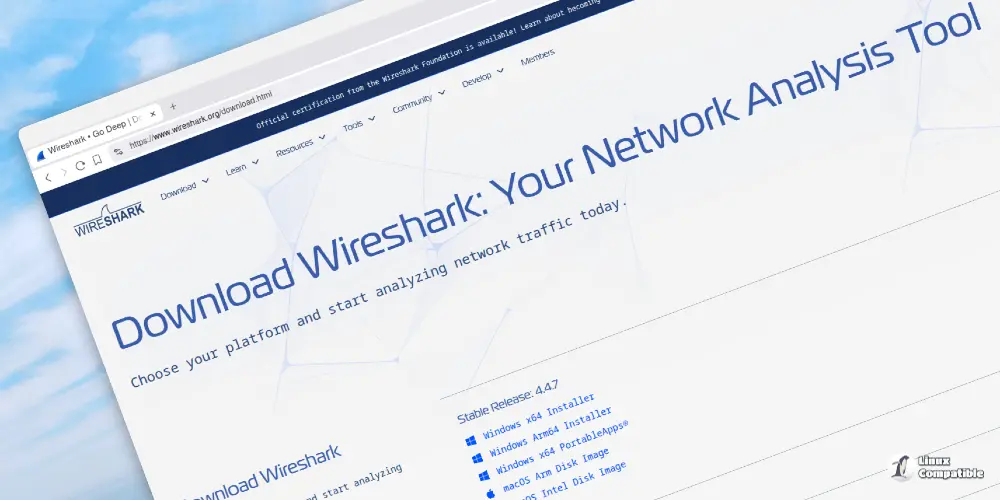
Among these releases, version 4.6.0 stands out with numerous improvements and enhancements. Notably, Wireshark has introduced new features that significantly enhance its capabilities for users across various platforms. The macOS version now offers improved dissection of process information and packet metadata using tcpdump. Additionally, the Windows installers have been updated to include Npcap 1.83 and Qt 6.9.3, while universal installers are available for macOS, eliminating the need for separate packages based on the device's architecture.
Another significant change is the removal of WinPcap support in favor of Npcap, which requires users to switch to the newer library. The introduction of a new "Plots" dialog featuring scatter plots contrasts with existing "I/O Graphs," offering a more comprehensive set of visualization options. Live capture compression has also been added, enabling faster data processing during writing. Additionally, Wireshark now shows absolute time in JSON outputs using ISO 8601 format and has better ways to decrypt MACsec packets.
In terms of display features, users can now take advantage of numeric sorting in custom columns and enhanced UI elements. Moreover, support has been added for various new protocols and file formats, further expanding Wireshark's capabilities.
As part of these updates, several features have been removed or discontinued. Support for AirPcap and WinPcap, as well as older libnl versions, is no longer available.
Version 4.4.10, on the other hand, focuses primarily on bug fixes and minor updates to existing protocols. Specifically, this release resolves issues such as an infinite loop in the MONGO dissector and memory management problems. Additionally, improvements have been made to icon resolution on macOS.
Users can access installation packages through the official Wireshark website and upgrade their versions using their platform's package management systems. Comprehensive user guides and community support channels are available for assistance. The project relies heavily on donations to the Wireshark Foundation to continue its development and educational initiatives.
For more detailed information, visit the complete release notes. Go to the download page to access the files.


