The latest VSCodium build, version 1.109.51242, brings several improvements to the coding experience for developers. This includes slash commands being recognized in prompt files and hooks, allowing for more seamless integration of extensions. Additionally, background agent sessions can now be renamed, eliminating confusion when multiple agents run simultaneously.
VSCodium 1.109.51242 adds slash commands, session renaming and Kitty keyboard support
The newest VSCodium build fixes a handful of quirks that have been nagging developers who rely on background agents, and it drops in a few quality‑of‑life tweaks. This article walks through what actually changed, why it matters for everyday coding, and how to make sure the update lands without a hitch.
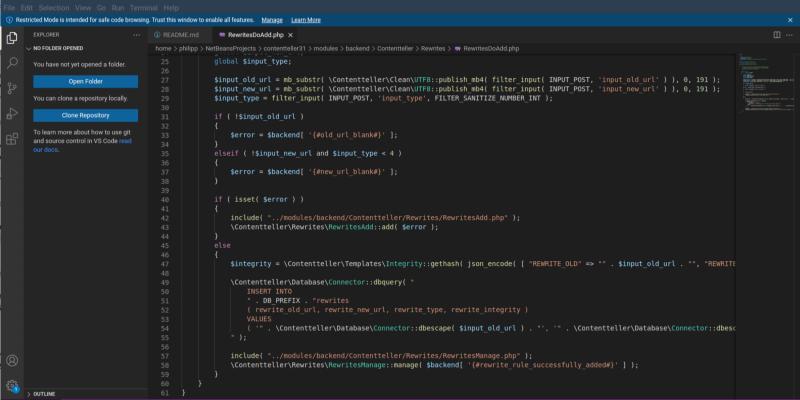
What’s new in VSCode 1.109.5
The release notes call out three headline features. First, slash commands are finally recognized inside prompt files, hooks and skills – something that has been on the community backlog since the early days of VS Code extensions. Second, background agent sessions can now be renamed, which clears up confusion when multiple agents run side‑by‑side in a single workspace. Third, Kitty keyboard support is no longer hidden behind an opt‑in flag; every user gets the same smooth key handling that power users have been enjoying for months.
The VSCodium build also bumps the Node.js version referenced in the official documentation, a change that was pushed by a contributor who noticed several tutorials still pointed at an outdated LTS release. The new docs now reflect the current stable Node line, which helps avoid “module not found” errors when following online guides.
How to get the update
If VSCodium was installed through a package manager, running the usual upgrade command will pull in 1.109.5. On Windows, opening the installer from the official site and clicking “Next” overwrites the existing files while preserving user settings. macOS users can drag the new app bundle into their Applications folder; the system will prompt to replace the old version. After the binary is replaced, launching VSCodium shows the updated version number in the Help About dialog.
x86 64bits
ARM 64bits
ARM 32bits
PPC 64bits
| Linux | .tar.gz | VSCodium-linux-ppc64le-1.109.51242.tar.gz |
| Remote Host | vscodium-reh-linux-ppc64le-1.109.51242.tar.gz | |
| Web Host | vscodium-reh-web-linux-ppc64le-1.109.51242.tar.gz |
RISC-V 64bits
| Linux | .tar.gz | VSCodium-linux-riscv64-1.109.51242.tar.gz |
| Remote Host | vscodium-reh-linux-riscv64-1.109.51242.tar.gz | |
| Web Host | vscodium-reh-web-linux-riscv64-1.109.51242.tar.gz |
Loong 64bits
| Linux | .tar.gz | VSCodium-linux-loong64-1.109.51242.tar.gz |
| Remote Host | vscodium-reh-linux-loong64-1.109.51242.tar.gz | |
| Web Host | vscodium-reh-web-linux-loong64-1.109.51242.tar.gz |
s390x
| Linux | Remote Host | vscodium-reh-linux-s390x-1.109.51242.tar.gz |
| Web Host | vscodium-reh-web-linux-s390x-1.109.51242.tar.gz |


