VirtualBox 7.2.2 is a maintenance release that focuses on addressing various issues and adding new features to improve the overall user experience. The update includes fixes for GUI crashes, network connectivity issues, USB device sharing problems, and Guest Additions functionality, among others.
VirtualBox 7.2.2 Now Available
VirtualBox, a popular full virtualization software, has released version 7.2.2 for x86_64 hardware, with additional support for macOS/Arm and Windows/Arm platforms. This maintenance release focuses on addressing various issues and adding new features to improve the overall user experience.
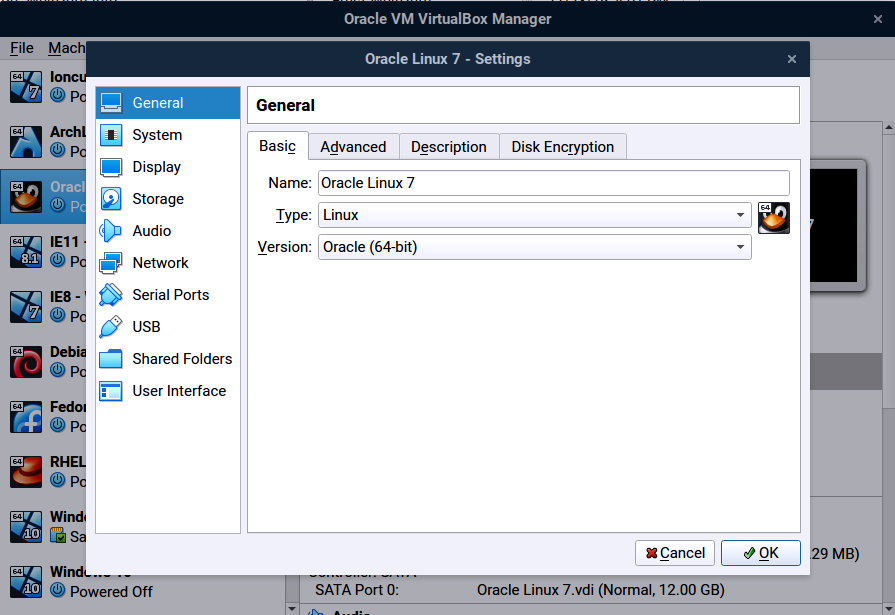
What's New in Version 7.2.2:
The latest update includes a range of fixes and enhancements across multiple areas:
VMM (Virtual Machine Monitor)
- Fixed an issue where VMs couldn't start on Windows Arm hosts, ensuring smoother virtual machine deployment.
- Other fixes related to VMM are also included in this version.
GUI (Graphical User Interface)
- Resolved a crash issue when attempting to show error notifications too early in the VBox Manager, improving the user interface stability.
- Fixed a bug that caused VBox Manager crashes while removing all VMs from the VM list or during snapshot deletion.
- Addressed an issue where error notifications couldn't be displayed on Linux hosts, ensuring users receive critical information.
- Resolved a layout bug with too strict size constraints in the VBox Manager, allowing for more flexibility.
- Updated the tooltip for the network status-bar indicator to display the guest additions' IP address change.
- Added support for Windows 11 hosts to use legacy light/dark themes from Windows 10, enhancing user experience.
- Forcing xdgdesktopportal platform theme on Linux when org.freedesktop.portal.Desktop DBus service is available, improving compatibility.
Network
- Fixed a potential issue where nameservers in the 127/8 network could be passed to guests, ensuring secure networking.
- Introduced an experimental e1000 adapter (82583V) that requires the ICH9 chipset and supports multiple MSI types, offering improved network performance.
USB
- Resolved an issue with passing through USB devices exposed over USB/IP, allowing for smoother device sharing between hosts and guests.
- The virtual USB webcam is now part of the open-source base package, enhancing user experience.
Arm Host
- Improved high CPU usage for idling VMs on Arm hosts, reducing power consumption and enhancing overall performance.
Linux Host
- Updated KVM APIs to use kernel 6.16.0 or newer for acquiring/releasing VT-x, improving security and stability.
- Resolved an issue where VBoxClient reported unable to load shared libraries on start, ensuring Guest Additions functionality.
macOS Host
- Fixed internal networking issues, including NAT networks on macOS (7.2.0 regression), restoring network connectivity.
- Resolved a VM crash issue on Arm hosts during VM start-up.
Linux and Windows Guest Additions
- Fixed an issue where VBoxClient reported unable to load shared libraries on start for Linux Guest Additions.
- Addressed an installation failure issue on Windows XP SP2 64-bit for Windows Guest Additions, ensuring successful guest additions deployment.
EFI
- Resolved an issue with TPM devices not working correctly with certain guests, enhancing security and stability.


