Vim 9.2 has introduced several changes that can impact daily workflows, including a revamped completion engine with fuzzy matching and improved performance when dealing with large files. The new version also introduces diff improvements, allowing users to split large files into logical sections for easier comparison. Additionally, Linux users can now enjoy native Wayland clipboard handling and UI integration, although this feature is still experimental. Overall, the update brings incremental improvements that are solid enough for everyday editing, but may not necessitate a massive overhaul of existing settings or workflows.
Vim 9.2 – What the New Features Mean for Everyday Editing
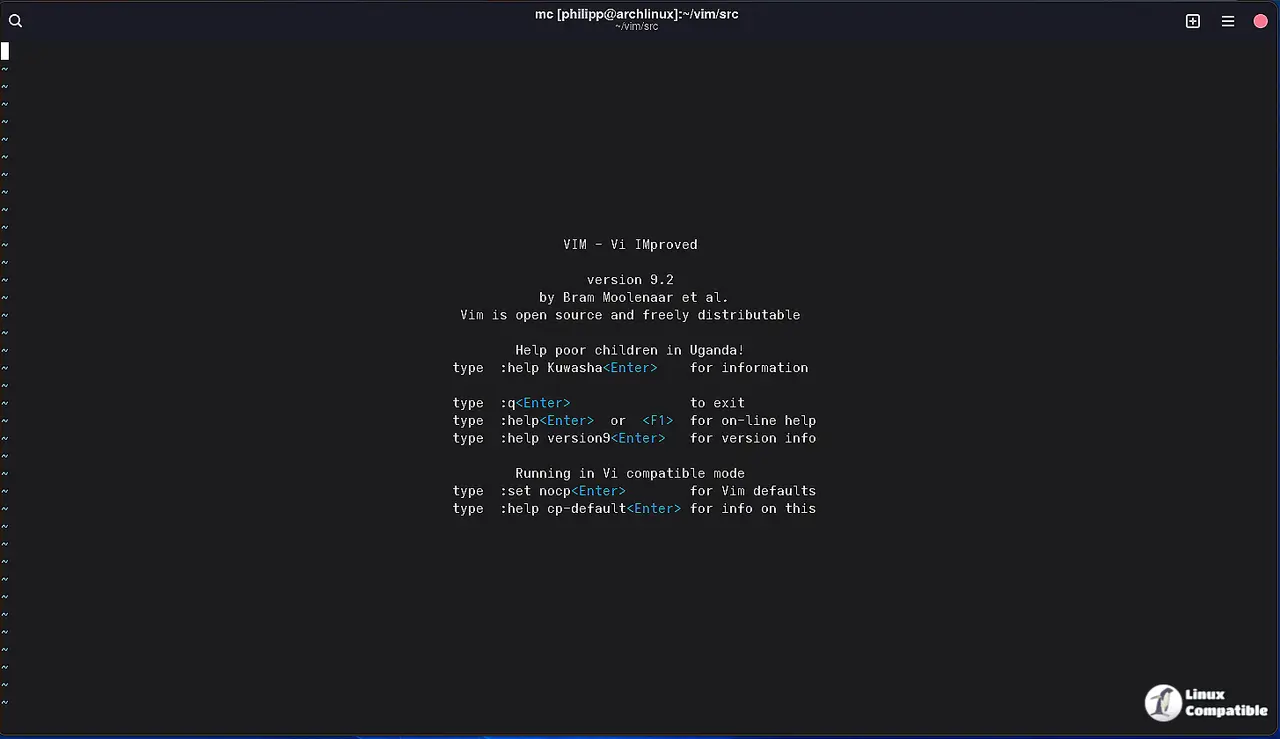
The release of Vim 9.2 brings a handful of changes that actually touch daily workflows. This guide highlights the most useful tweaks—especially the revamped completion engine, the long‑awaited diff improvements, and the tentative Wayland support—so you can decide what to enable right now and what can wait for a later update.
Smarter Completion Without the Fluff
Insert‑mode completion finally gets fuzzy matching built in, which means you no longer need an external plugin just to type “brc” and have it suggest “branch”. The new completeopt flags (nosort, nearest) let power users fine‑tune the order of matches; however, most people will find the default sorting perfectly adequate and may consider nosort unnecessary overhead.
A common scenario that illustrates the benefit is when editing a massive log file: after Vim 9.1, many reported that completion would pause for several seconds while scanning the buffer. In 9.2 the algorithm stops early once enough candidates are found, so the popup appears instantly even on a 200‑MB file.
Diff Mode Gets a Real Upgrade
Diff highlighting has been a pain point for years—especially when line numbers shift but the visual cues stay stubbornly misaligned. Vim 9.2 introduces the linematch algorithm and the diffanchors option, allowing you to split large files into logical sections that are diffed independently. In practice this means a config file with two unrelated blocks no longer forces the whole view to wobble when only one block changes.
The default diffopt now includes inline:char, which highlights character‑level differences inside a line. If you prefer word‑level granularity, simply add inline:word to your settings; the extra detail can be noisy in small patches but shines on large refactors where a single variable rename gets lost among dozens of unchanged lines.
Wayland Support – Experimentally Ready
Linux users finally get native Wayland clipboard handling and UI integration. The implementation is flagged as experimental, so expect occasional hiccups when switching between X11 and Wayland sessions. Those who run a pure Wayland desktop can enable it with set guicursor+=a:blinkon0 to avoid the default X11 fallback, but most will want to keep the X11 path until the bugs are ironed out.
The move to $HOME/.config/vim follows the XDG Base Directory Specification. Existing users who have a sprawling ~/.vim tree should copy it over or create a symlink; otherwise Vim will start with an empty configuration and all plugins will need to be re‑installed—something that caught a few people off guard after the upgrade.
Vim9 Script Takes a Leap, but Not All Projects Need It
The language enhancements—Enums, Generics, Tuple types, and method compilation via :defcompile—make writing large plugins feel more like modern programming. The community has already produced a full Battleship game and a number‑puzzle plugin using these features, proving they’re not just academic.
That said, the learning curve is steep for casual users who still rely on classic Vimscript. If your .vimrc lives in a few dozen lines of simple mappings, there’s little advantage to converting everything to Vim9 script right now. Stick with what works and dip into the new syntax only when you start a serious plugin project.
What’s Worth Skipping
- The completeopt=nosort flag rarely improves performance; most users will find the default sorting both fast and intuitive.
- The vertical tabpanel looks neat, but it doesn’t replace well‑maintained statusline plugins like airline or lightline, which still offer richer information.
- Dark‑mode title bars on Windows are cosmetic only; they don’t affect the editor’s core functionality, so enabling them is a personal preference rather than a productivity boost.
Give the new features a spin, but keep an eye on the experimental parts. Vim 9.2 is solid enough for everyday editing, and the incremental improvements will pay off without forcing a massive overhaul of your setup.
For additional details, check out the release announcement. To obtain the new release, visit the Downloads page.


