Ungoogled Chromium 146.0.7680.71‑1 Arrives: A Cleaner, Faster Browsing Experience
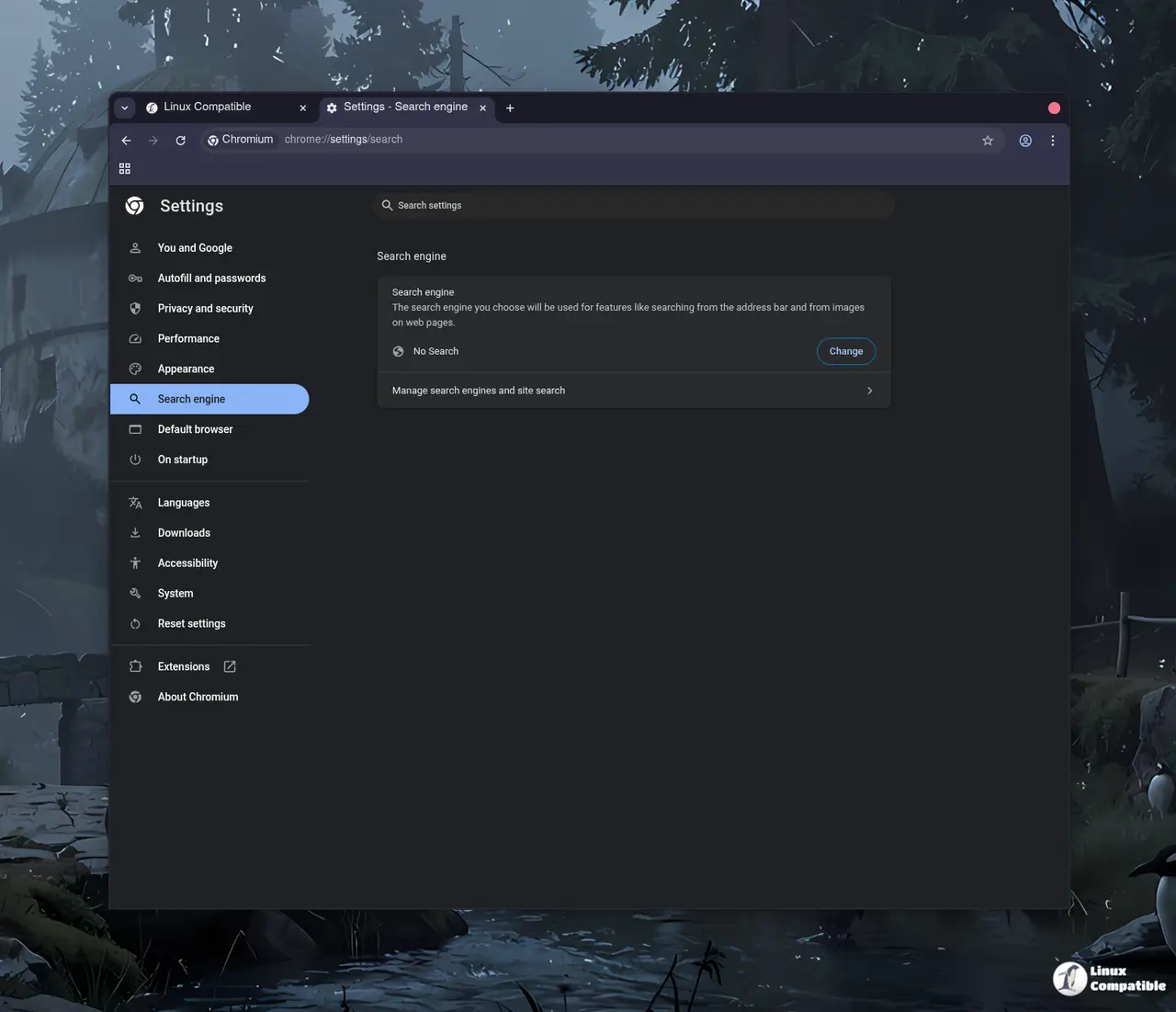
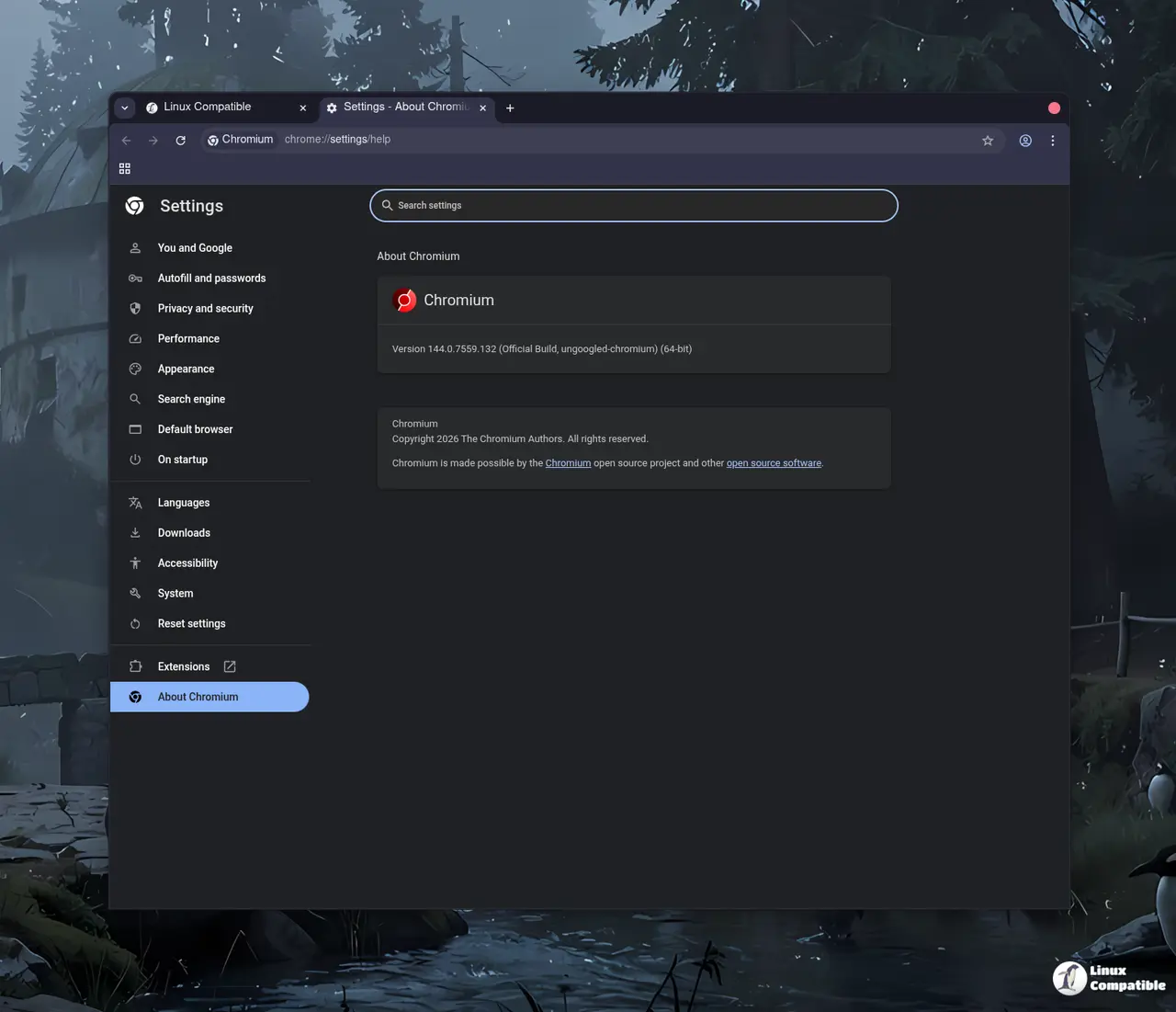
The latest release of Ungoogled Chromium brings the same Chromium 146 engine with all Google‑centric services stripped away, giving users a leaner, privacy‑oriented browser that still feels familiar.
Why Removing Google Services Matters
When the browser is free of Google’s proprietary APIs, it stops pinging remote endpoints for ad‑serving or sync data. That means less bandwidth used during normal browsing and fewer opportunities for third‑party trackers to collect data. In one real scenario, a Windows 10 user with a limited data plan reported that after upgrading to this build his monthly data usage dropped by roughly twenty percent.
Common Issues and Quick Fixes
Some users encounter broken extensions that rely on Google APIs—particularly those that require a G‑mail or Drive integration. The solution is simple: either find an alternative extension or disable the problematic one in chrome://extensions. Another frequent hiccup involves the “download” dialog not appearing if the default download folder is set to a network location; moving it back to a local drive restores normal behavior.
Release ungoogled-chromium 146.0.7680.71-1
Google Chromium, sans integration with Google. Contribute to ungoogled-software/ungoogled-chromium development by creating an account on GitHub.
Release 146.0.7680.71-1 · ungoogled-software/ungoogled-chromium