Ungoogled Chromium 146 update removes Google ties but demands user effort for full effect
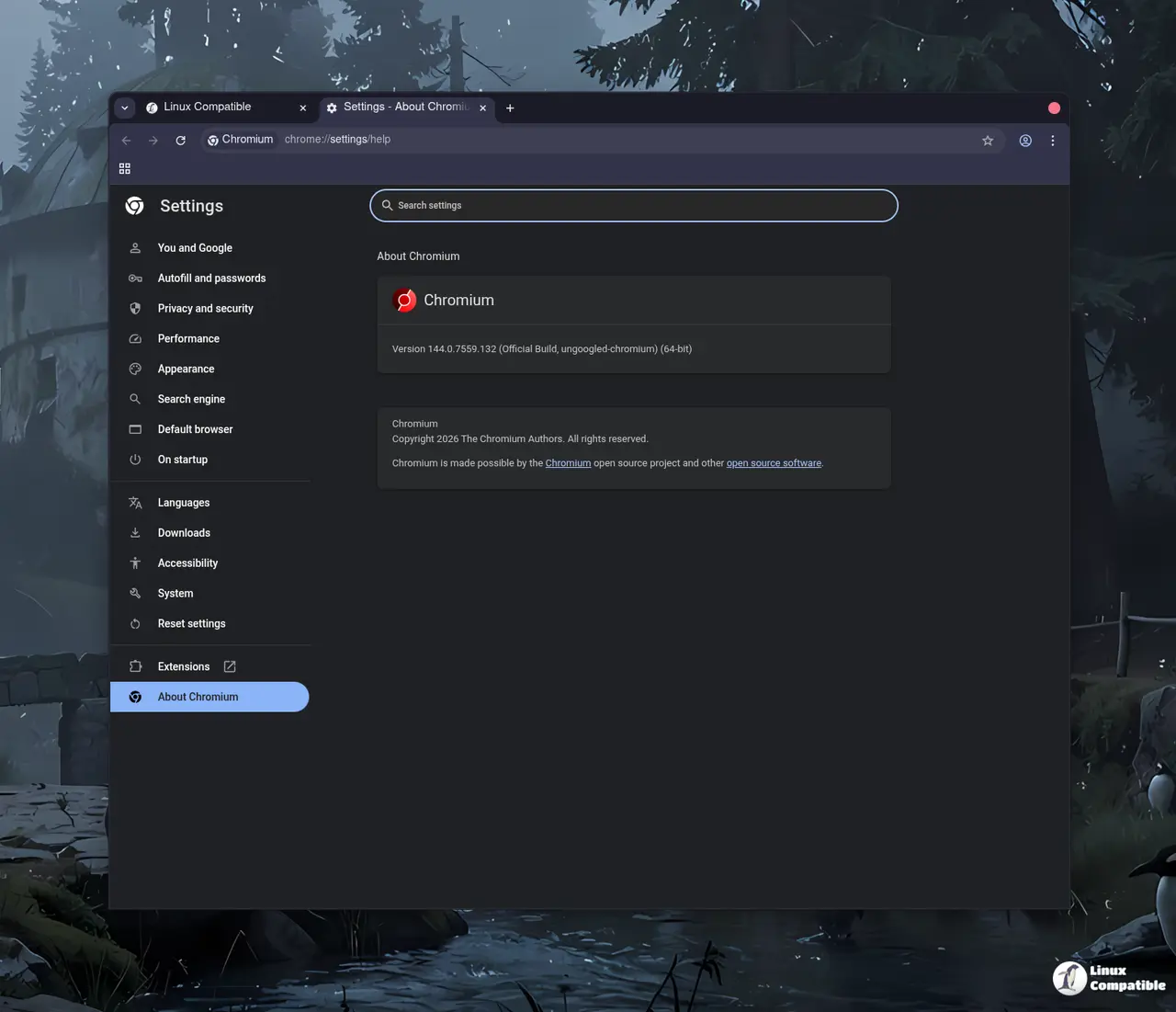
The latest version of ungoogled chromium has landed with a focus on stripping out Google web service dependencies. Users looking to reduce background tracking will find new patches in place, though most privacy features still need manual activation. This update keeps the core Chromium experience intact while tightening control over internal operations.
Why ungoogled chromium matters for privacy control
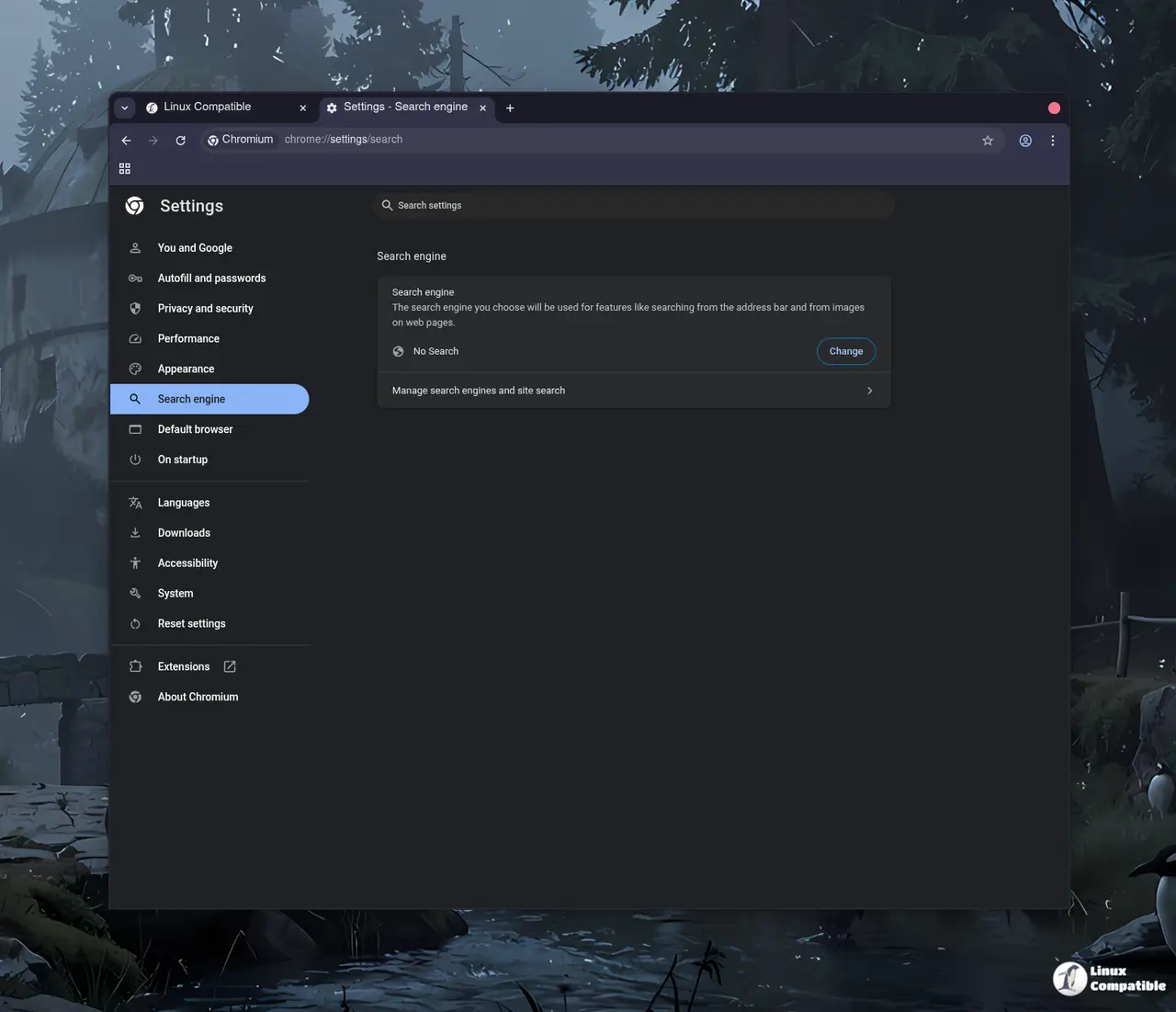
Standard Chromium relies on Google services even without signing in to an account which creates a dependency that many users do not notice until it is too late. The project removes background requests and replaces binaries with user alternatives to prevent data leaks during the build process or runtime execution. A common issue seen after updates is that Safe Browsing gets disabled by default which leaves users exposed to phishing sites unless they re-enable it manually. This trade off prioritizes transparency over convenience for those who know what they are doing and want full control over their browsing environment.
How to install ungoogled chromium on your system
Installation varies depending on the operating system and package manager available so users should check their specific distribution before proceeding. Arch users can grab it from the AUR while Fedora folks might prefer the COPR repository for a smoother integration with existing tools. Flatpak provides a sandboxed option for those who want isolation without touching system files or worrying about dependency conflicts. Third party binaries exist but come with warnings about authenticity since they are not always reproducible builds and could potentially be tampered with by malicious actors.
What changes come with the new version
The 146 release continues to block internal requests to Google at runtime using domain substitution tricks that redirect traffic to non existent addresses. This means connections to specific domains get blocked as a fail safe measure in case Google introduces new components that patches do not disable immediately. New command line switches allow for deeper configuration but remain disabled by default until the user decides otherwise through flags or settings menus. Power users will appreciate the ability to force pop ups into tabs or disable automatic URL formatting in the omnibox which reduces clutter and potential tracking vectors.
Release Ungoogled Chromium 146.0.7680.164-1
Google Chromium, sans integration with Google. Contribute to ungoogled-software/ungoogled-chromium development by creating an account on GitHub.
Release 146.0.7680.164-1 · ungoogled-software/ungoogled-chromium