Ungoogled Chromium 146 Update Brings Tighter Privacy Controls Without Google Ties
The latest version of ungoogled chromium has arrived with a focus on cutting off connections to Google services entirely. This release targets users who want the speed of the open-source engine without the data harvesting habits of the standard browser. New patches ensure background requests stop dead in their tracks while keeping the interface familiar for power users.
What the latest ungoogled chromium build actually changes
The core philosophy here remains exactly what it has been since the beginning, which is to strip away any code that talks back to Google servers. This version implements domain substitution by replacing many internal Google web domains with non-existent alternatives ending in qjz9zk. The browser then blocks its own requests to these fake addresses so no connection attempt ever leaves the machine. Binary pruning also remains active to remove pre-made binaries from the source code and replace them with user-provided alternatives when possible. This ensures that the software running on the PC is built entirely from source without hidden blobs included by upstream developers.
Why manual setup is still a requirement for full privacy
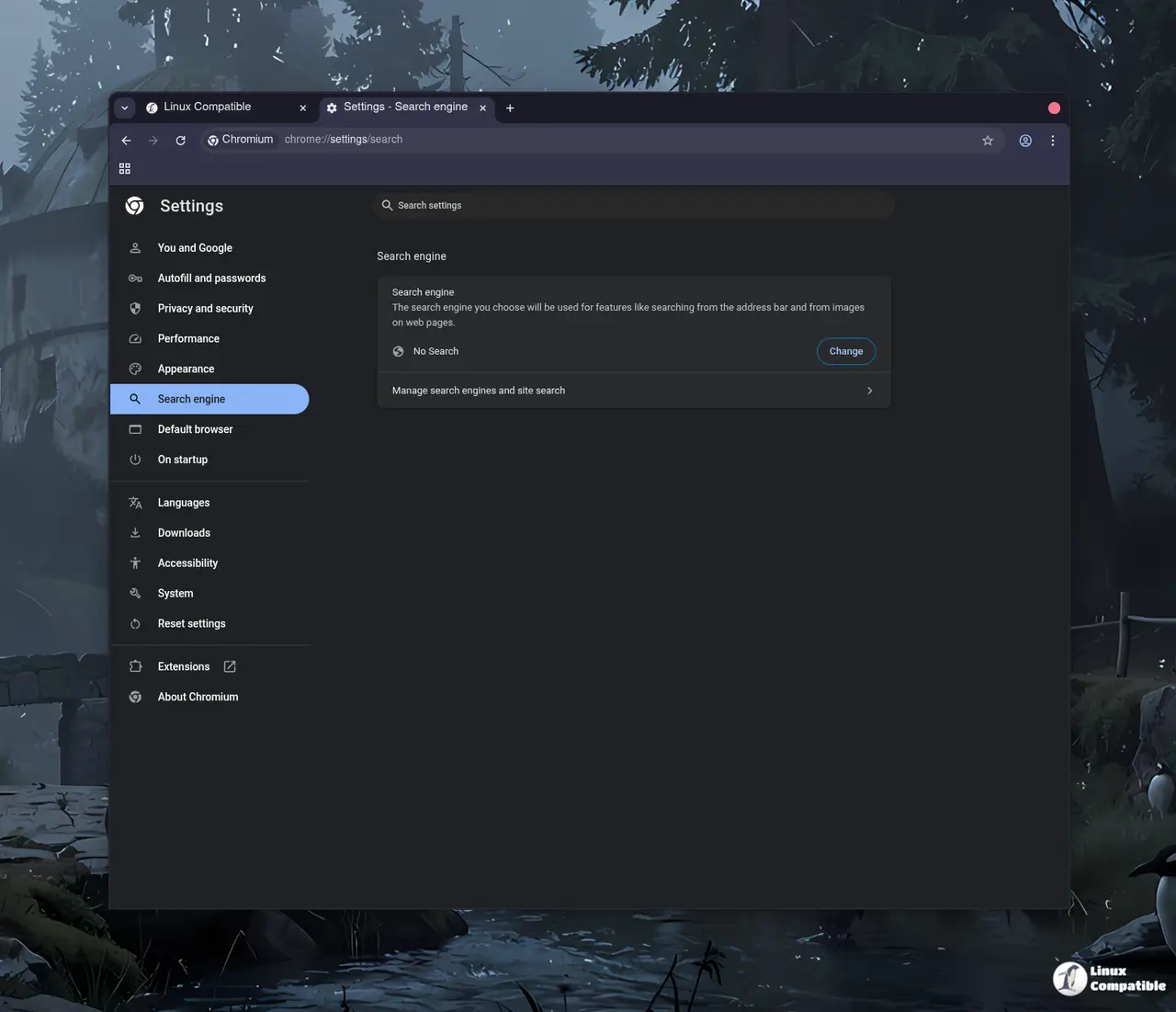
While the default installation removes obvious tracking, almost all of these features must be manually activated or enabled after installation. The design documentation notes that transparency and control often require tweaking settings within chrome://flags to function correctly. A common scenario involves users who expect immediate total anonymity only to find Safe Browsing is disabled by default without further configuration. Power users will appreciate the new command-line switches that allow for deeper customization of how the browser handles data. This includes adding suggestions URL text fields in the search engine editor or disabling automatic formatting of URLs in the Omnibox.
How borrowed code from other projects improves stability
The developers selectively borrow many features from established open source projects to enhance functionality without reinventing the wheel. Patches from Bromite, Iridium Browser, and Debian make their way into this build to add specific URL scheme handling improvements. Windows users will notice that the browser does not set the Zone Identifier on downloaded files anymore which reduces friction for local file access. Another key addition prevents URLs with the trk: scheme from connecting to the Internet at all. This creates a fail-safe measure where even if Google changes components, the browser blocks its own requests with such domains automatically.
Give the new version a shot if you are tired of the tracking and want full control over your browsing environment.
Release Ungoogled Chromium 146.0.7680.153-1
Google Chromium, sans integration with Google. Contribute to ungoogled-software/ungoogled-chromium development by creating an account on GitHub.
Release 146.0.7680.153-1 · ungoogled-software/ungoogled-chromium