Upgrade to Ungoogled Chromium 145 on Linux – What’s new and how to install it
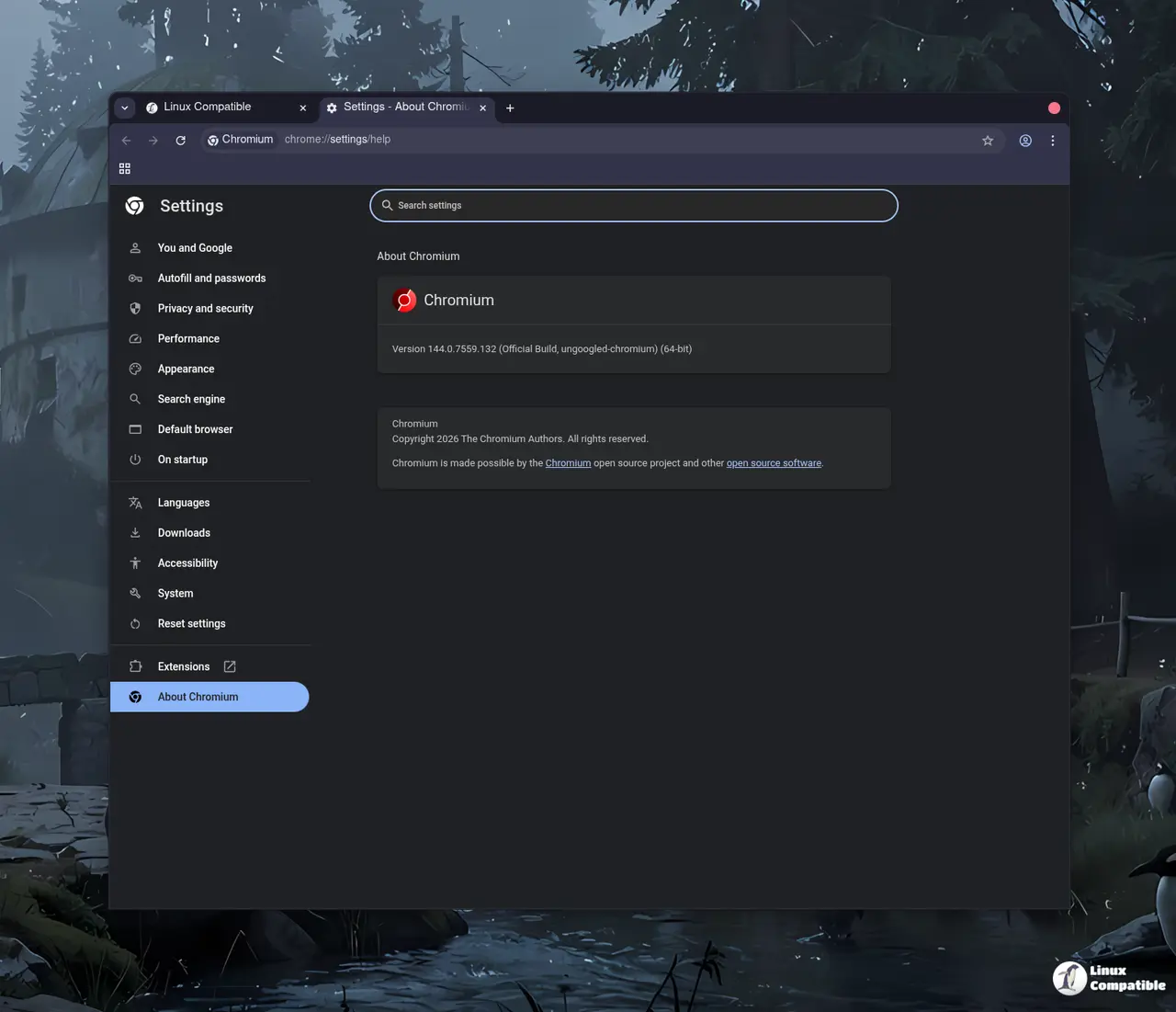
Ungoogled Chromium 145 finally landed, bringing the latest upstream Chrome code without any of Google’s telemetry. This guide shows which changes actually matter, walks through a clean installation, and points out the settings most users end up tweaking anyway.
What's new in this release
The jump from 144 to 145 is mostly a straight‑up Chromium update – security patches, performance tweaks, and the usual UI polish. What sets ungoogled apart is that every Google‑specific endpoint has been swapped for a dummy “qjz9zk” domain, then blocked at runtime. Users who have watched Chrome silently ping Google after a driver install will recognize the pattern: a fresh update re‑enables Safe Browsing or URL tracking, and suddenly privacy‑focused builds start leaking again. The 145 release tightens that loophole by expanding the domain substitution list and reinforcing the block in the networking stack.
Downloading the package
You can find the source code on GitHub, and a pre-built Flatpak package is also available on Flathub.
Post‑install tweaks you might want
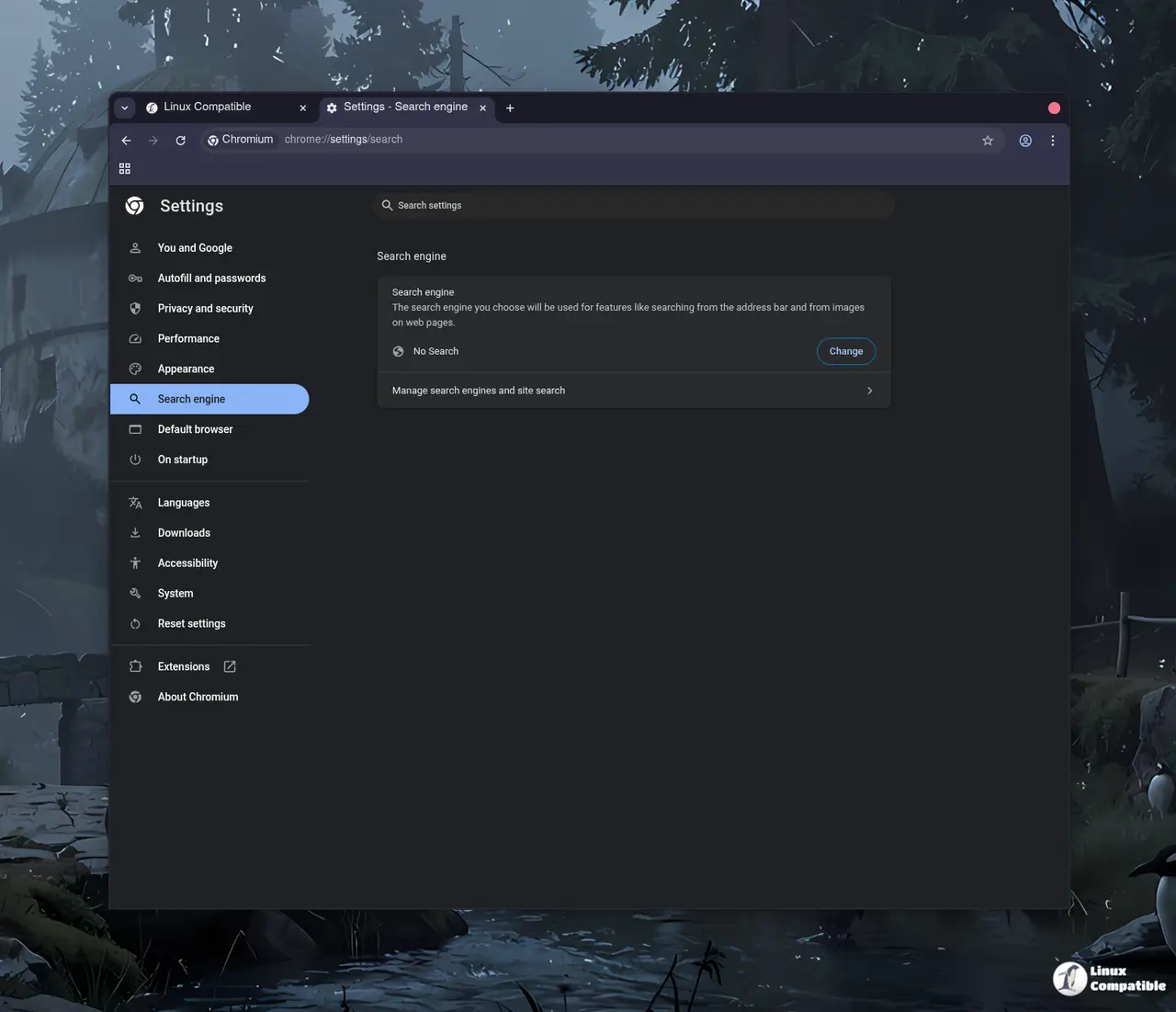
Even though every privacy flag is disabled by default, the upstream Chromium UI still offers a handful of switches that can be turned on via chrome://flags. Enabling “No Search” under the Omnibox provider list stops accidental queries to Google’s suggestion service – a useful tweak for anyone who types fast and doesn’t want the browser guessing. Disabling automatic URL formatting also prevents the address bar from stripping “http://”, which can be handy when testing local services that rely on the full scheme.
A frequent complaint among power users is the sheer number of new flags, most of which never see real‑world use. Turning them all on just to “be thorough” adds bloat without any tangible benefit, so it’s better to enable only what you actually need.


