How to Get Ungoogled Chromium 144.0.7559.132-1 Running on Linux (and What to Watch Out For)
If you’re fed up with Chrome’s silent pings to Google while you’re trying to stay private, the new ungoogled‑chromium 144 build is a solid way out. Below you’ll find both the quick‑install route via the xtradeb PPA and Flatpak as well as a short guide for compiling it yourself if you need full control.
Why bother with “ungoogled”?
Ungooged‑Chromium strips every hard‑coded call to Google services, swaps out prebuilt binaries for user‑supplied ones, and disables the “auto‑update” nudges that Chrome loves to push. The result is a browser that behaves like Chromium but without the background chatter.
What you need first
- 64‑bit Linux (Ubuntu 24.04, Debian 13, Fedora 43, etc.)
- sudo or root rights for installing packages
- Optional: a dedicated sandbox user if you want extra isolation
Having these ready stops you from getting stuck halfway through the install.
Quick install with prebuilt packages
The project hosts binaries on their GitLab CI and publishes them through the xtradeb PPA.
- Add the PPA – This pulls in the signing key and tells your package manager where to look.
sudo add-apt-repository ppa:xtradeb/apps
sudo apt update - Install the exact version – The package name includes the release number, so you know you’re getting 144.0.7559.132‑1.
sudo apt install ungoogled-chromium
- Check it worked – Run the binary with --version to confirm.
ungoogled-chromium --version
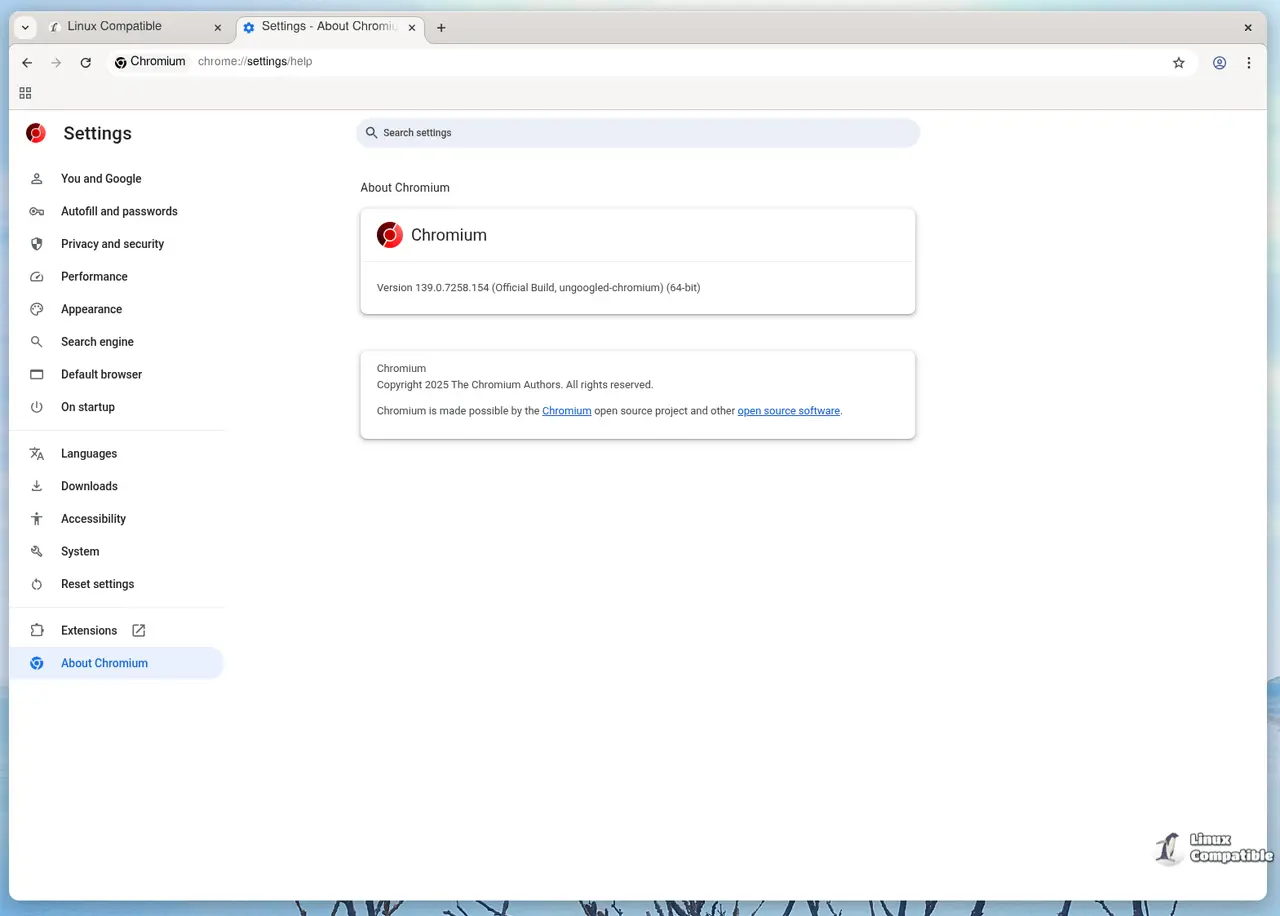
You should see something like Chromium 144.0.7559.132 (ungoogled).
Flatpak alternative (no root needed)
If you don’t want to touch your system packages, the browser is also on Flathub:
- Install Flatpak (skip if it’s already there).
sudo apt install flatpak
- Add Flathub repo – Only needed once.
flatpak remote-add --if-not-exists flathub https://flathub.org/repo/flathub.flatpakrepo
- Install ungoogled‑chromium – This pulls the 144 build automatically.
flatpak install flathub io.github.ungoogled_software.ungoogled_chromium
- Run it – The command is flatpak run io.github.ungoogled_software.ungoogled_chromium. Because it’s sandboxed by Flatpak, you get an extra layer of protection out of the box.
Building from source (when you need every last tweak)
Sometimes the prebuilt package misses a patch or you want to compile with custom flags. Here’s my streamlined recipe:
- Install dev tools – Missing any of these will cause the configure step to explode.
sudo apt install git python3 ninja-build clang pkg-config \
libglib2.0-dev libgtk-3-dev libasound2-dev \
libdrm-dev libx11-xcb-dev libxcb1-dev libssl-dev - Clone the repo and checkout the tag – Guarantees you build exactly what was released.
git clone https://github.com/ungoogled-software/ungoogled-chromium.git
cd ungoogled-chromium
git checkout 144.0.7559.132-1 - Pull the matching Chromium source – This can take a while; I usually start it before bed.
./download.py --no-prompt
- Apply the ungoogled patches – Strips out all Google‑specific code.
./apply_patches.py
- Configure the build – Turn off components you never use to keep the binary lean and easier to sandbox.
gn gen out/Default "--args=is_component_build=false is_debug=false enable_nacl=false"
- Compile – On a modern laptop it finishes in ~45 minutes; older hardware will take longer.
ninja -C out/Default chrome
- Install (optional) – If you want the binary under /opt, copy it there and add a desktop file.
Post‑install tweaks that actually matter
- Kill remaining Safe Browsing checks – They still talk to Google. Add --disable-features=SafeBrowsing,SafeBrowsingExtendedReporting to your launcher.
- Turn on user‑controlled flags – Open chrome://flags and enable “Experimental Web Platform features” if you need the newest APIs; they’re off by default.
- Check the sandbox – Run chromium-sandbox --status (or sudo setcap cap_sys_admin+ep /opt/ungoogled-chromium/chrome) to confirm it’s active. Without a working sandbox you lose a big chunk of Chromium’s security.
TL;DR
Ungoogled‑Chromium gives you the familiar Chromium UI without Google’s telemetry, but it isn’t a drop‑in replacement for Chrome on every system. If you’re comfortable spending a few minutes tweaking launch flags or compiling from source, you’ll end up with a browser that actually respects your decision to stay off Google’s radar.
Release Ungoogled-Chromium 144.0.7559.132-1
Google Chromium, sans integration with Google. Contribute to ungoogled-software/ungoogled-chromium development by creating an account on GitHub.
Release 144.0.7559.132-1 · ungoogled-software/ungoogled-chromium