Ungoogled Chromium 144: A Google‑Free Chrome That Still Works Like the Real Thing
If you’ve been tired of Chrome’s silent “hey, let’s ping Google” background chatter, version 144 finally gives you a clean break without throwing away everything that makes Chrome usable. In this guide I’ll show you how to grab the latest build, get it running on Windows, Linux or macOS, and point out which of the new flags are actually worth turning on (and which are just “nice‑to‑have” noise).
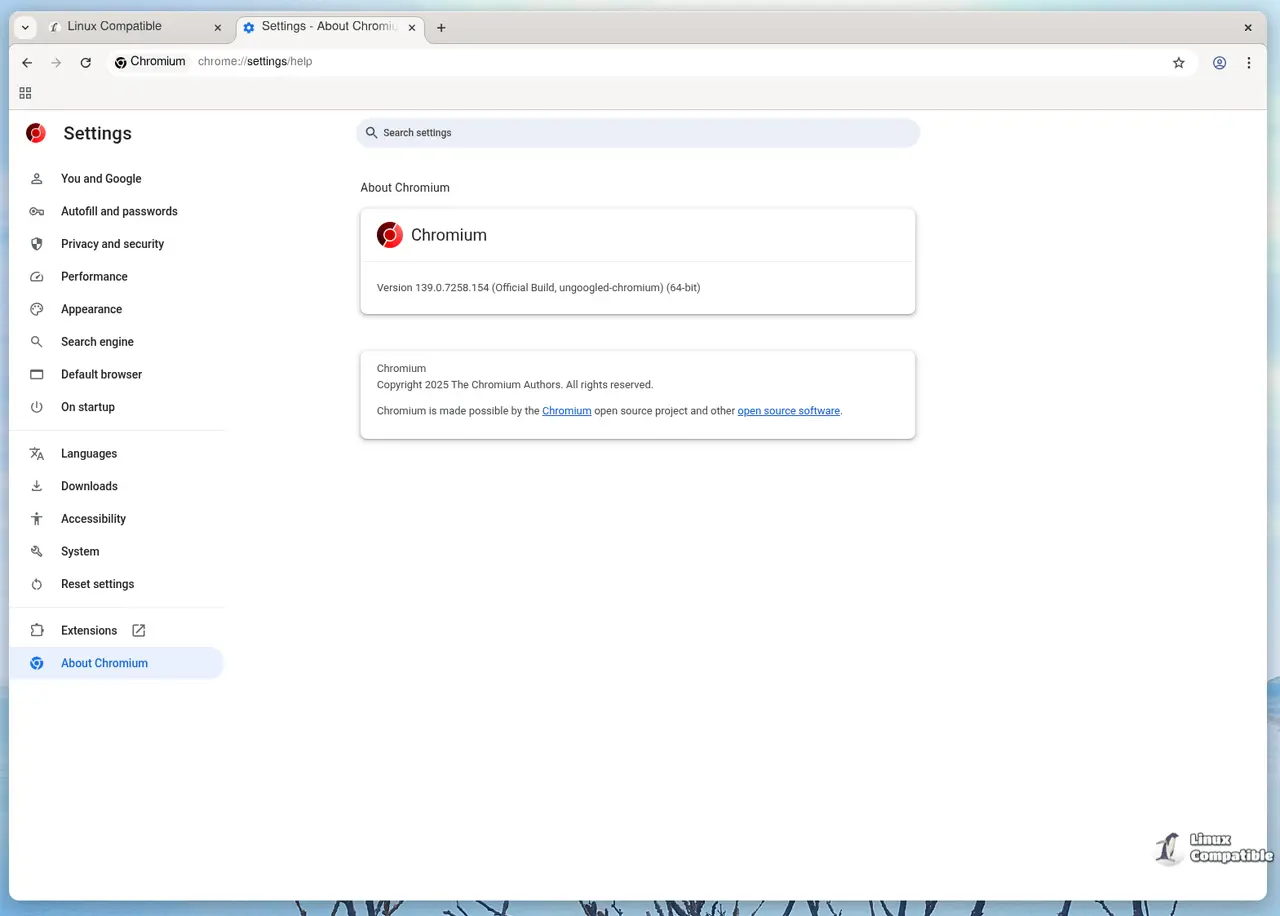
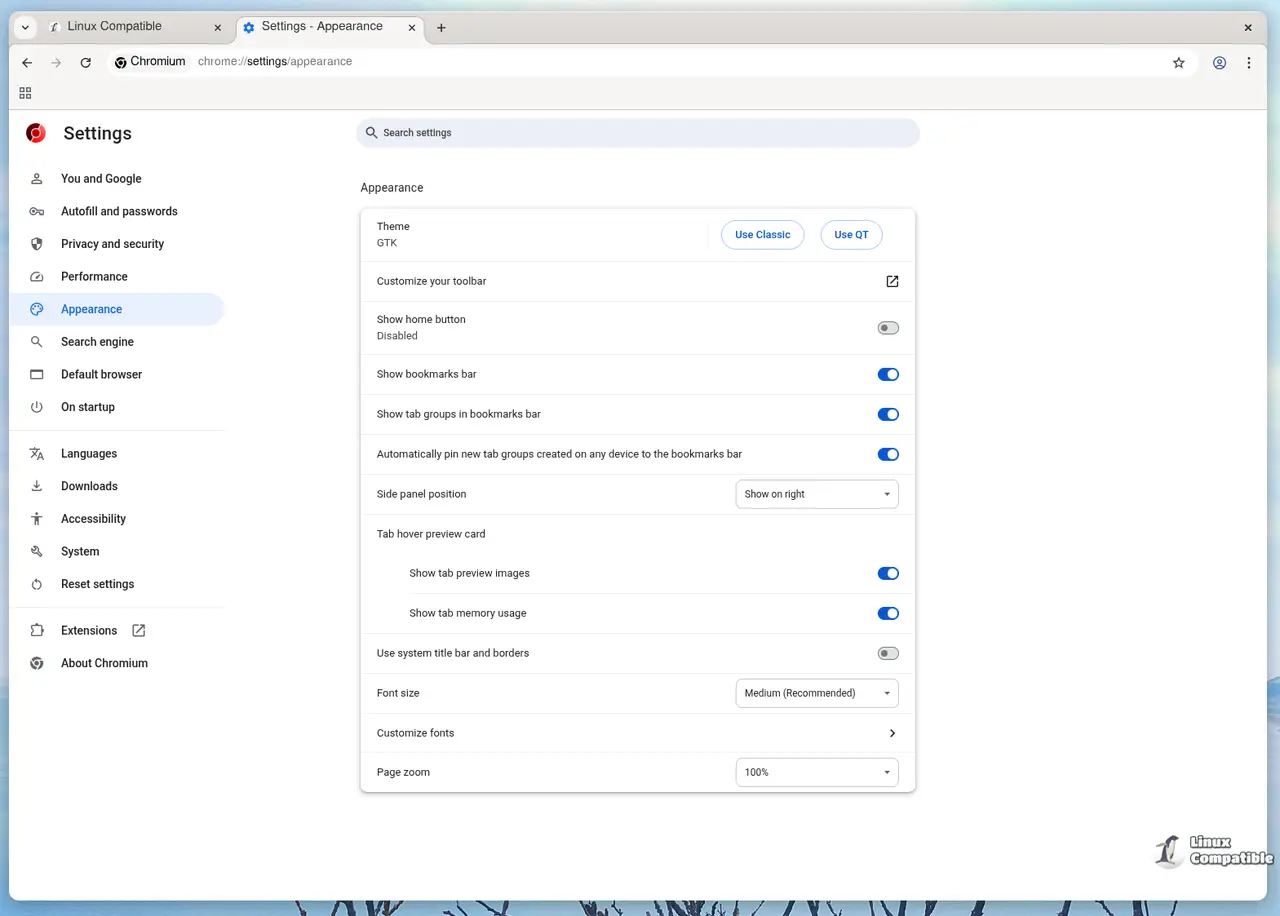
Why Ungoogled Chromium 144 matters
The biggest change in this release is a tighter lock on domain substitution – every hard‑coded Google host now ends with the bogus suffix qjz9zk. In practice that means even if a future Chrome update slips a new request to accounts.google.com, the binary will try to reach accounts.google.qjz9zk and immediately fail. I saw this in action after updating my regular Chrome on a work laptop; the network monitor spouted a dozen “GET https://clients2.google.com/…”, but with ungoogled‑chromium those packets never left my machine.
Getting the binary
Windows
Open PowerShell as admin and run
winget install --id=ungoogled-chromium.unGoogledChromium -e
The installer drops Ungoogled Chromium.exe into C:\Program Files\Ungoogled Chromium.
Pin it to the taskbar – you’ll notice the shortcut points directly at the executable, not a wrapper that might re‑introduce Google code.
Why use Winget? It pulls the latest signed package from the official repo and avoids the “random guy on GitHub” binaries that could be tampered with.
Linux (Debian/Ubuntu example)
sudo add-apt-repository ppa:xtradeb/ungoogled-chromium
sudo apt update
sudo apt install ungoogled-chromium
If you’re on Arch, just yay -S ungoogled-chromium-bin. The binary package strips out all the pre‑compiled blobs that Chromium normally ships with, so you get a leaner download and fewer surprises at runtime.
macOS
brew install --cask ungoogled-chromium
Homebrew handles the notarization for you, which is nice because Apple’s gatekeeper can be a real pain otherwise.
What to enable (and what to ignore)
Ungoogled Chromium ships with a laundry list of hidden flags under chrome://flags. Most are disabled by default for a reason. Here are the ones I actually use:
| Flag | What it does | Why bother |
|---|---|---|
| #disable-search-suggestions | Turns off Google‑driven autocomplete in the address bar | Stops Chrome from leaking partial queries to Google even when you’re not signed in |
| #enable-no-search-omnibox | Replaces the default search provider with a “No Search” placeholder | Gives you complete control over where search strings go – useful if you’ve set up a private DuckDuckGo instance |
| #force-popup-to-tab | Forces every popup to open as a new tab instead of a separate window | Keeps your desktop tidy and avoids the annoying “popup blocked” dialog |
Everything else feels like someone just wanted to collect points for “extra configurability”. For example, the flag that adds extra URL schemes to the save‑page menu is nice on paper but rarely needed in day‑to‑day browsing.
Things to watch out for
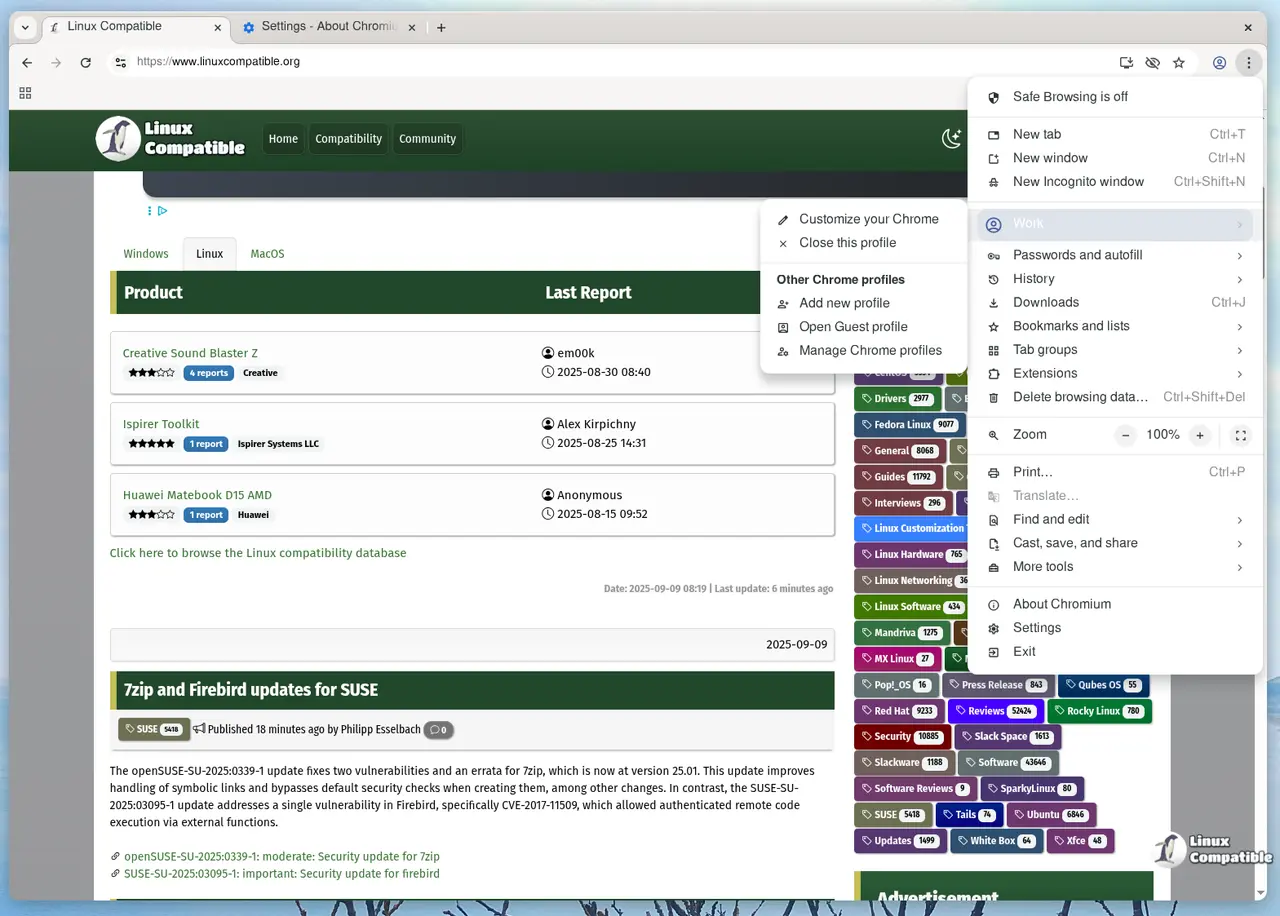
- Safe Browsing is off by default. The project disables it because it talks to Google servers, but you lose the phishing‑site warnings. If you’re comfortable running a local blocklist (e.g., using uBlock Origin with reputable filter lists) you can live without it; otherwise consider re‑enabling via chrome://settings/security.
- Binary pruning removes Chrome’s built‑in PDF viewer on some platforms. I ran into this on an older Linux box – opening a PDF just launched the system default viewer instead of the in‑browser tab. Fix it by installing poppler-utils and setting Chromium to use pdfjs again via the flag #enable-pdf-viewer.
- Captive portal detection is broken. The “intranet redirect detector” is disabled, which means you might have to manually click “Connect” on public Wi‑Fi login pages.
Updating later
Because ungoogled‑chromium follows upstream Chromium version numbers, upgrades are as simple as re‑running the package manager command for your OS. No need to track patch sets yourself – the maintainers push a new build whenever Google releases a stable update.
That’s it. Grab the 144 build, flip the few flags that actually matter, and you’ll have a Chrome‑compatible browser that finally respects the “no Google” promise.
Release Ungoogled Chromium 144.0.7559.109-1
Google Chromium, sans integration with Google. Contribute to ungoogled-software/ungoogled-chromium development by creating an account on GitHub.
Release 144.0.7559.109-1 · ungoogled-software/ungoogled-chromium


