Ungoogled Chromium 140.0.7339.80-1 released: A Lightweight Approach to Removing Google Dependencies
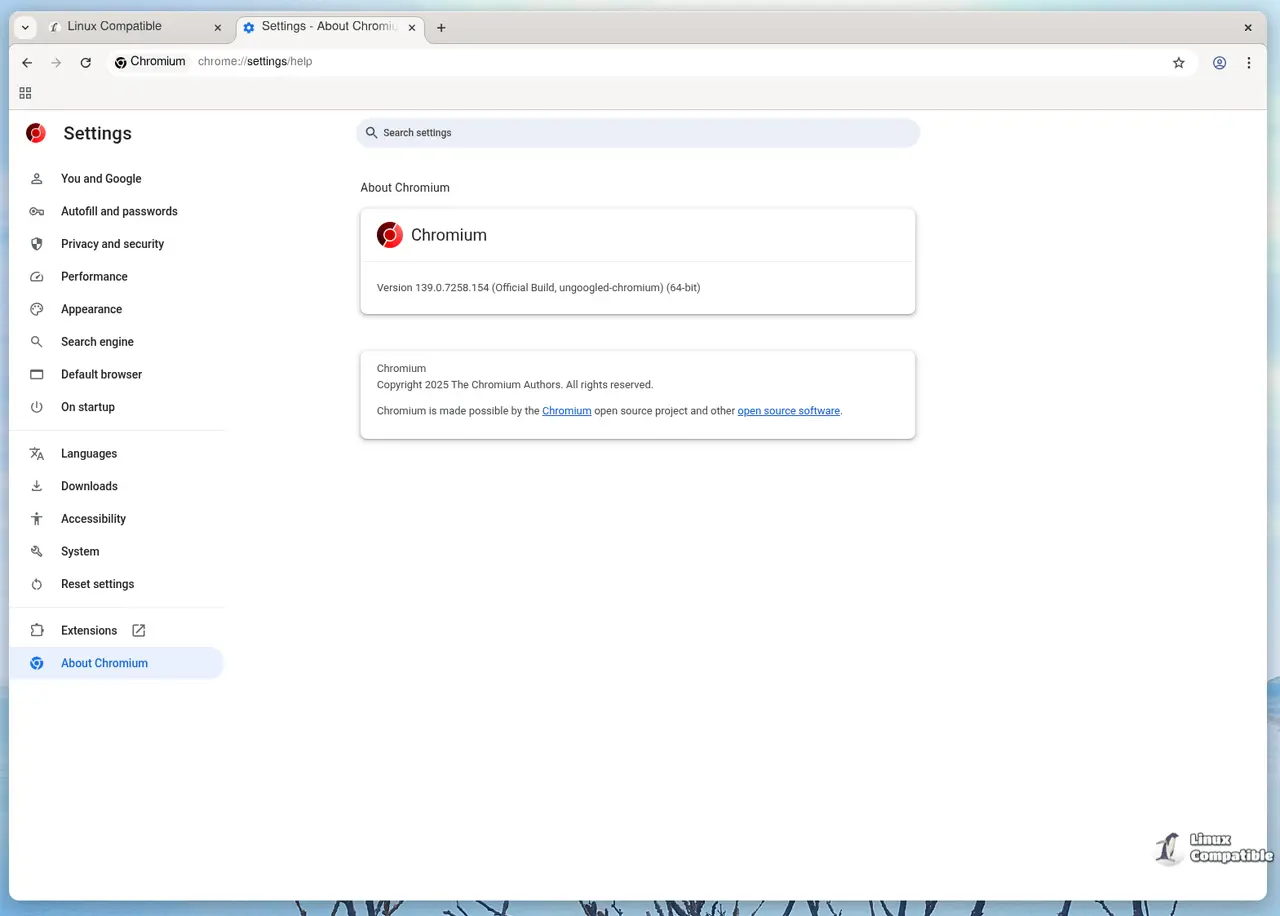
The latest version of Ungoogled Chromium, a lightweight alternative to traditional Chromium browsers, has been released. The new version is based on the Chromium 140.0.7339.80 release.
Key Objectives:
In order of importance, the objectives of Ungoogled Chromium are:
- Eliminate Google Dependencies: Remove reliance on Google web services, providing a more secure and private browsing experience.
- Preserve Default Experience: Maintain the standard Chromium interface as closely as possible, ensuring minimal disruption to users accustomed to the original browser.
- Enhance Privacy, Control, and Transparency: Introduce various tweaks to promote user control and awareness of their online activities.
Core Features:
The primary features introduced by Ungoogled Chromium include:
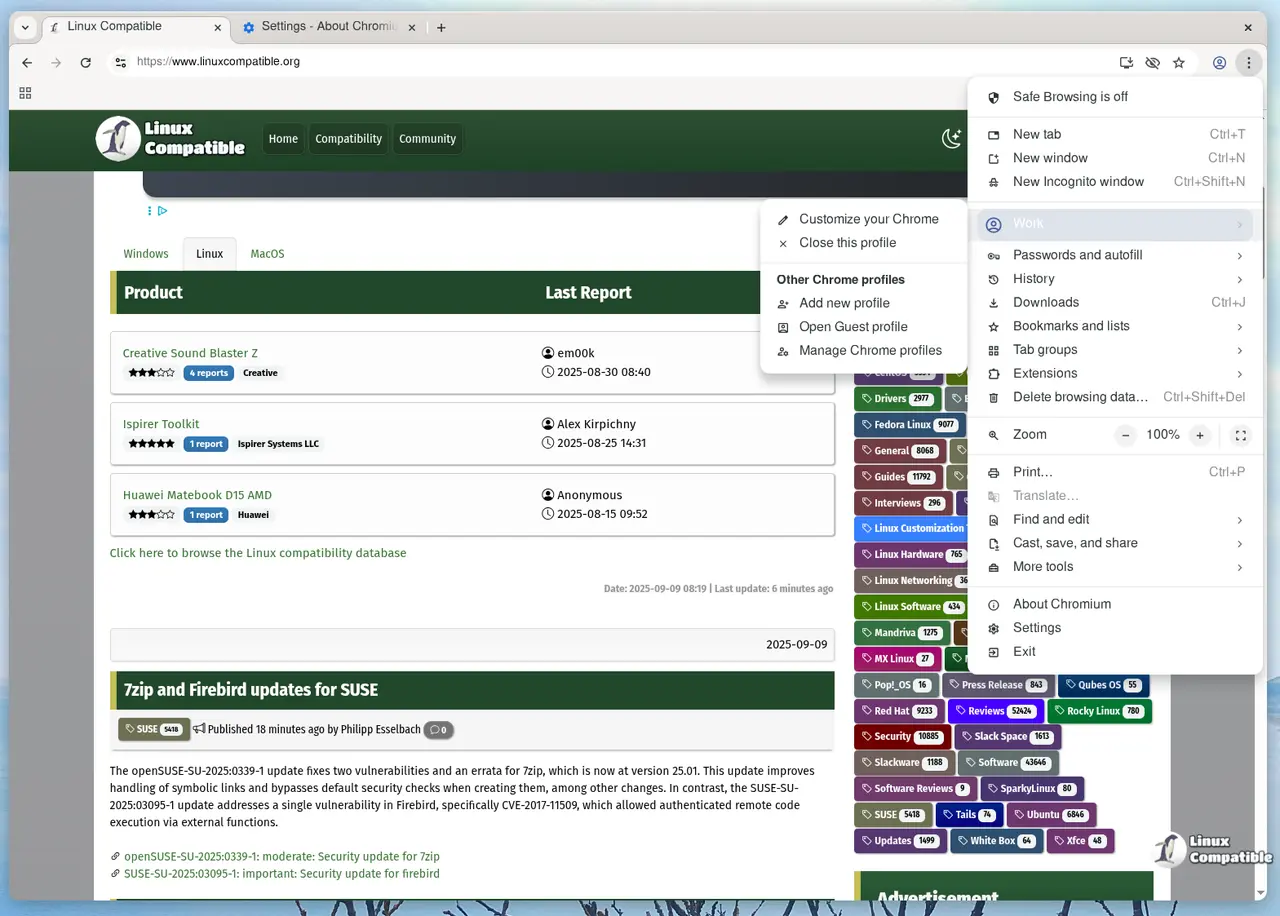
- Disable Google-Specific Functionality: Remove or disable functionality related to Google domains (e.g., Safe Browsing, Google Host Detector, Google URL Tracker).
- Block Internal Requests to Google at Runtime: Implement domain substitution, replacing Google web domains with non-existent alternatives (ending in qjz9zk), and block internal requests to prevent potential security breaches.
- Strip Binaries from Source Code: Apply binary pruning to remove unnecessary binaries from the source code.
Enhancing Features:
Ungoogled Chromium also offers various additional features that are not essential but provide further customization options:
- New Command-Line Switches and chrome://flags Entries: Add numerous command-line switches and chrome://flags entries to configure new features, which are disabled by default.
- Suggestions URL Text Field in Search Engine Editor: Introduce a custom search engine suggestions field for users to tailor their search preferences.
- URL Scheme Customization: Allow more URL schemes for saving page schemes.
- "No Search" Omnibox Provider: Offer an option to disable searching using the "No Search" provider.
- Custom Cross-Platform Build Configuration and Packaging Wrapper: Provide a custom build configuration and packaging wrapper that supports various Linux distributions, macOS, and Windows.
Additional Features:
Ungoogled Chromium also incorporates several additional features:
- Force Pop-ups into Tabs: Automatically convert pop-ups to tabs.
- Disable Automatic URL Formatting in Omnibox: Prevent automatic formatting of URLs in the address bar (e.g., stripping http://, hiding certain parameters).
- Intranet Redirect Detector Disabling: Disable the intranet redirect detector (extraneous DNS requests), which can break captive portal detection.
- Prevent trk: Scheme and qjz9zk Top-Level Domain from Connecting to Internet: Prevent URLs with the trk: scheme or the qjz9zk top-level domain from establishing internet connections.
- Disable Zone Identifier on Downloaded Files (Windows-Specific): Refrain from setting the Zone Identifier on downloaded files, a feature specific to Windows systems.
By offering these features, Ungoogled Chromium aims to provide users with more control and transparency over their online activities while minimizing dependence on Google services.
Download
Ungoogle Chromium is available as a Flatpak on Flathub as well as from the GitHub page below:
Ungoogled-Chromium Release 140.0.7339.80-1
Google Chromium, sans integration with Google. Contribute to ungoogled-software/ungoogled-chromium development by creating an account on GitHub.
Release 140.0.7339.80-1 · ungoogled-software/ungoogled-chromium