Ungoogle Chromium 147.0.7727.55 release strips out more Google telemetry for privacy focused users
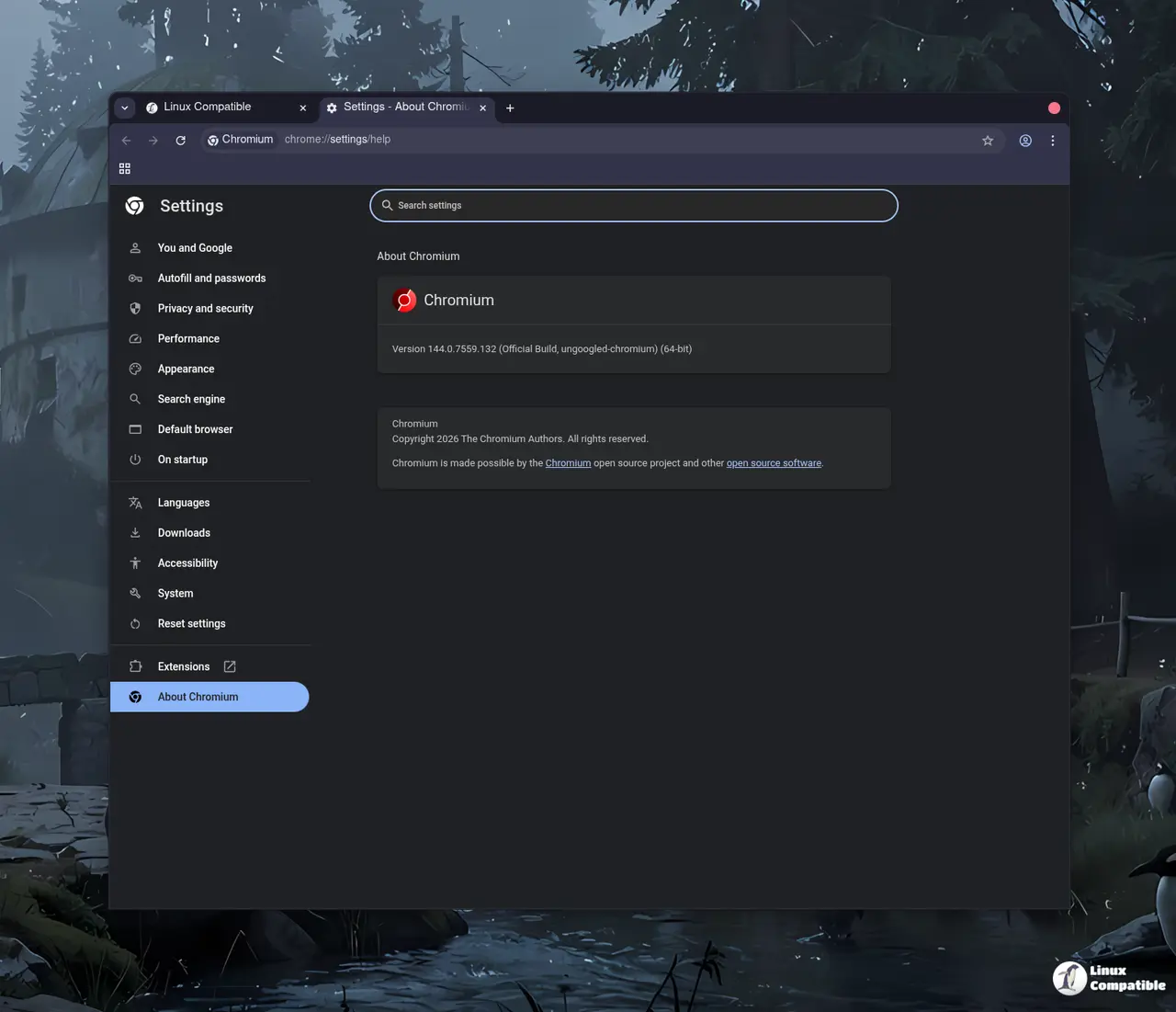
The latest update to ungoogled chromium arrives with tighter controls over Google connections and some new flags for advanced tweaking. This release focuses on blocking internal requests that might slip through previous patches while pruning binaries further. Users looking to reduce their digital footprint will find the domain substitution feature particularly useful this time around.
How ungoogled chromium handles connection blocks
The core change involves replacing many Google web domains in the source code with non-existent alternatives ending in qjz9zk. This acts as a fail-safe measure for when Google changes or introduces new components that patches do not disable immediately. In other words, no connections are attempted to the qjz9zk domain so even runtime requests get stopped before leaving the system. It is worth noting that Safe Browsing gets disabled alongside these measures which means users must rely on third party security tools for malware protection.
New flags and search options in ungoogled chromium
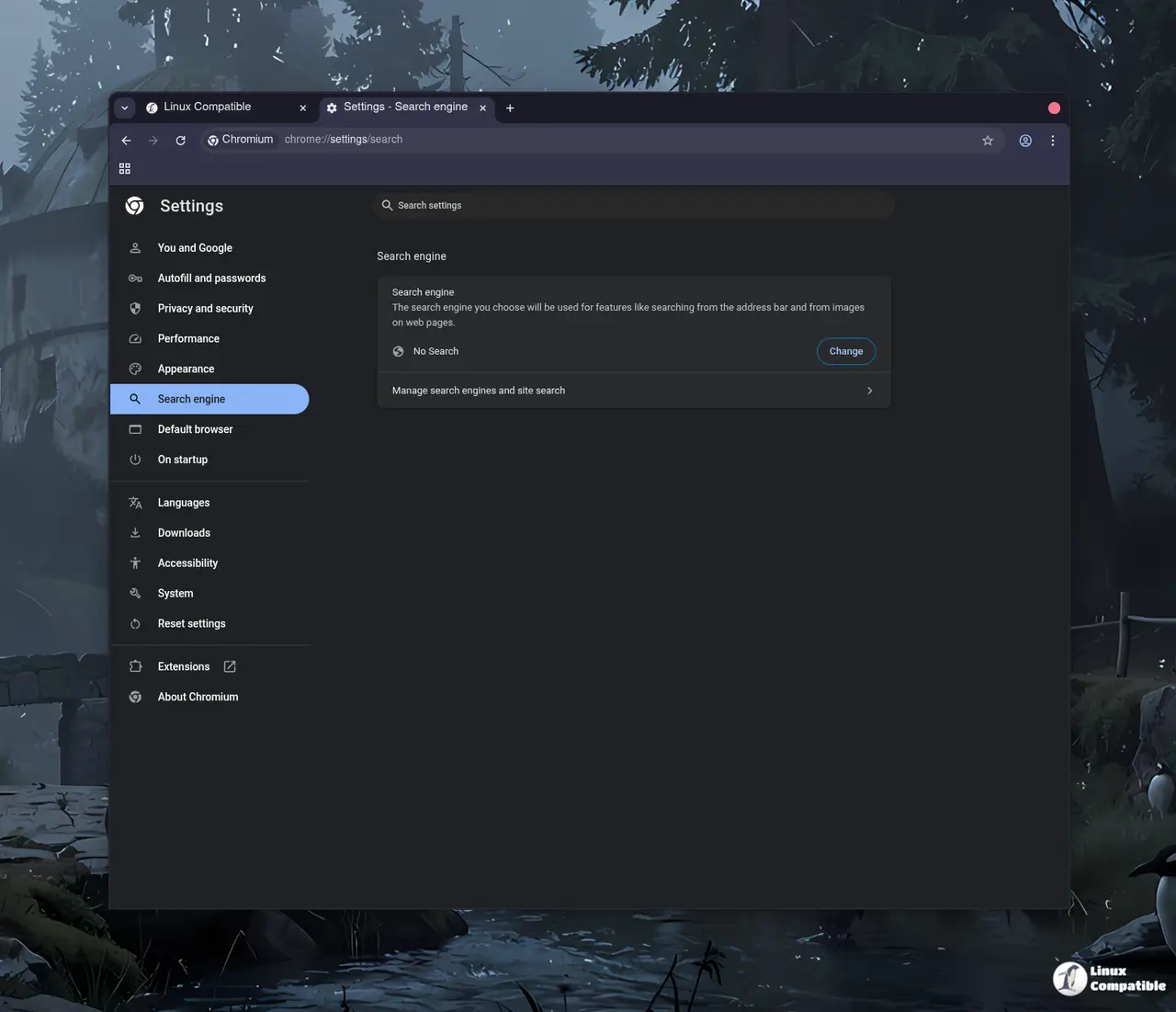
Power users will appreciate the addition of many new command-line switches and chrome://flags entries to configure features without installing extensions. The Omnibox now allows a custom cross-platform build configuration that supports disabling searching entirely via the No Search provider option. This breaks captive portal detection on some networks but captive portals still work around the limitation after a brief DNS query attempt. Developers also added Suggestions URL text field in the search engine editor for those who want to customize how results appear before clicking through.
Community patches and binary pruning
The project selectively borrows many features from Inox patchset, Bromite, Debian, and Iridium Browser to keep functionality high without bloating the codebase. Binary stripping removes unnecessary data from binaries known as binary pruning which keeps the installation footprint smaller than standard Chromium builds. Windows users benefit from not setting Zone Identifiers on downloaded files since this usually triggers smart screen warnings after every save operation. This approach ensures that the browser remains lean while maintaining compatibility with popular extensions and user scripts.
Release Ungoogled Chromium 147.0.7727.55-1
Google Chromium, sans integration with Google. Contribute to ungoogled-software/ungoogled-chromium development by creating an account on GitHub.
Release 147.0.7727.55-1 · ungoogled-software/ungoogled-chromium
Keep an eye on the changelog if you plan to switch over today as some sites might behave differently without Google tracking enabled.


