Ubuntu 26.04 LTS Beta Released So You Can Break It Before April 2026
The Ubuntu team just dropped the beta for version 26.04 LTS, codenamed Resolute Raccoon, giving testers a chance to find bugs before the final ship date in April 2026. This update brings a newer kernel and changes to the server installer that might actually make sense this time around.
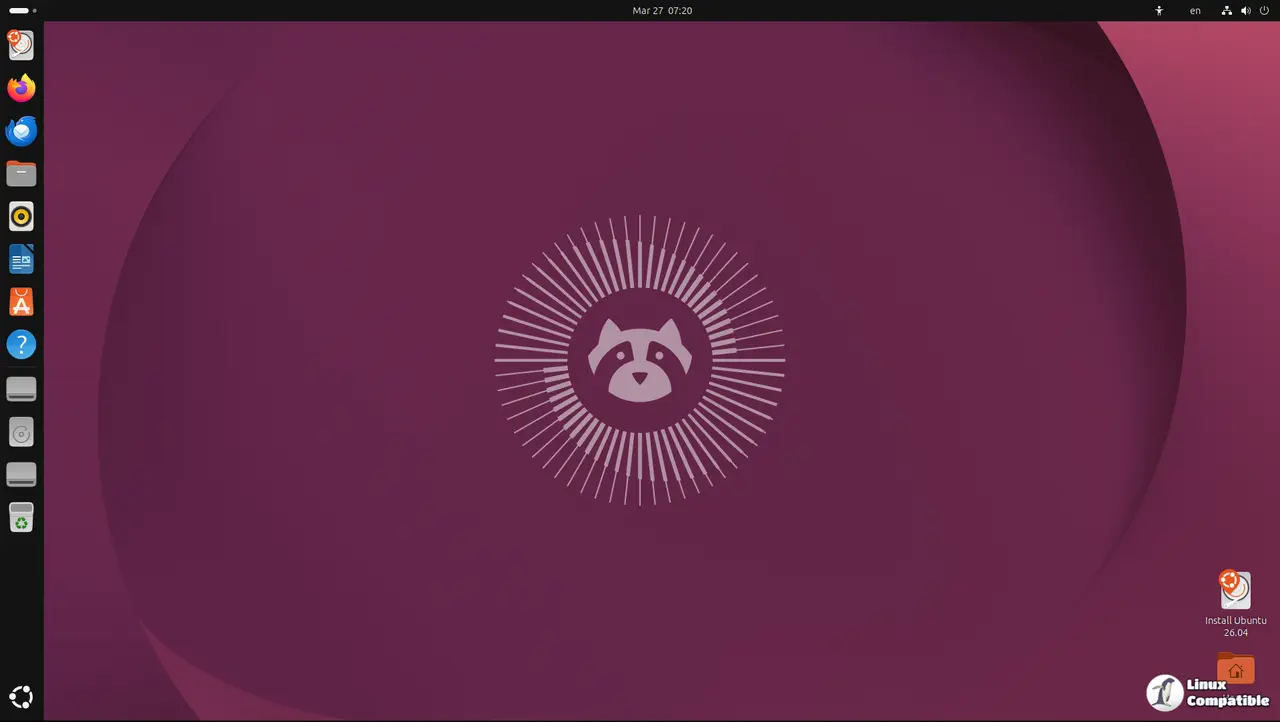
What is new in Ubuntu 26.04 LTS Beta?
The core system now runs on a 7.0 kernel which should handle newer hardware better than previous releases but users must check driver compatibility first. It is common for proprietary graphics drivers to need manual intervention after a kernel update like this one so patience is required during setup. All flavors like Kubuntu and Xubuntu are available too for those who prefer different desktop environments over the default GNOME setup which can feel bloated on older machines. The Subiquity server installer brings a live session feel because nobody wants to stare at a black screen during installation anymore, though enterprise users might still find it lacking some advanced options they need for large scale deployments.
How to upgrade from your current system
Upgrading requires following specific instructions found on the documentation site before running any commands to ensure data integrity is maintained throughout the process. One should always back up data before attempting any major version jump because things go wrong when the process is interrupted by a power failure or network drop. The command line tool handles most of the heavy lifting but users need to pay attention to prompts during the run to avoid losing configuration files that define their workflow. Skipping the backup step in favor of speed is a mistake that leads to unnecessary headaches later on, so taking the time now saves hours of frustration down the road.
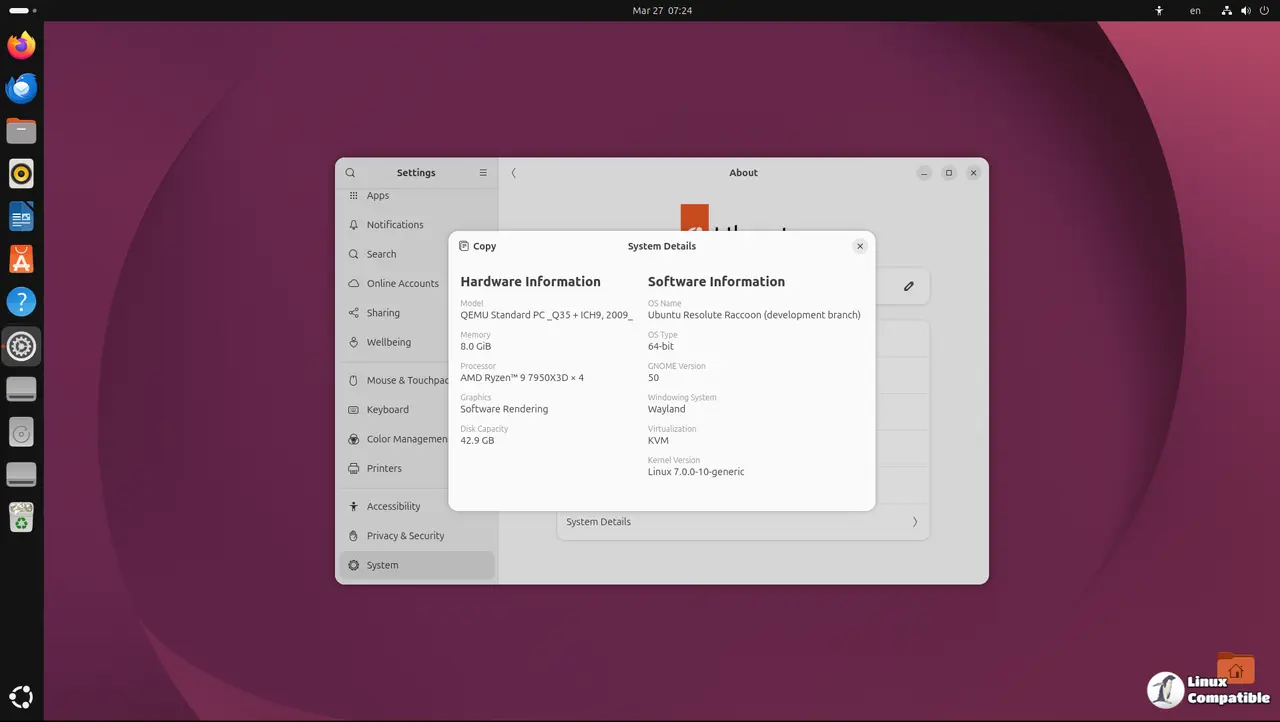
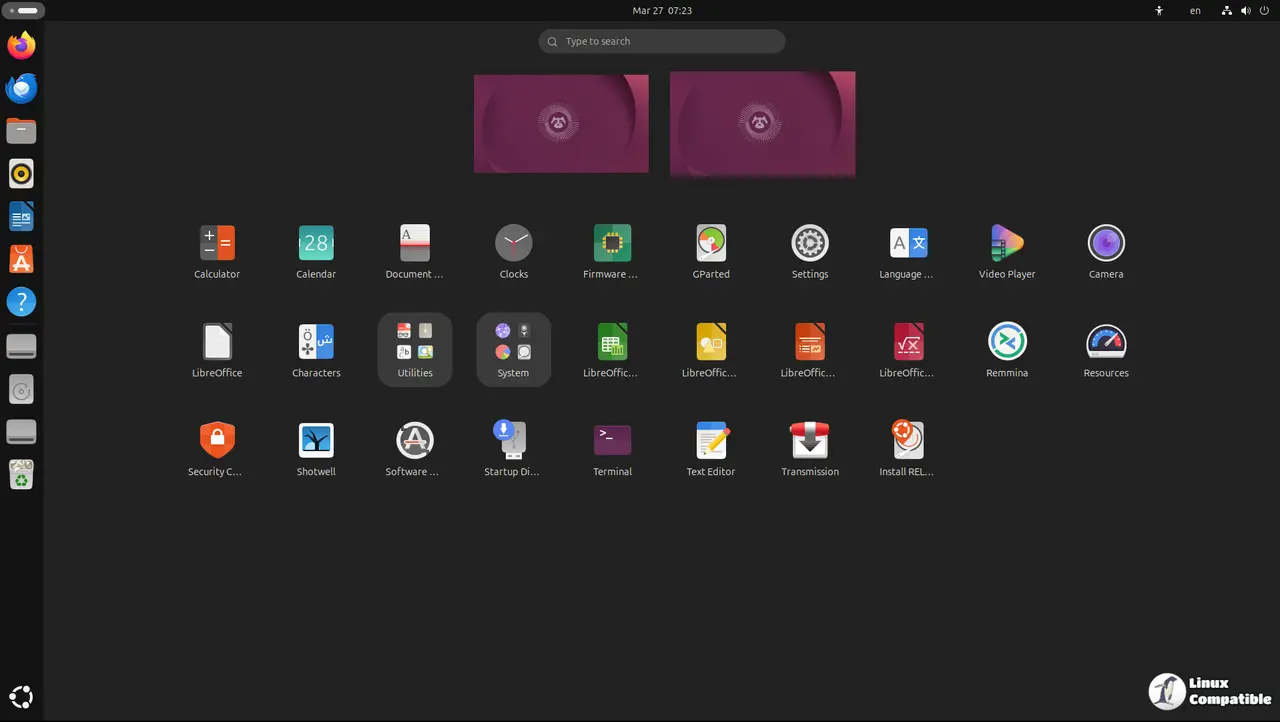
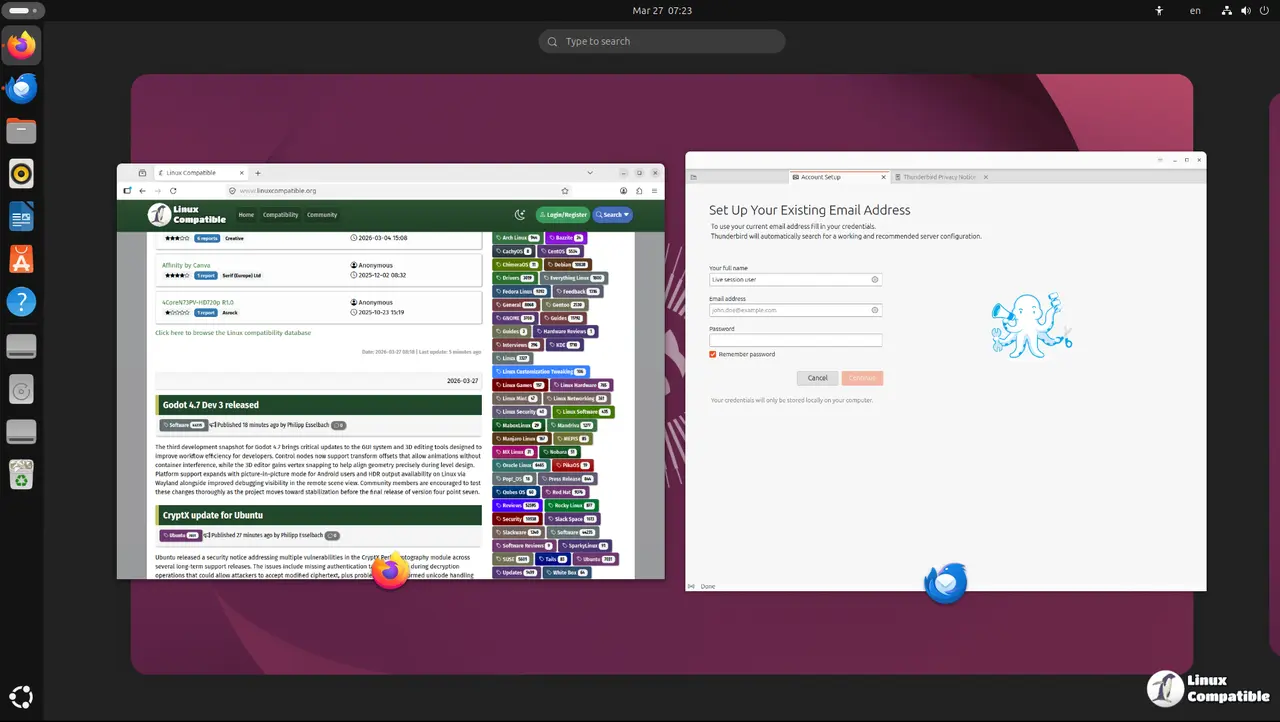
Downloads
Here is a breakdown of where to find the images based on what hardware or desktop environment one prefers to use during testing.
| Product | Purpose | Download Location |
|---|---|---|
| Ubuntu Desktop/Server/WSL | Standard x86 systems for general use and Windows Subsystem | https://releases.ubuntu.com/26.04/ |
| Cloud Images | Daily builds for server infrastructure and cloud deployment | https://cloud-images.ubuntu.com/daily/server/resolute/current/ |
| Netboot | Network installation files for automated setups or older hardware | https://cdimage.ubuntu.com/netboot/26.04/ |
| Non-x86 Architectures | ISOs for ARM, PowerPC and other non-standard processor types | https://cdimage.ubuntu.com/releases/26.04/beta/ |
| Kubuntu | KDE Plasma desktop environment with full feature set | https://cdimage.ubuntu.com/kubuntu/releases/26.04/beta/ |
| Lubuntu | Lightweight LXQt desktop for older or low-spec machines | https://cdimage.ubuntu.com/lubuntu/releases/26.04/beta/ |
| Ubuntu Budgie | Community driven Budgie Desktop integration with Ubuntu core | https://cdimage.ubuntu.com/ubuntu-budgie/releases/26.04/beta/ |
| Ubuntu Studio | Multimedia creation suite for audio, video and graphics work | https://cdimage.ubuntu.com/ubuntustudio/releases/26.04/beta/ |
| Ubuntu Unity | Classic Unity7 desktop environment for nostalgia seekers | https://cdimage.ubuntu.com/ubuntu-unity/releases/26.04/beta/ |
| Xubuntu | Stable and configurable Xfce desktop environment | https://cdimage.ubuntu.com/xubuntu/releases/26.04/beta/ |
Before installing it is wise to review the release notes.
Testing beta software is like walking on a tightrope without a net so most people should wait until the official launch date to avoid losing work or hours of troubleshooting time. The features look promising but stability remains the priority for anyone relying on this machine for actual production tasks rather than just playing with new kernels. If you are brave enough to test early make sure to keep a backup image ready in case things go sideways during installation.


