Tails 7.6 Update brings automatic Tor bridges and switches to GNOME Secrets
The latest release of the anonymous operating system arrives with significant changes for privacy-focused users. Tails 7.6 introduces automatic Tor bridge detection to help bypass internet censorship and swaps the password manager entirely. This update aims to improve accessibility while maintaining the security standards expected from a live USB distro.
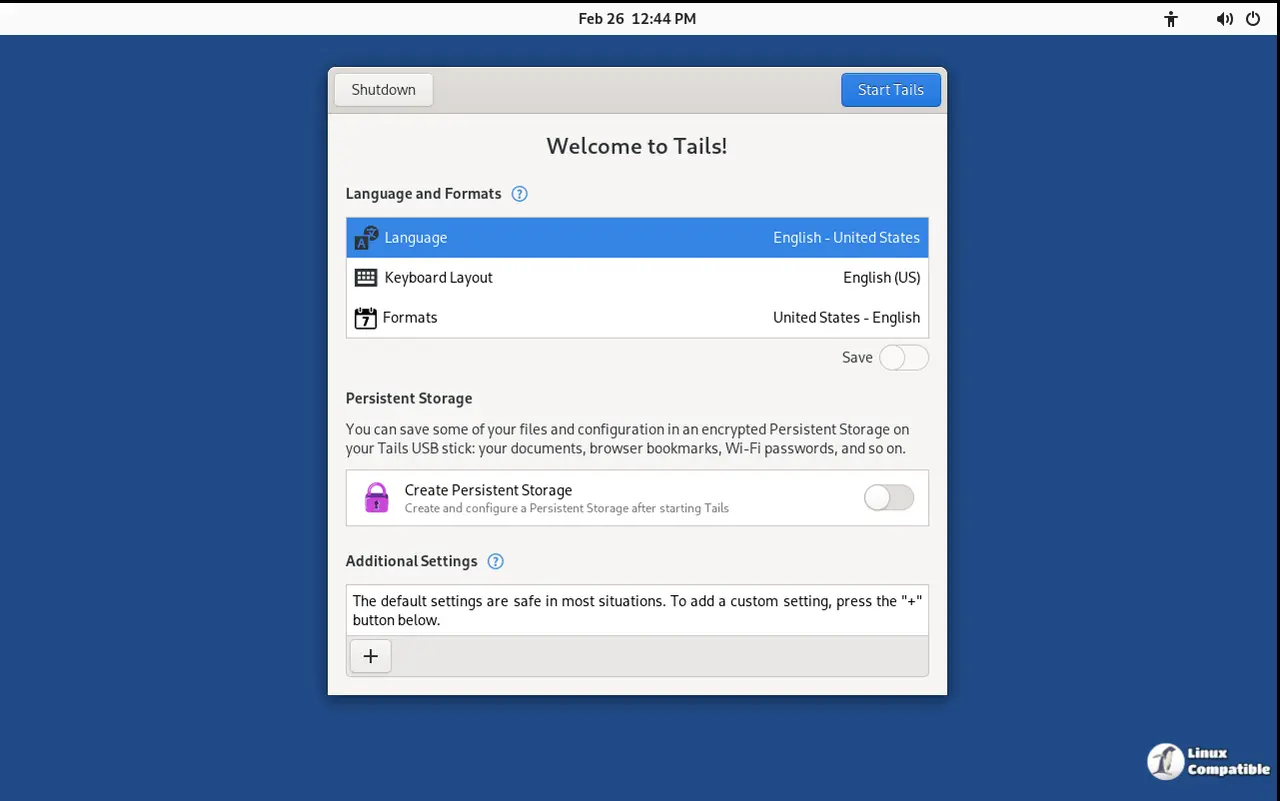
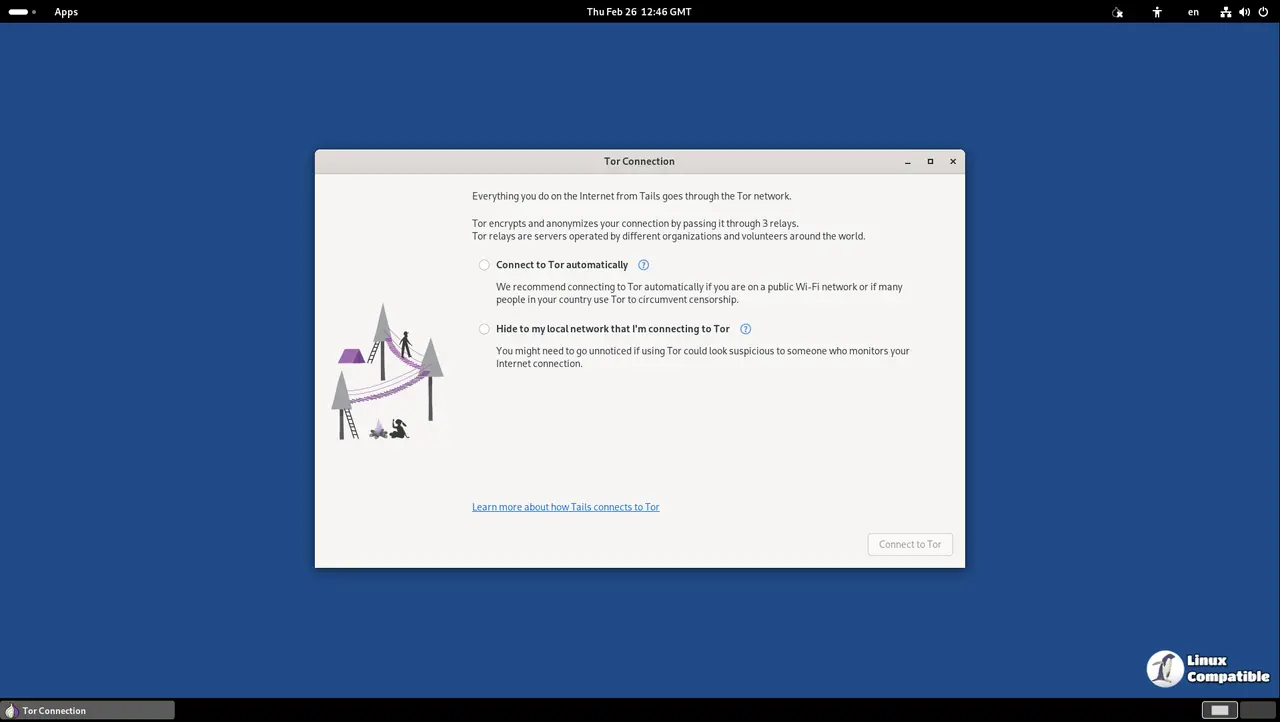
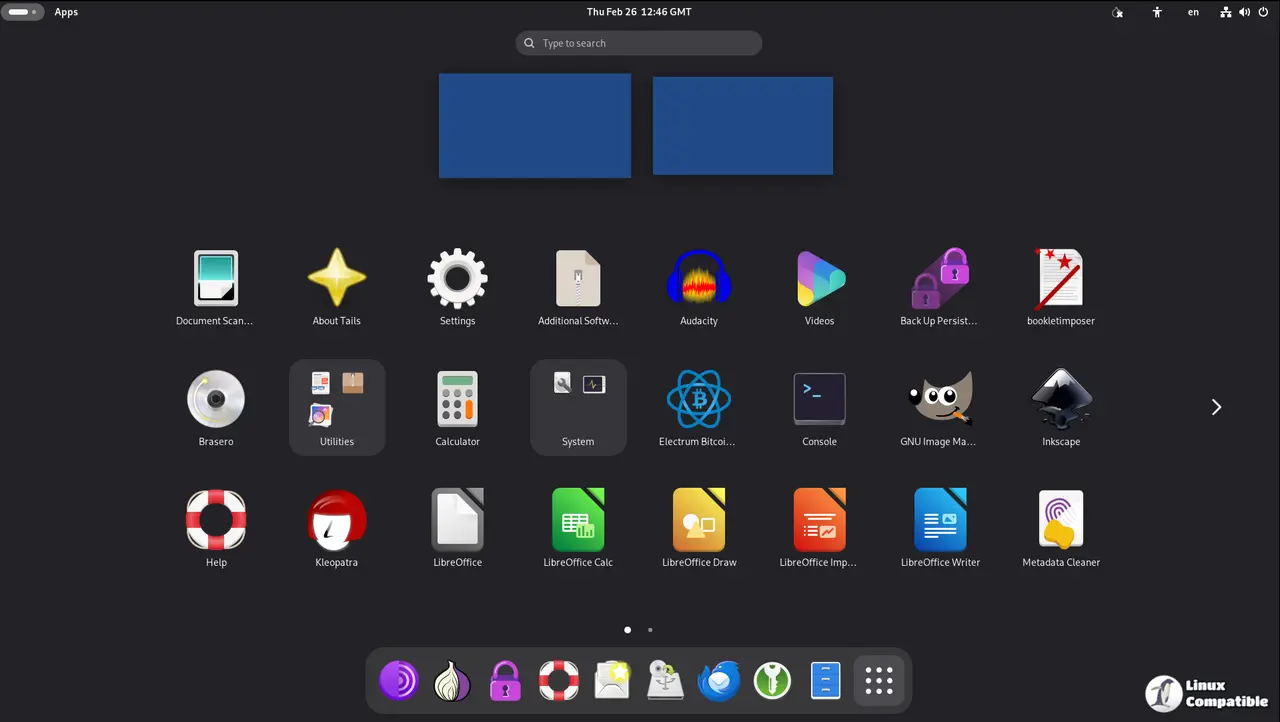
How Tails 7.6 handles connection blocks automatically
Users in restrictive environments often find their access to Tor blocked by national firewalls before they can even connect. The new automatic bridge feature attempts to solve this without requiring manual configuration or external tools. It queries the Moat API for bridges most likely to work based on your region and disguises traffic as a regular website using domain fronting. If standard connection fails, users can select "Ask for a Tor bridge based on your region" directly from the assistant screen. This mirrors technology found in the standalone Tor Browser but runs natively within Tails 7.6 now without extra setup steps.
Why GNOME Secrets replaces KeePassXC in this release
Longtime users will notice the password manager has changed names and interface significantly during the boot process. The new Secrets application offers a simpler design that integrates better with the GNOME desktop environment for daily tasks. Accessibility tools like screen keyboards now function correctly again, which was a known issue with the previous setup that frustrated many visually impaired users. All existing KeePassXC databases open automatically because both programs use the same file format for storage without data loss. Power users who prefer older features can still install KeePassXC as additional software if they need specific plugins or tools. Keyboard shortcuts have shifted slightly to include the Shift key along with Ctrl and other modifiers for copying passwords safely.
What changes in firmware and underlying software packages
Several core components received version bumps to address security vulnerabilities and hardware compatibility issues across different laptops. Tor Browser moves up to 15.0.8 while Thunderbird reaches version 140.8.0 for email handling within the persistent environment. Electrum wallet updates from 4.5.8 to 4.7.0 to ensure safe cryptocurrency transactions remain possible without exposing keys to the host OS. Most firmware packages also receive improvements to support newer graphics cards and Wi-Fi adapters without requiring manual intervention during boot.
How to upgrade your persistent storage safely
Existing installations can move automatically if the current version is 7.0 or later installed on a USB stick. The system will attempt to download the new files while preserving user data in Persistent Storage for continuity. Some users might find that automatic upgrades fail due to network restrictions or corrupted partitions during the process. In those cases a manual upgrade procedure becomes necessary to restore functionality without losing encryption keys or sensitive documents. A translation fix for language selection dialogs ensures non English speakers see correct confirmation messages before saving changes to the stick.
Download
Get Tails version 7.6:
• USB Drive: Download the USB image
• DVD/VM: Download the ISO image


