Samba 4.23.6 Released: Fixes That Actually Matter for Your File Shares
The latest stable version of Samba, 4.23.6, drops today with a handful of tidy bug squashes that should make life easier on both home and small‑office networks. The update patches memory leaks that can keep print jobs dead‑locked, streamlines lease handling to avoid unnecessary server chatter, and cleans up the “net offlinejoin” command so it behaves exactly as documented.
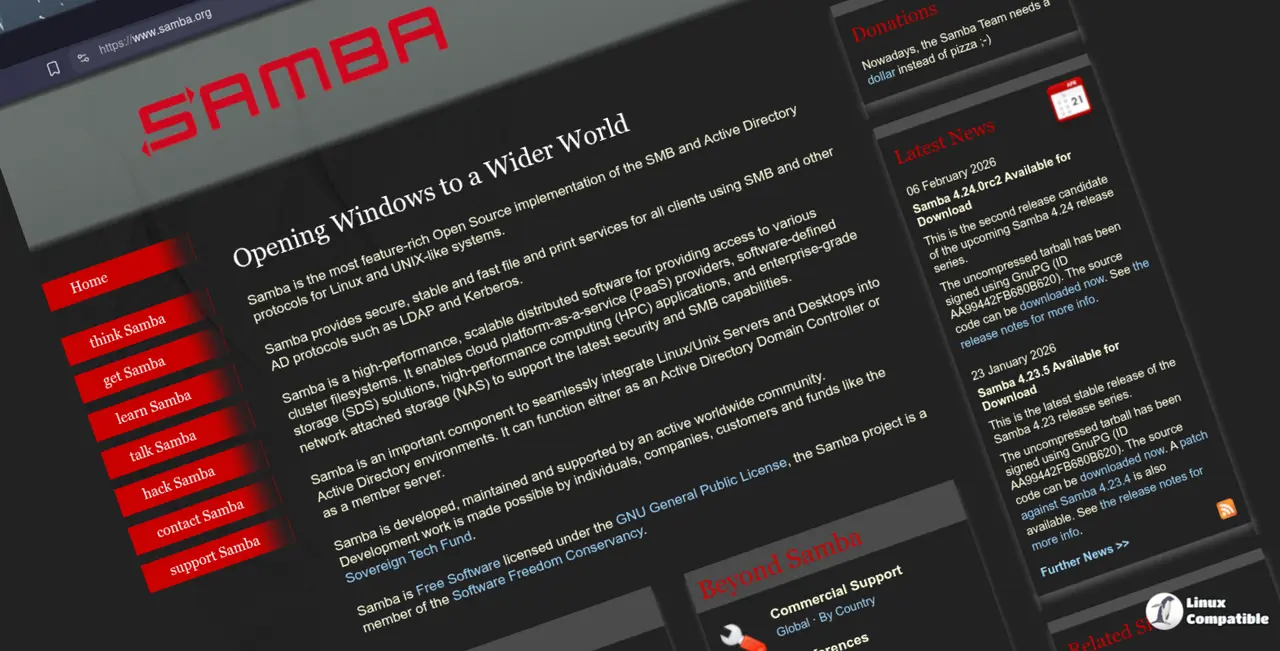
What’s New in Samba 4.23.6
The release notes highlight a few high‑impact fixes: the notorious memory leak that sometimes surfaced in rpc_spoolss is gone, which means print servers no longer hang after a sudden crash; the lease torture test bug has been addressed so file locks are more reliable when clients disconnect abruptly; and the “use-kerberos=desired” option finally works on older Kerberos setups.
On one occasion, a small office noticed that shared printers would suddenly stop responding after a routine driver update. The culprit turned out to be a leak in rpc_spoolss; upgrading to 4.23.6 eliminated the hang and restored steady print flow. Likewise, users who rely on SMB lease semantics for smooth file sharing now have fewer false positives when clients reconnect, cutting down on odd “file still in use” errors that used to pop up all the time.
How to Upgrade Safely
First back up any custom configuration files under /etc/samba/. Then run smbd --version to confirm the current build. If you’re using a package manager, simply update with your distro’s normal workflow (for example, apt-get install samba on Debian‑based systems or yum update samba on RHEL). After the install, restart Samba with systemctl restart smbd nmbd and verify that all shares are reachable.
Common Gotchas After the Update
Because the release changes how SMB leases are validated, some legacy clients may complain about “invalid lease” messages when they reconnect after a network hiccup; refreshing those clients’ cached credentials usually resolves it. If you run CTDB in a cluster, double‑check that your ctdbd socket configuration still matches the new documentation, as an earlier typo could cause unnecessary notifications to client nodes.
Where to Find More Resources
The full changelog and detailed bug reports are available on Samba’s website.


