ProtonUp-Qt 2.14.0 released
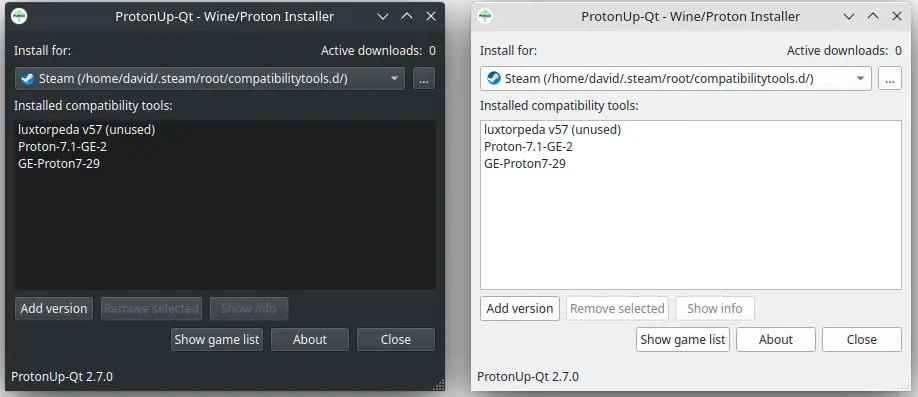
A new version of ProtonUp-Qt, a tool designed for managing compatibility layers on Linux systems, has been released as v2.14.0. This updated release offers enhanced capabilities and improvements, allowing users to more efficiently manage their gaming experience.
The most notable features in this release include the ability to install various compatibility tools such as Proton-GE, -Tkg, Luxtorpeda, Boxtron, and SteamTinkerLaunch for popular gaming platforms like Steam, Lutris, Heroic Games Launcher, and Boxtron. Moreover, it has been optimized for use with game consoles and handheld devices, providing improved support for gamepads.
ProtonUp-Qt v2.14.0 has undergone extensive testing on various Linux distributions, including Ubuntu 18.04 or newer, Fedora 34, and Manjaro 20.2, ensuring its stability and performance across different platforms.
One of the key additions in this release is a Proton-EM compatibility tool, which enhances the overall gaming experience by providing better support for specific games. Conversely, the NorthStar Proton compatibility tool has been removed as part of the update process.
The developers would like to extend their gratitude to contributors such as @sonic2kk and others who have played a crucial role in improving ProtonUp-Qt v2.14.0.
To get started with this new release, users can follow these steps:
For those seeking a hassle-free experience, it is highly recommended to download ProtonUp-Qt from Flathub or their app store. Please note that the Flathub version will be available a few days after the AppImage release.
AAlternatively, users can manually download the ProtonUp-Qt AppImage and set its executable permissions using either their file manager or the Terminal with the command: chmod +x ProtonUp-Qt*.AppImage. Once marked as executable, simply double-clicking on the AppImage will launch ProtonUp-Qt, allowing users to explore its features and capabilities.
ProtonUp-Qt v2.14.0